Property Types and Setters
info
Note: The current document is visible only to knowledge group members. It will be published after approval. Please do not modify.
Component property types and setters provide users with different configuration options to meet diverse usage requirements. Property types and setters have corresponding relationships, as detailed in the table below.
| Property Type | Setter Name | Description | Illustration |
|---|---|---|---|
| Text | TextSetter | Text setter: Common styles for text type components, allowing conventional text input. | 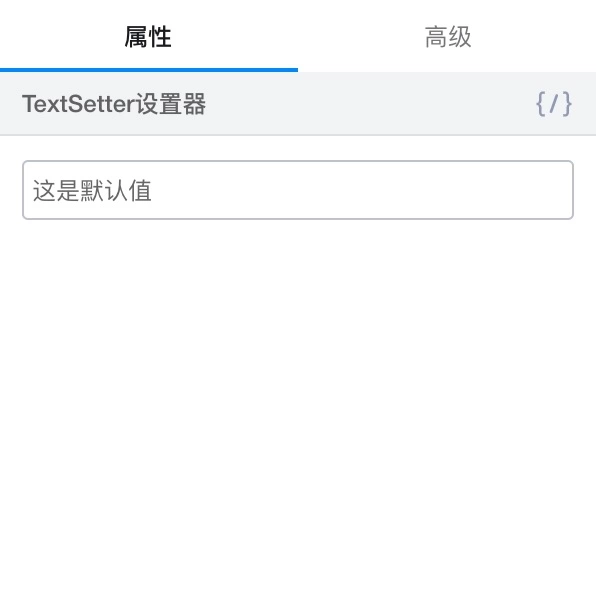 |
| I18nSetter | When a component is first dragged in, internationalization functionality is not enabled by default. To enable internationalization, click the internationalization button above the property settings panel. After clicking the internationalization button, the editor will start, allowing you to "create new" or "search" for existing internationalization terms for binding. For already bound internationalization terms, clicking the internationalization button allows direct editing of the internationalization text for the corresponding language. |  | |
| DateSetter | Provides a date selection box and displays the selected time as a timestamp on the page. | 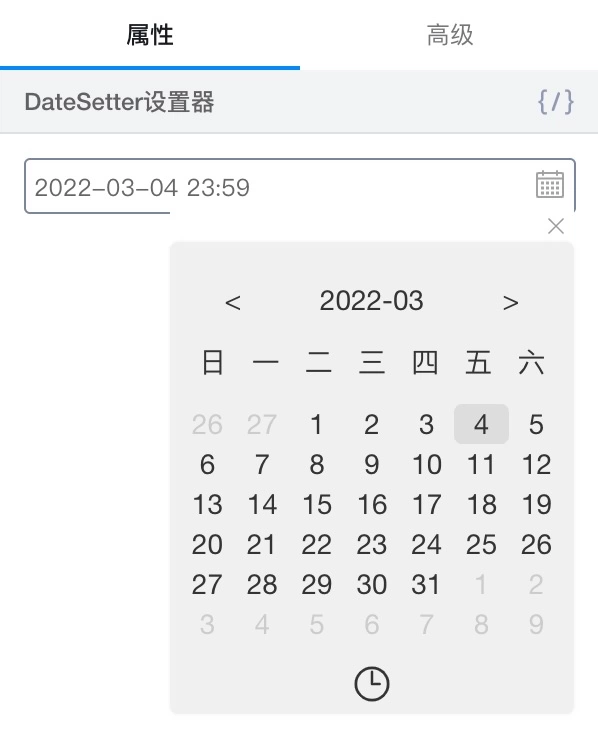 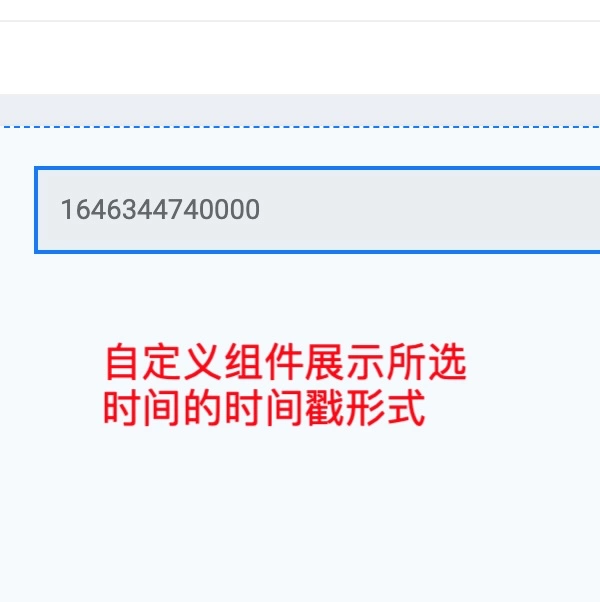 | |
| ChoiceSetter | Custom component properties exist in the property panel in the form of options. When different options are selected, the component content on the page will also change to the preset option values. | 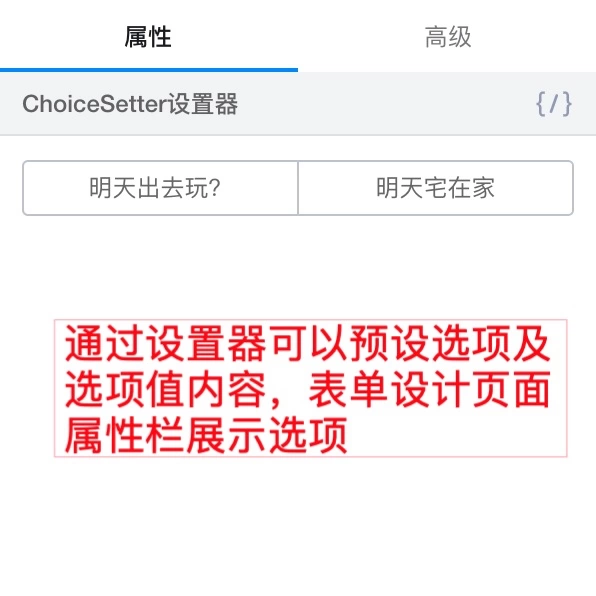 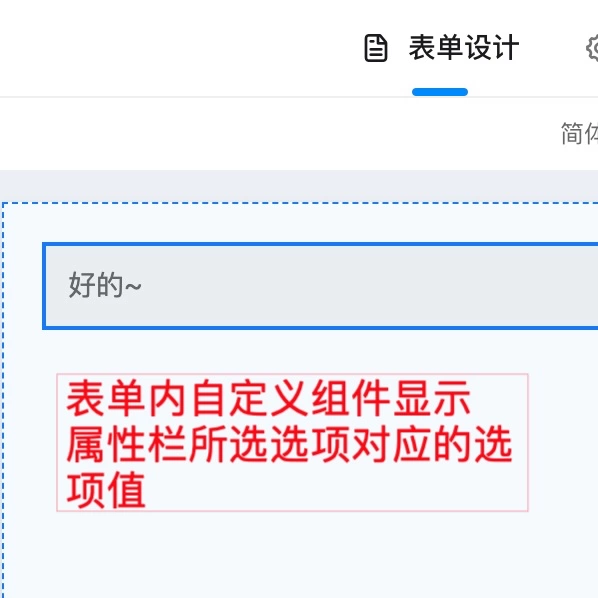 | |
| ImageSetter | 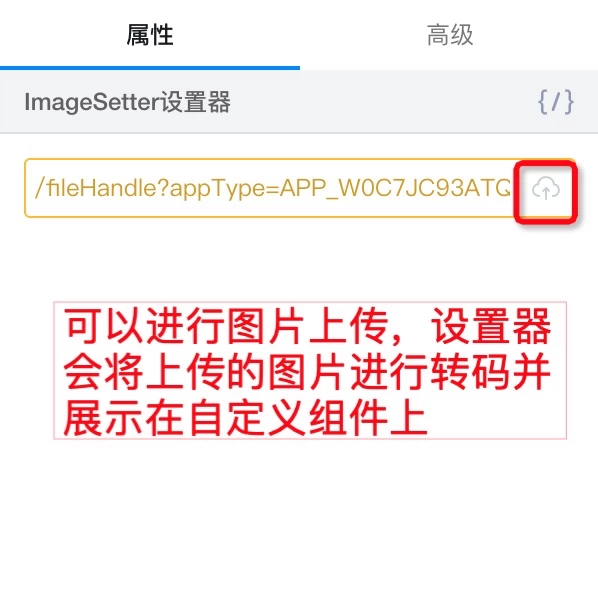 | ||
| Boolean | BoolSetter | Custom component properties exist in the form of switches in the form design page property panel. When enabled, the component content displays true; when disabled, it displays false. | 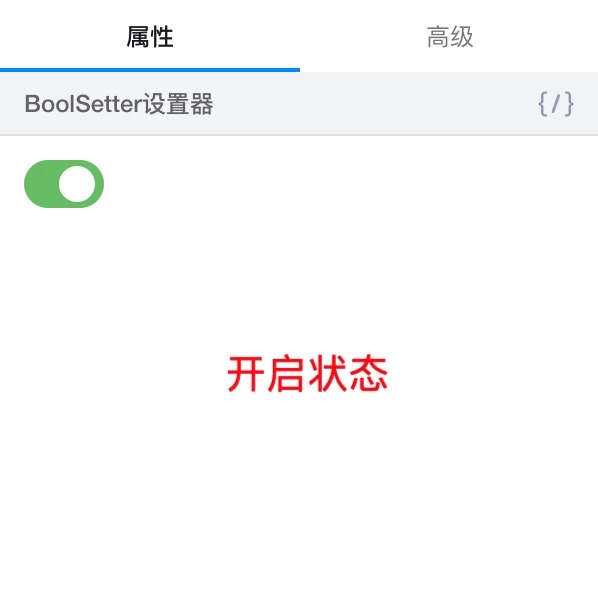 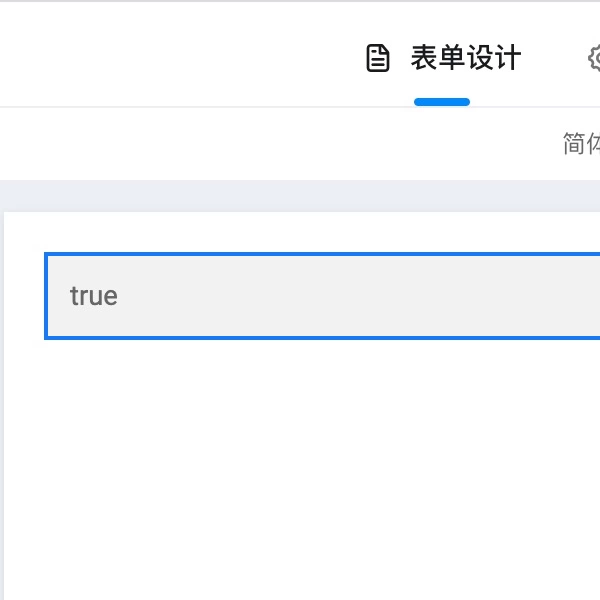 |
| Number | NumberSetter | The custom form becomes similar to the Yida numeric component form, preventing input of any data format other than numbers, and the numeric values entered in the property panel will be displayed on the component content. | 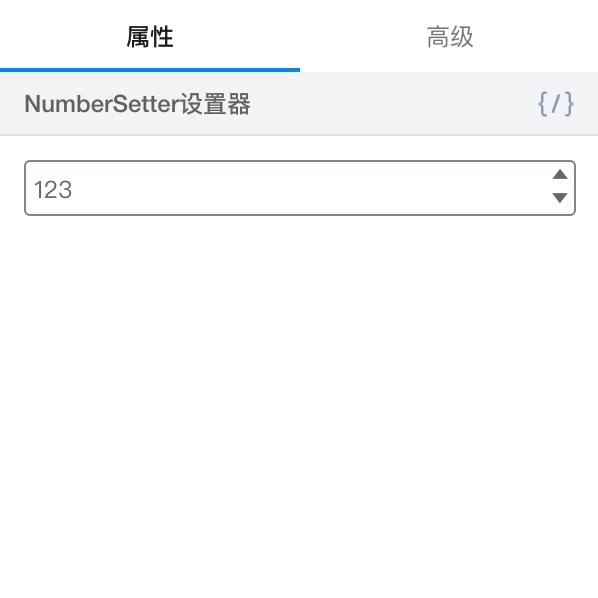 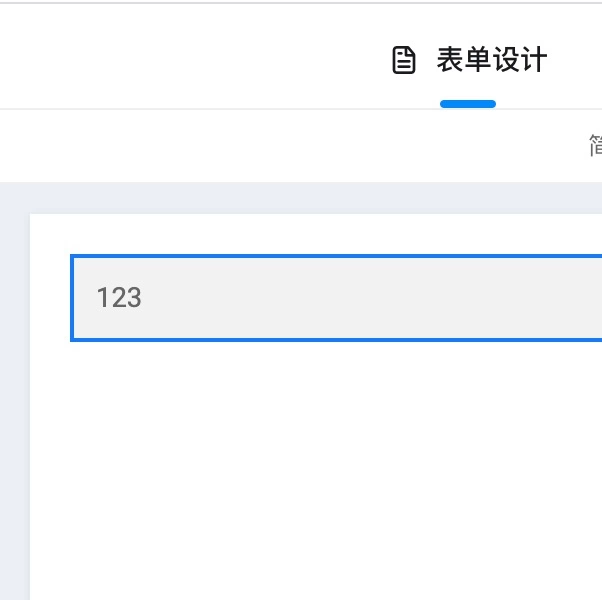 |
| Object | JsonSetter | Allows component property values to be input in the form of object format code, and exists in the component content in the form of [object Object] | 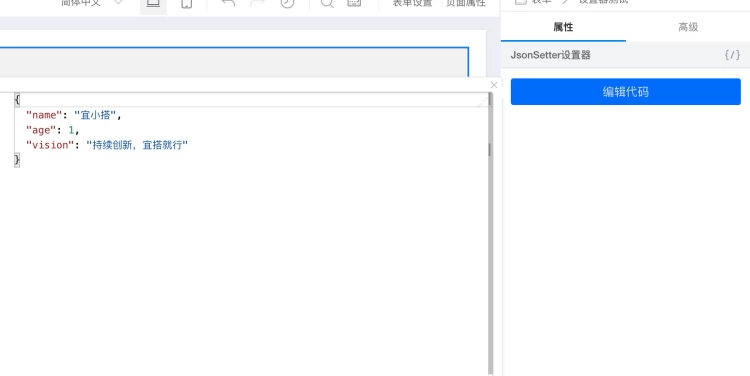 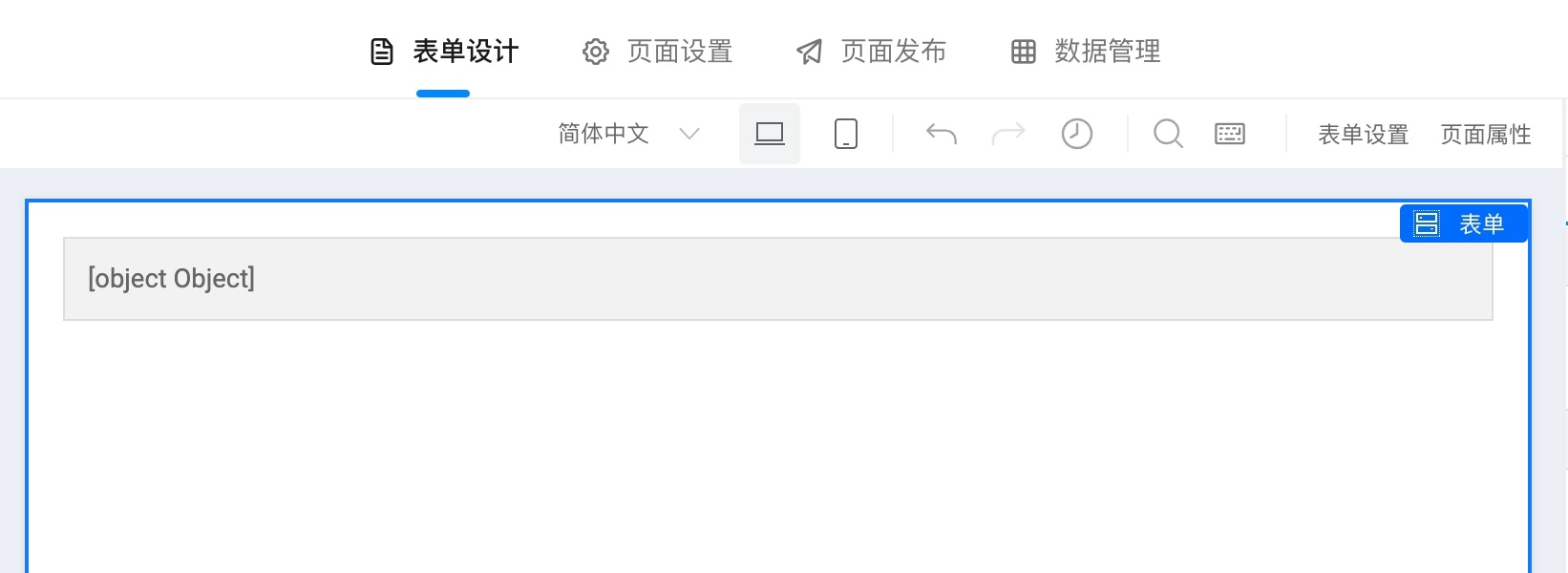 |
| Array | OptionsSetter | Used to generate simple array objects, typically used for option configuration in dropdown selections | 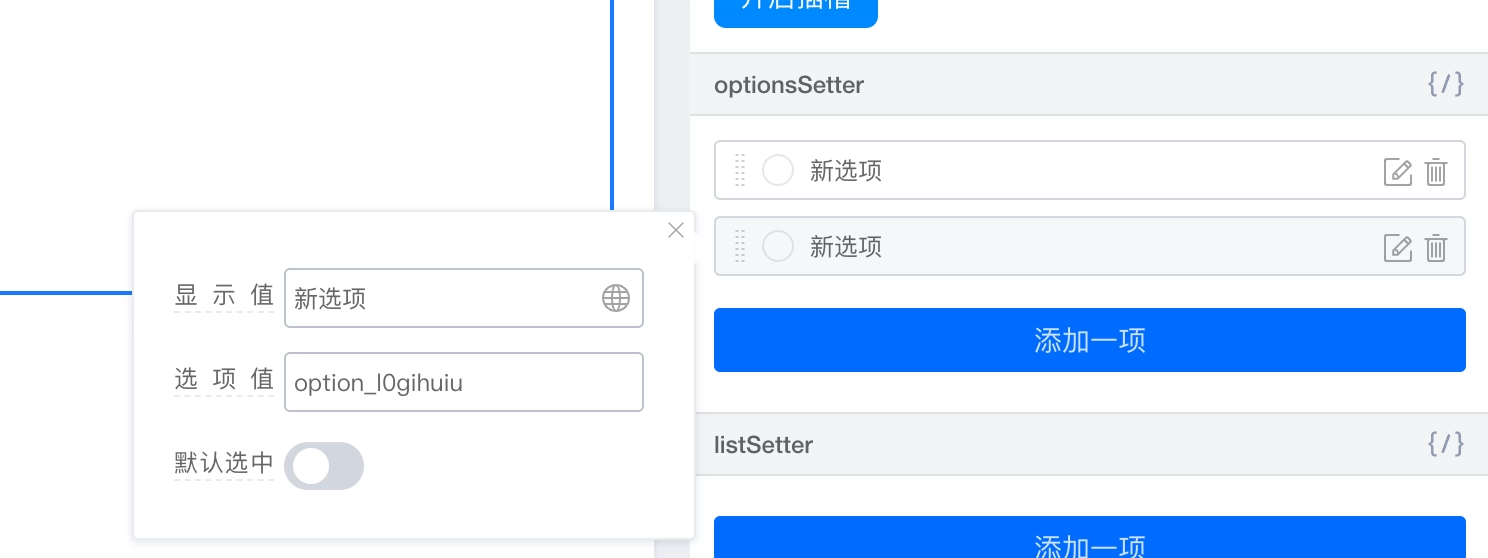 |
| ListSetter | Used to generate complex object components, with relatively complex configuration.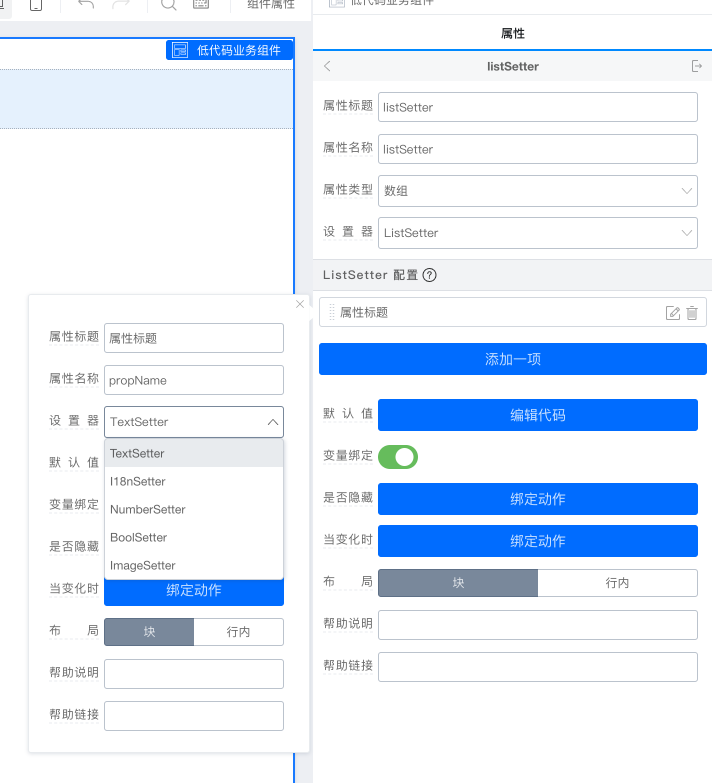 | 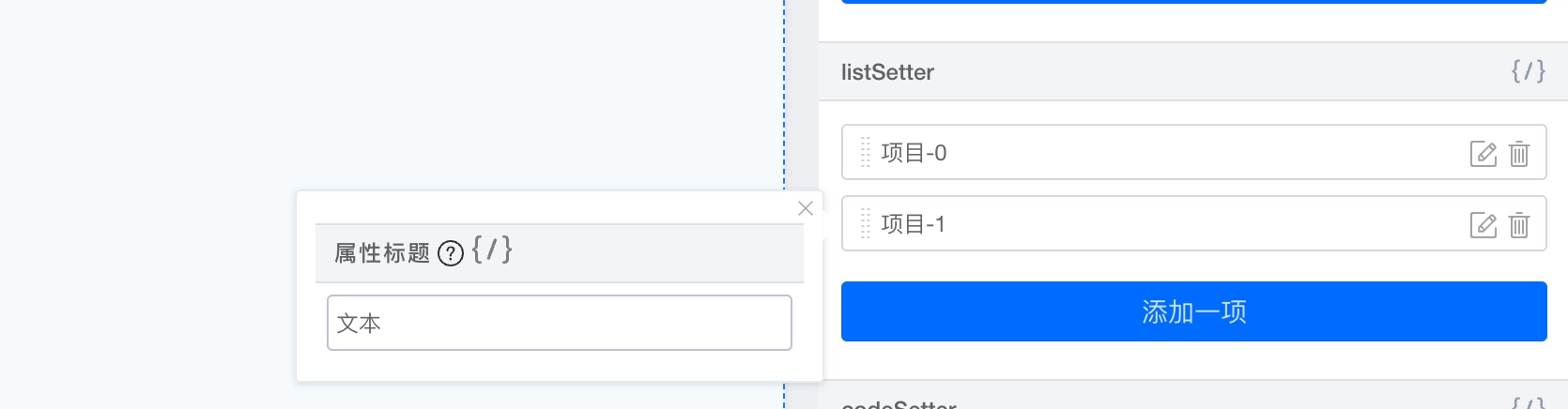 | |
| JsonSetter | Same as object setter JsonSetter | Effect same as object setter JsonSetter | |
| Function | ActionSetter | Used to configure callback functions. When ActionSetter is selected, the property becomes action settings under "Advanced" in usage mode. |  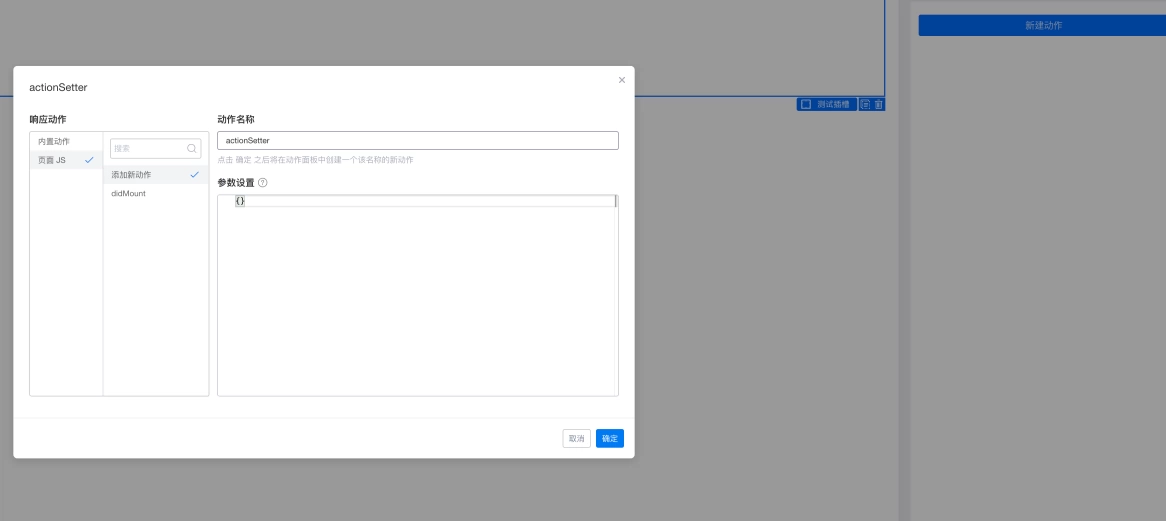 |
| CodeSetter | Used to configure callback functions, with the difference from ActionSetter being that it directly generates a code box in usage mode. | 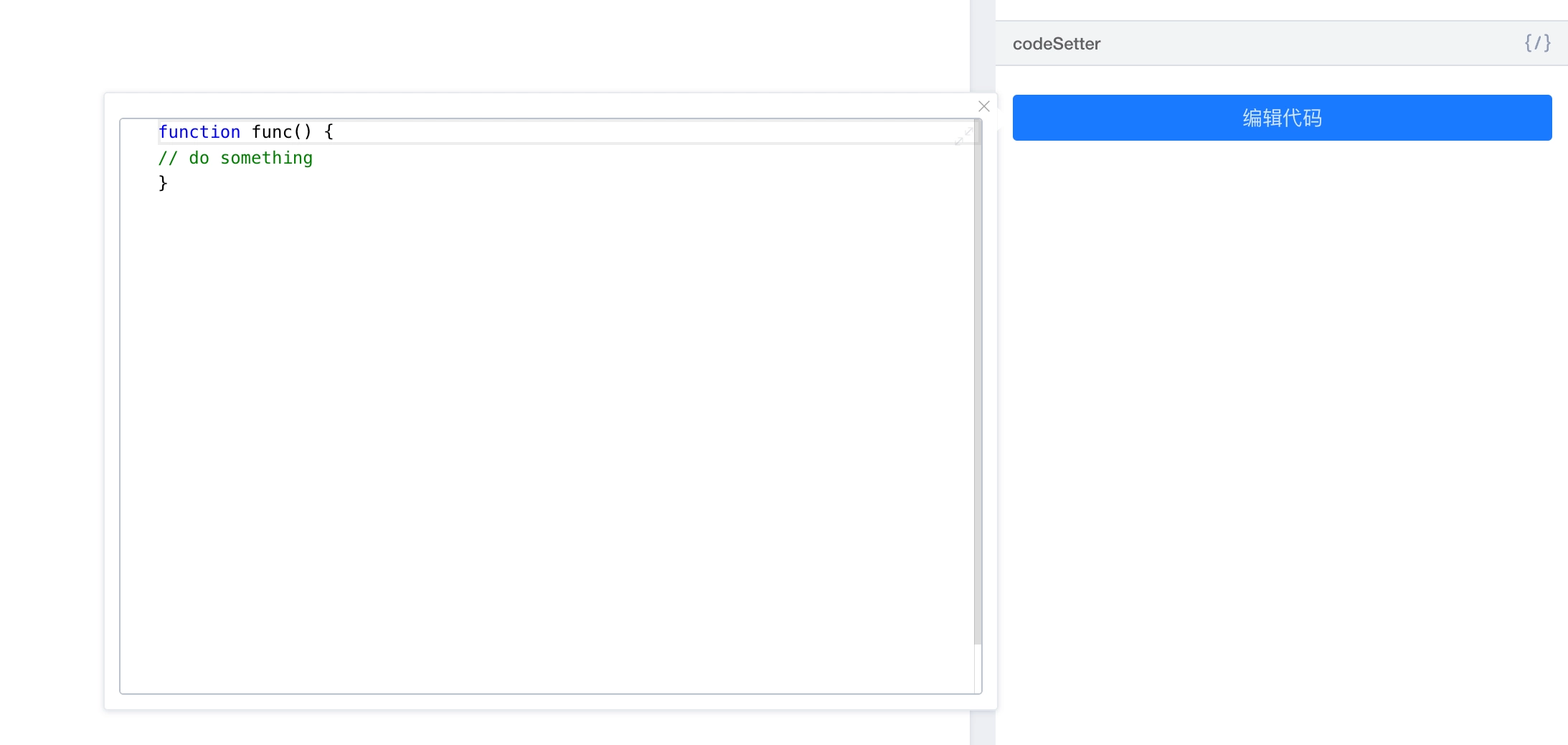 | |
| Element | SlotSetter | Used for container-type components, allowing other components to be dragged in. When using, first declare a property, select SlotSetter, then drag in the "Slot Placeholder" component first, and bind the declared property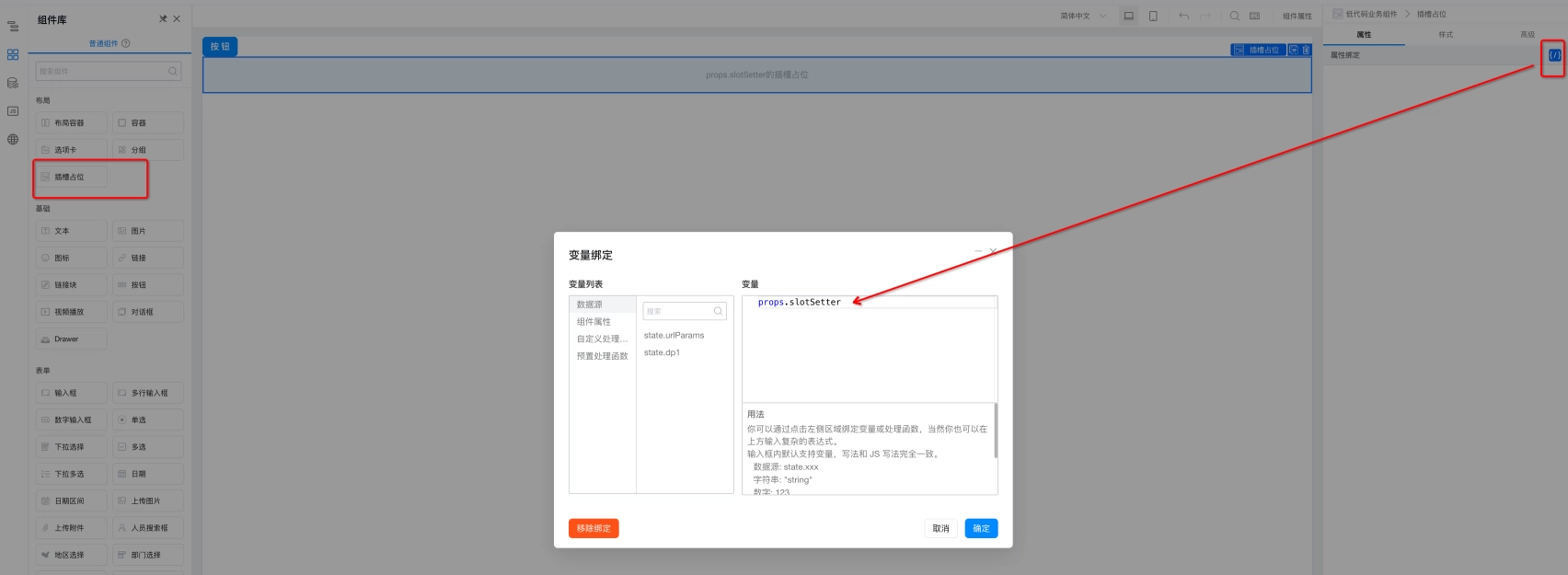 |  |
This doc is generated using machine translation. Any discrepancies or differences created in the translation are not binding and have no legal effect for compliance or enforcement purposes.
Is this document helpful?