Yida Page Types
Based on different functions and scenarios, Yida divides its rich and diverse functional modules into regular forms, process forms, reports, broadcast portals, DataV dashboards, custom pages, and external links. These modules target different usage scenarios and requirements, working together to comprehensively solve business scenario problems. This article introduces the functions of each page.
Regular Form
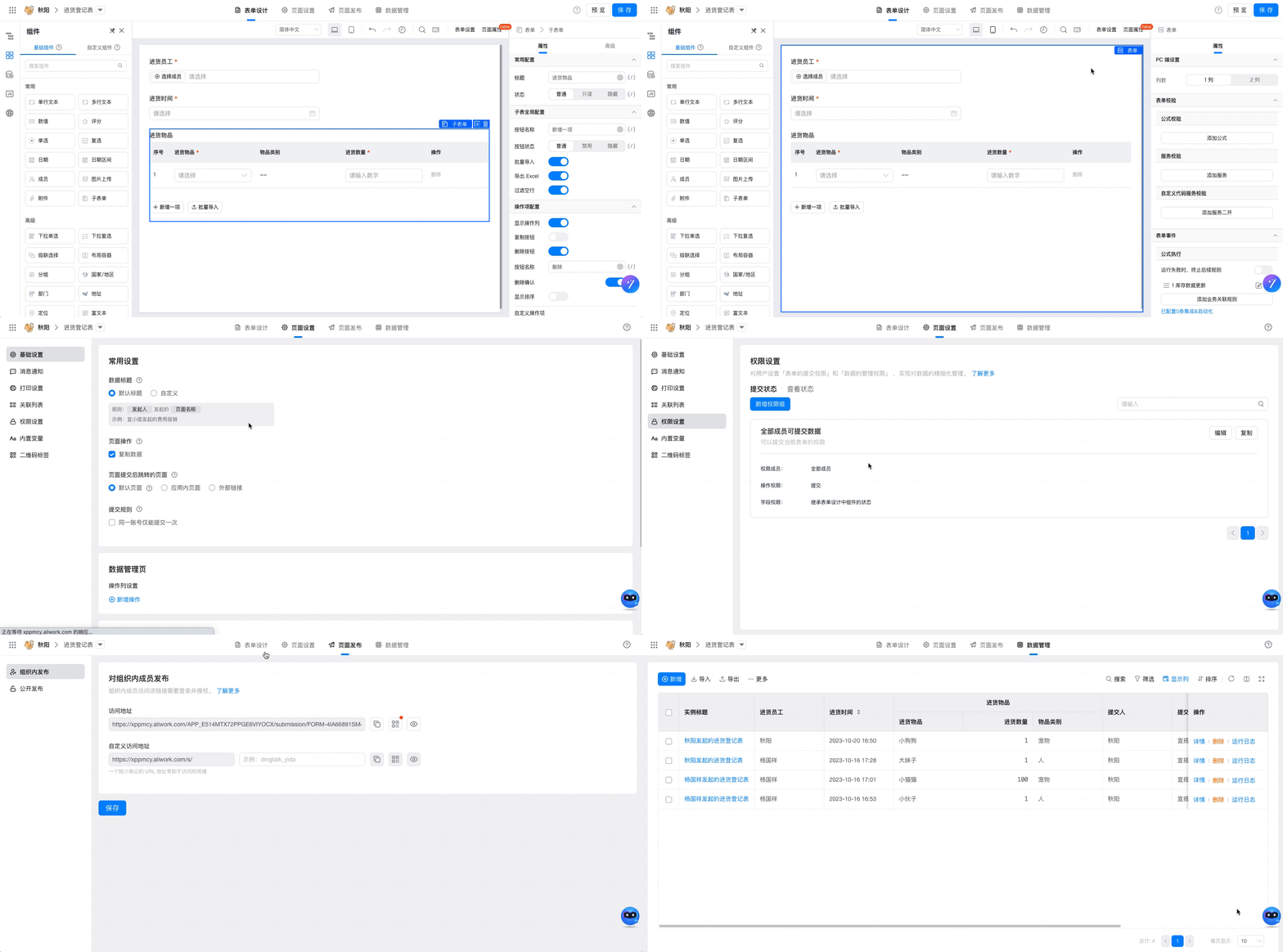
Yida regular forms are used for data collection and data collaboration, such as modification, deletion, import, and export. At the same time, regular forms also support fine-grained permission management. You can achieve different personnel, roles, and departments having different editing rights by configuring different permission groups.
[!IMPORTANT] For more content, please see Regular Form.
Process Form
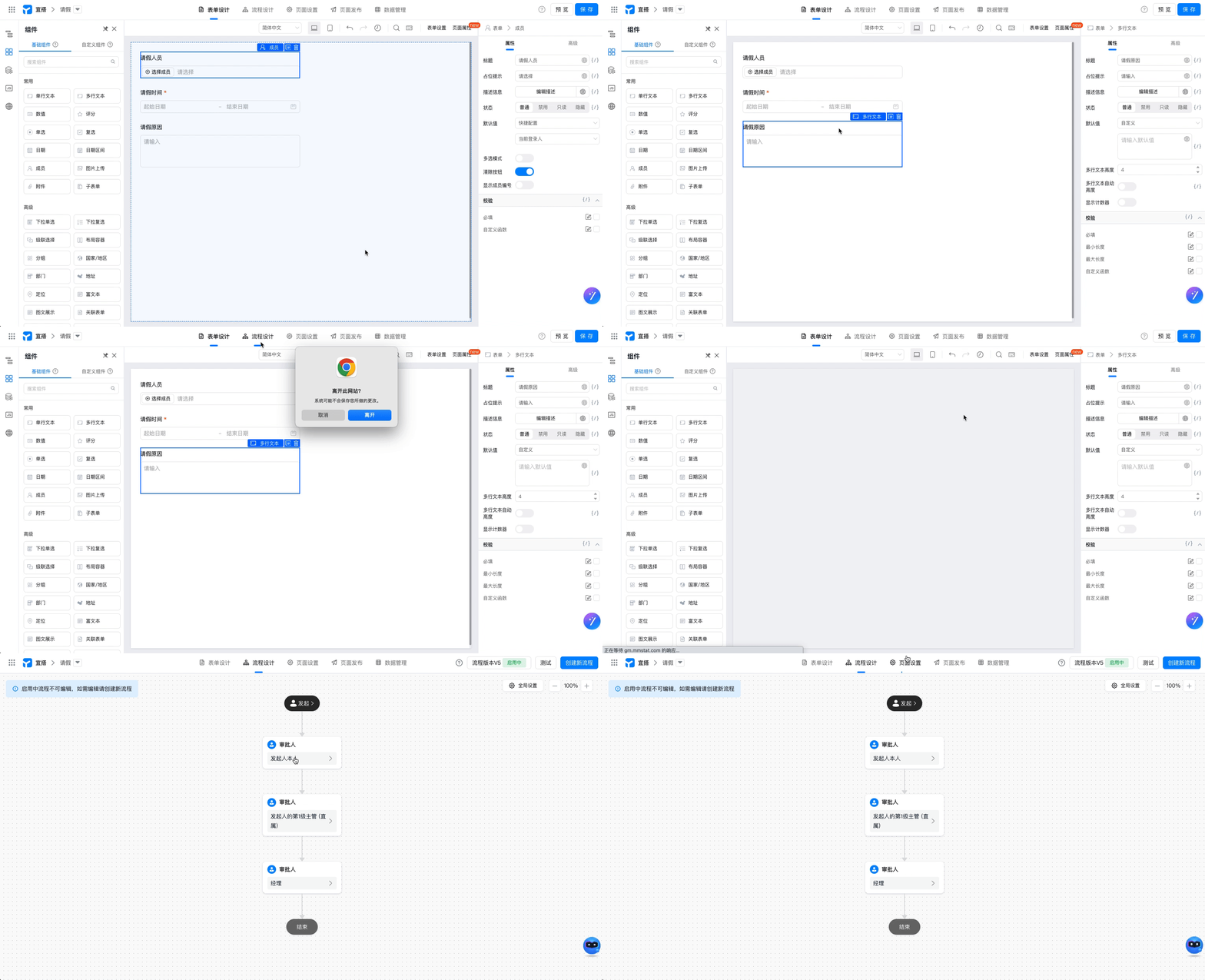
A process form is a data entry method. In a process form, you need to pre-set routes so that data can be entered in an orderly and rule-based manner, such as leave applications, reimbursements, and other scenarios.
Before implementing process forms with these functions, you need to consider process planning and design, including steps, flowcharts, control conditions, etc. Process forms can provide more efficient working methods for enterprises or organizations by improving data entry efficiency and reducing data entry errors.
[!IMPORTANT] For more content, see Process Form.
Report
Data from forms, processes, and self-built business systems can all be analyzed on report pages. Here, data can not only be clearly presented, but also be operated, edited, deleted, exported, and printed, further achieving effective data management and usage. Whether for business meetings, market research, or enterprise operation decisions, you can obtain valuable information through report pages to make more scientific judgments and decisions.
[!IMPORTANT] For more content, please see Report Page.

Broadcast Portal
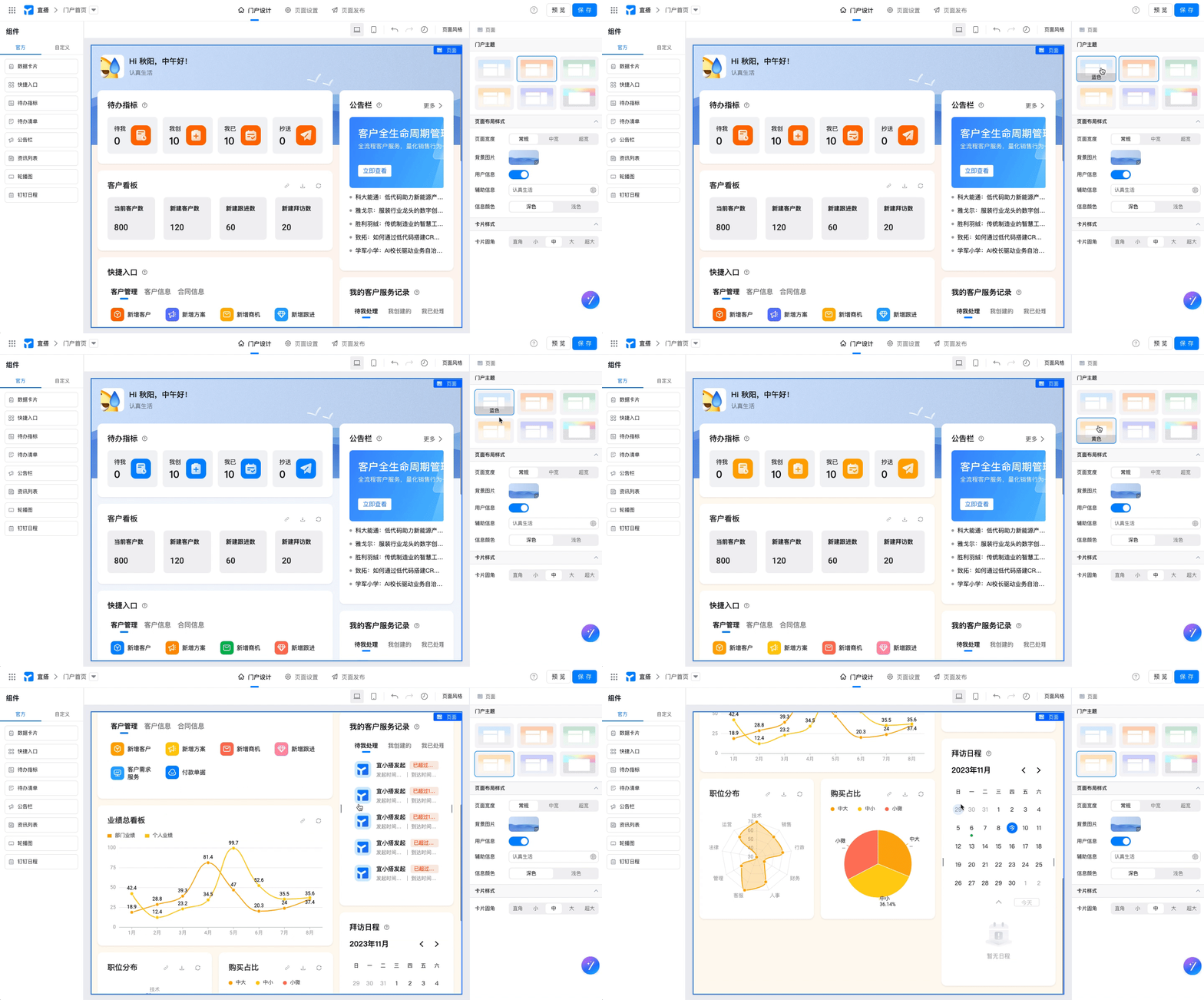
The officially provided out-of-the-box templates and business components integrate 9 scenario-based templates, aiming to provide enterprises with personalized, dedicated broadcast application portal homepages, achieving one-stop workbench navigation. Additionally, the integration of multiple capabilities such as portal templates, editors, and business components allows you to create a personalized portal page without tedious programming operations.
[!IMPORTANT] For more content, please see Portal Settings.
Digital Dashboard
The digital dashboard is a data visualization platform provided by Yida through Alibaba Cloud's DataV visualization platform for Yida applications. It aims to help users with different professional backgrounds easily build professional-level visualization applications through a graphical interface, allowing your applications to easily meet the display needs of various business scenarios such as meetings and exhibitions, business monitoring, risk warnings, and geographic information analysis.
[!IMPORTANT] For more content, please see Dashboard Settings.
Custom Page
Through low-code building displays or other types of custom pages, using data sources or richer components to implement application portals, complex business scenario pages. You can directly use pre-created templates or customize settings.
[!IMPORTANT] For more content, please see Create Custom Page.
As shown in the figure, a block template is used directly: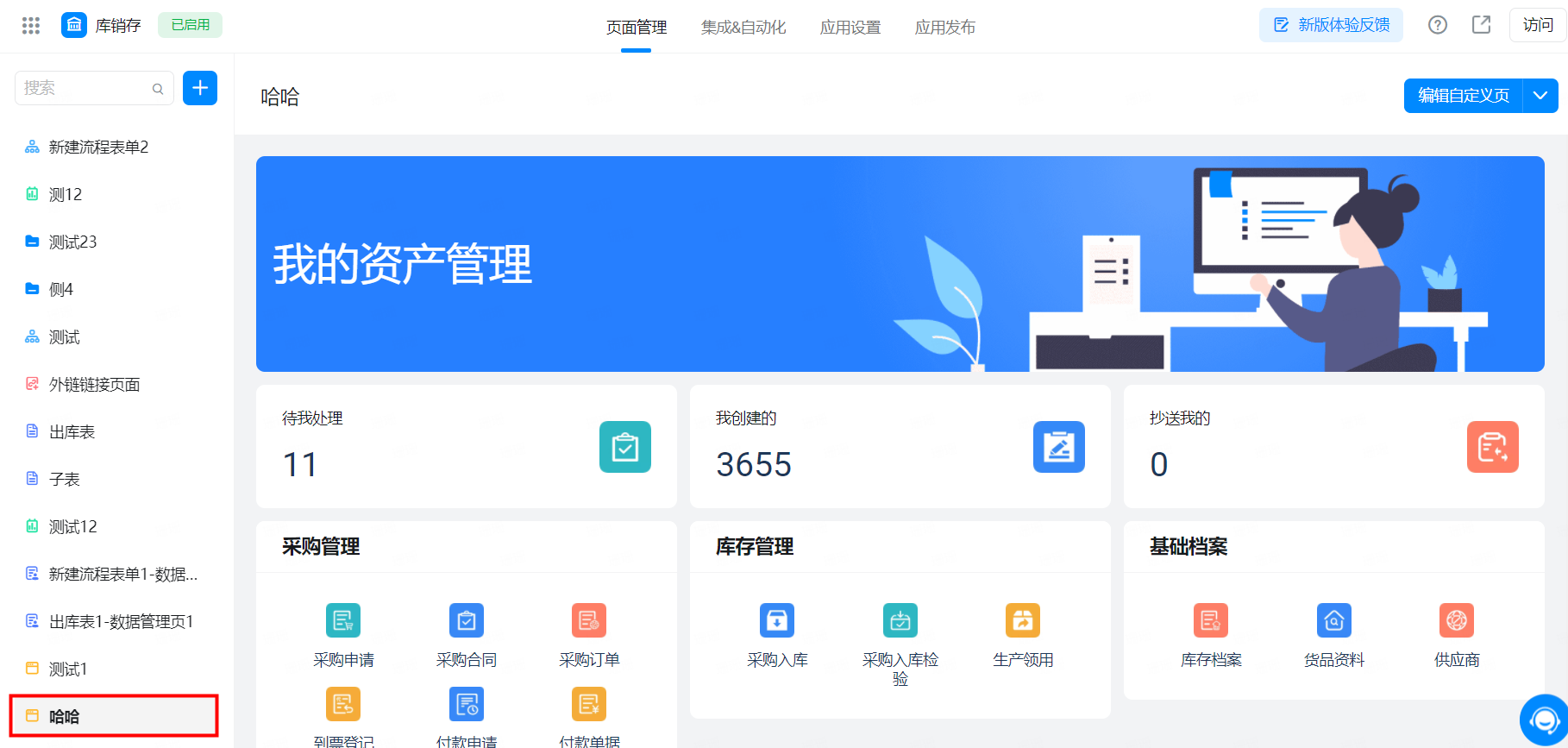
External Link
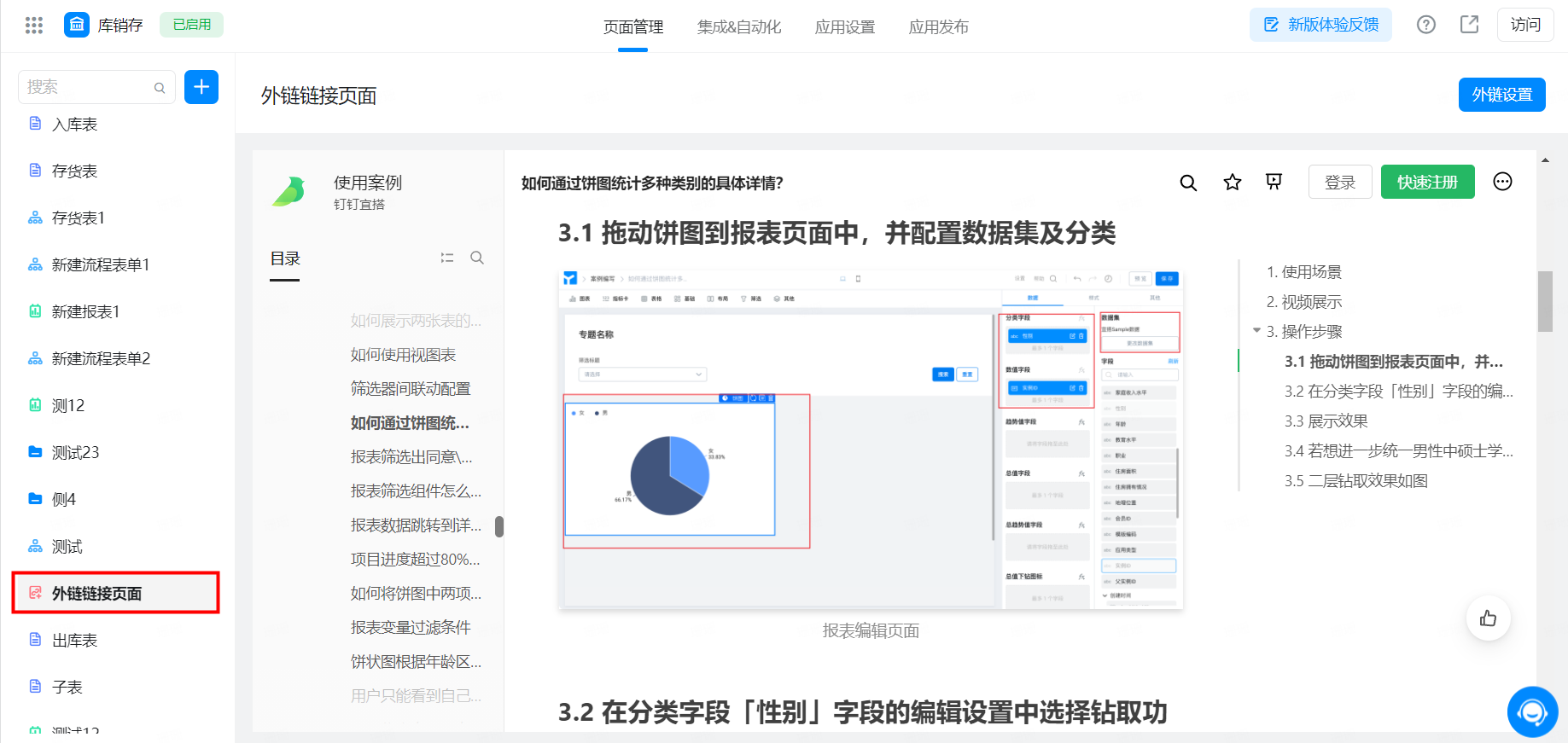
External links refer to a browser-accessible link address, similar to Windows application shortcuts, allowing users to organize and arrange other application system pages. You can add links to existing external systems in your current application.
[!IMPORTANT] For more content, please see Add External Link.