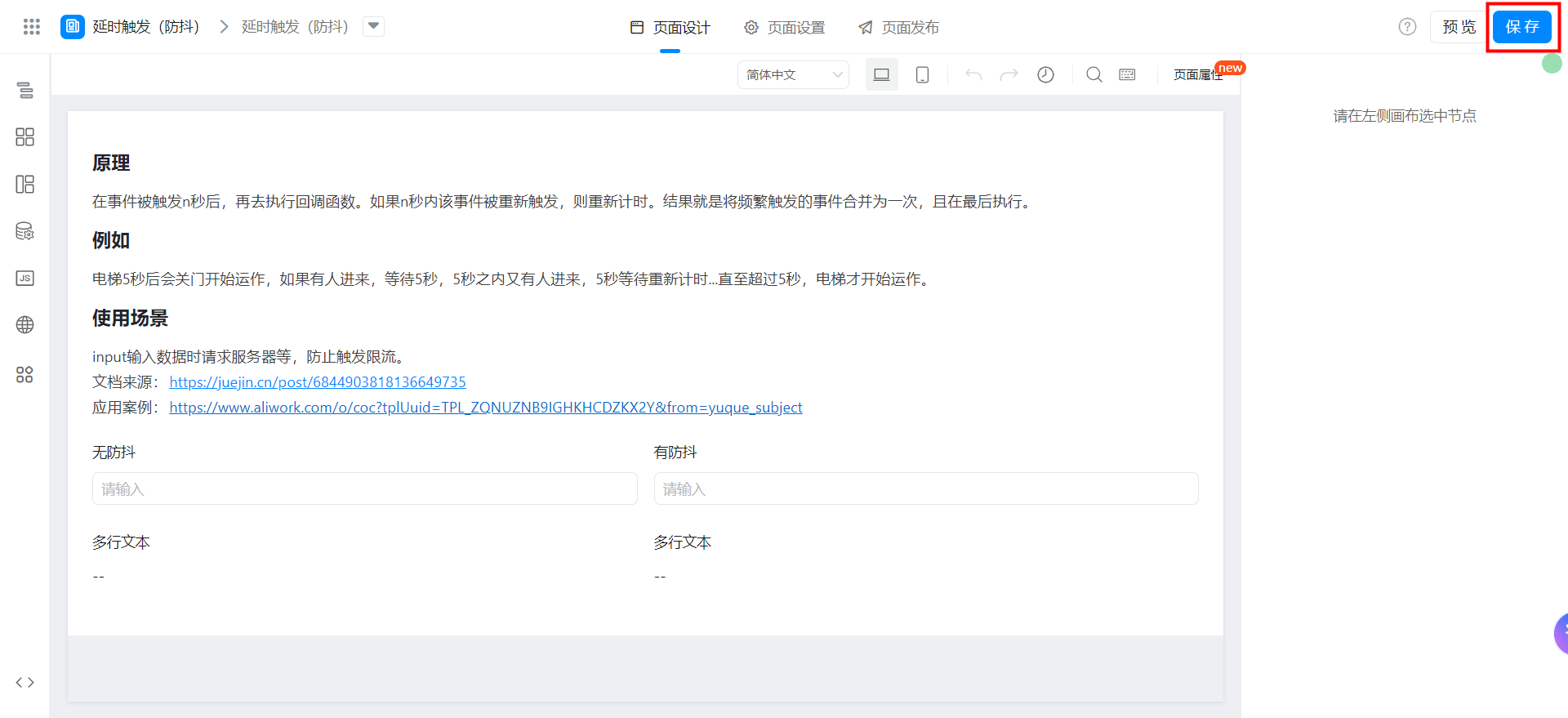
Custom page delay trigger (anti-shake Debounce)
This case is from Peng, a three-party developer 」
In the process of building YIDA applications, you may encounter the following problems.
- Search box input listener: when users enter text in the search box, the function of automatic completion or search suggestion is usually triggered.
- Scrolling event handling: in scenarios such as Long list scrolling loading more content, unlimited scrolling, or fixed head/Sidebar, scrolling events are very easy to be triggered frequently.
- Button protection: On buttons that submit forms, add items to shopping carts, or perform other key operations, quick continuous clicks may cause multiple submissions.
Prerequisites
This tutorial uses some basic functions of YIDA. You can first learn about the following functions.
This tutorial uses Web development technologies. You can first understand the following technologies.
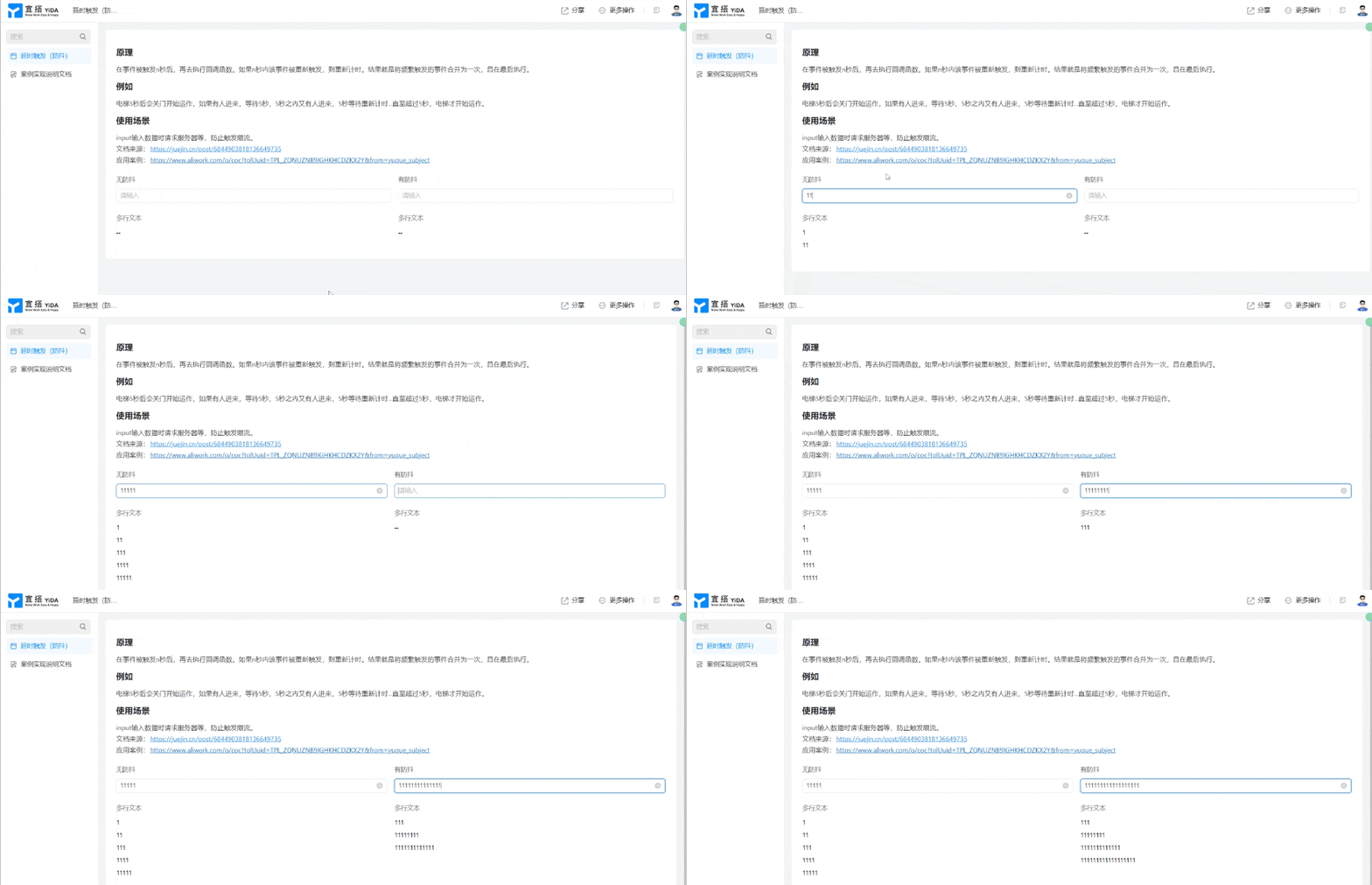
Effect
Implementation steps
Create a custom page
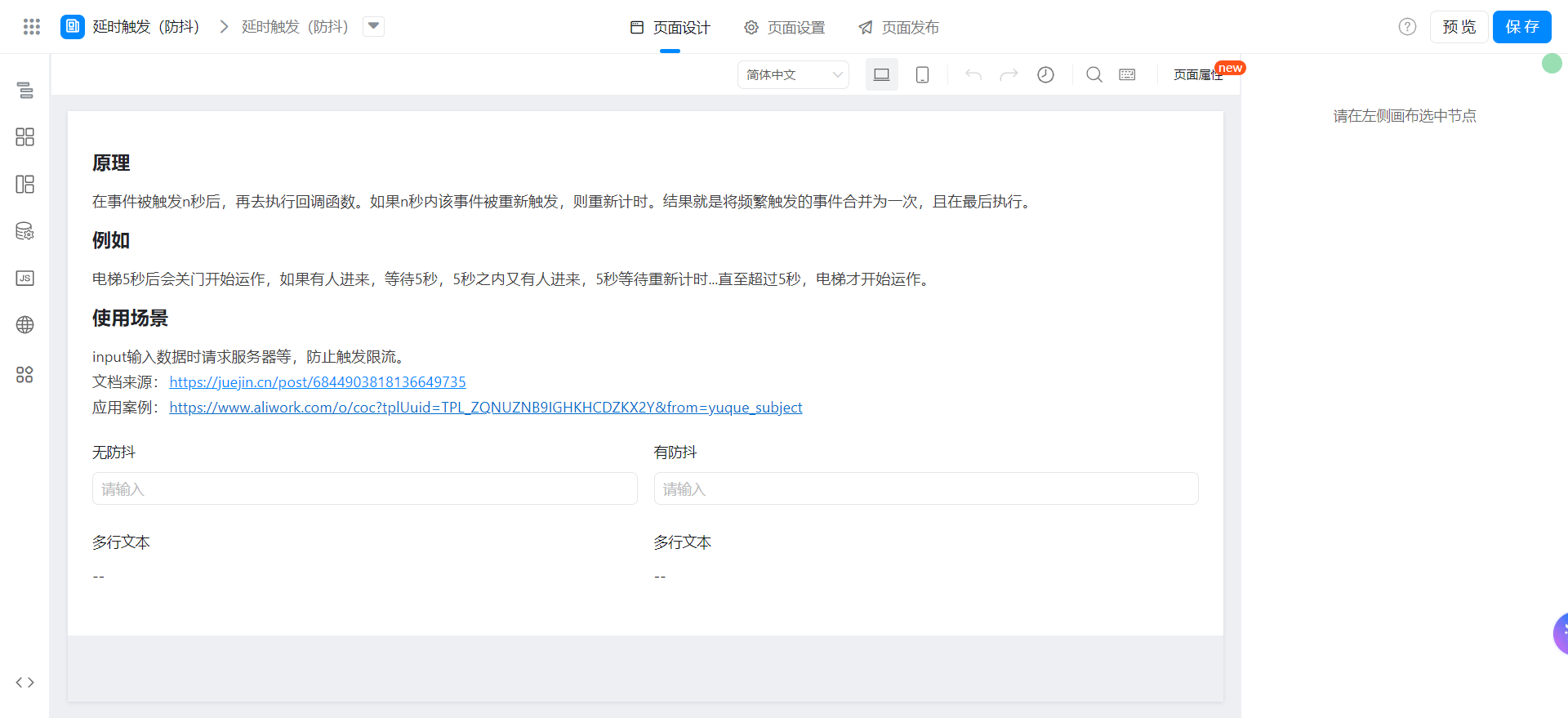
Drag the following components into the canvas area.
- Single line text: named no anti-shake
- Single line text: named anti-shake
- Multi-line text: name multiple lines of text
- Multi-line text: name multiple lines of text
Configure anti-shake functions
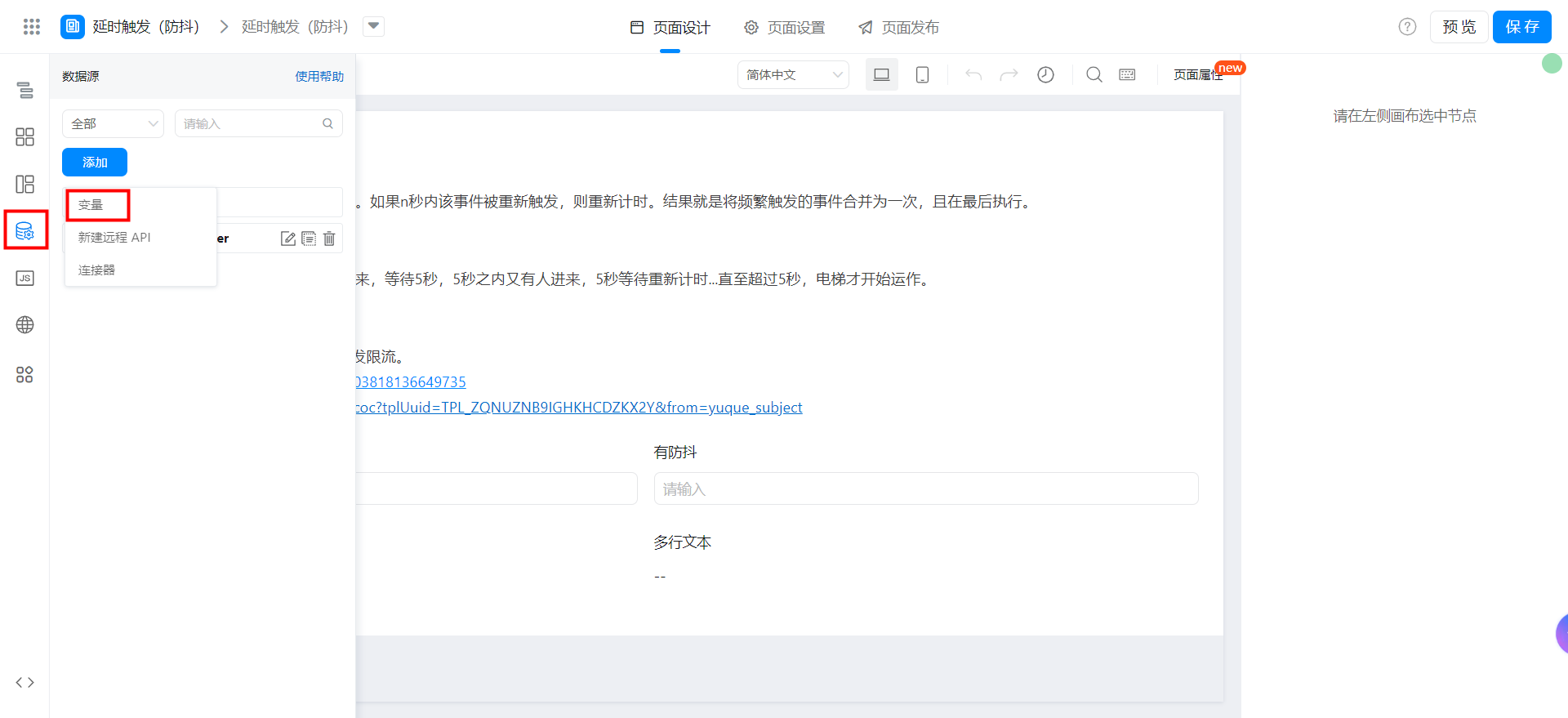
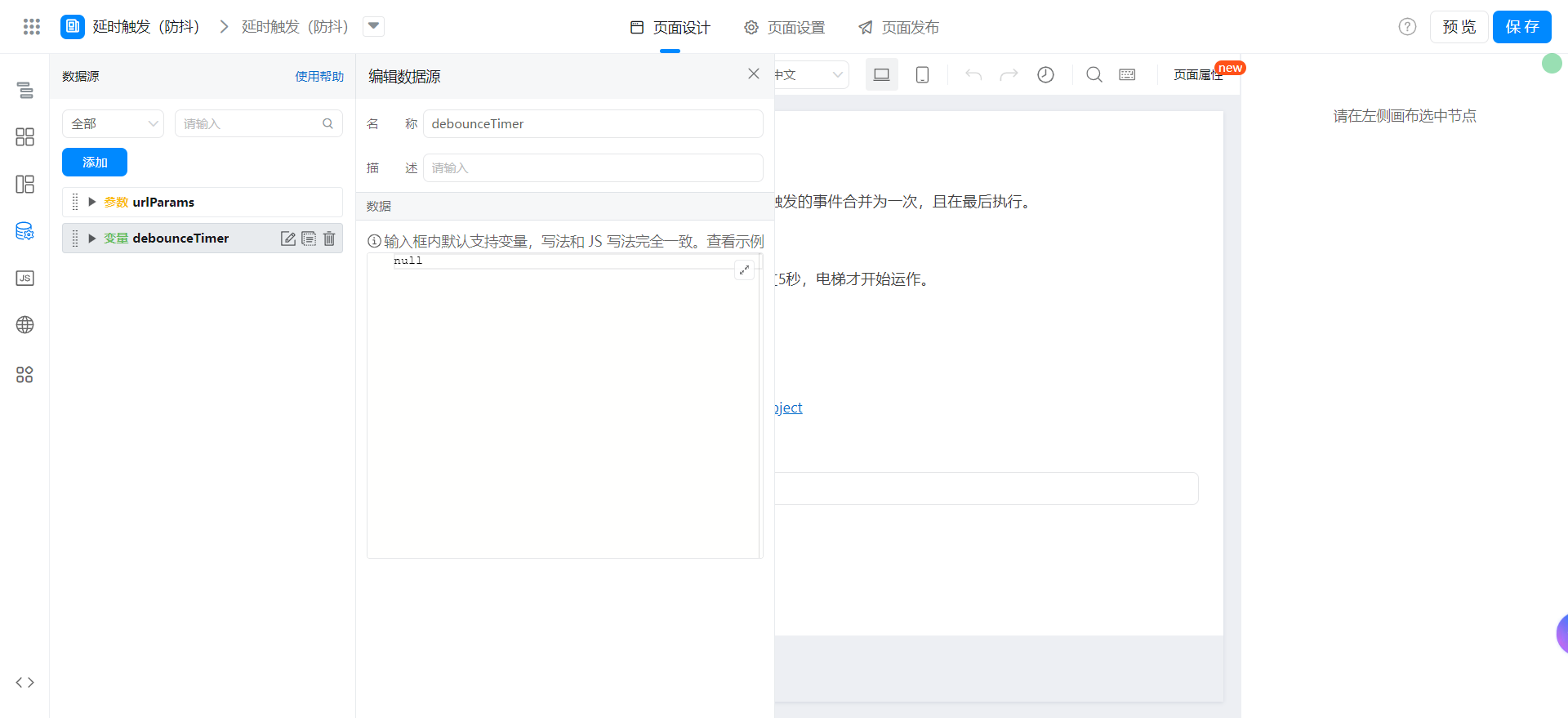
Add a variable nameddebounceTimerDefault valuenull.
Bind onChange actions to the [anti-shake] Field and bind the following function. The function can be directly copied to the JS panel of the page. Note that you can modify the unique identifier of the field.
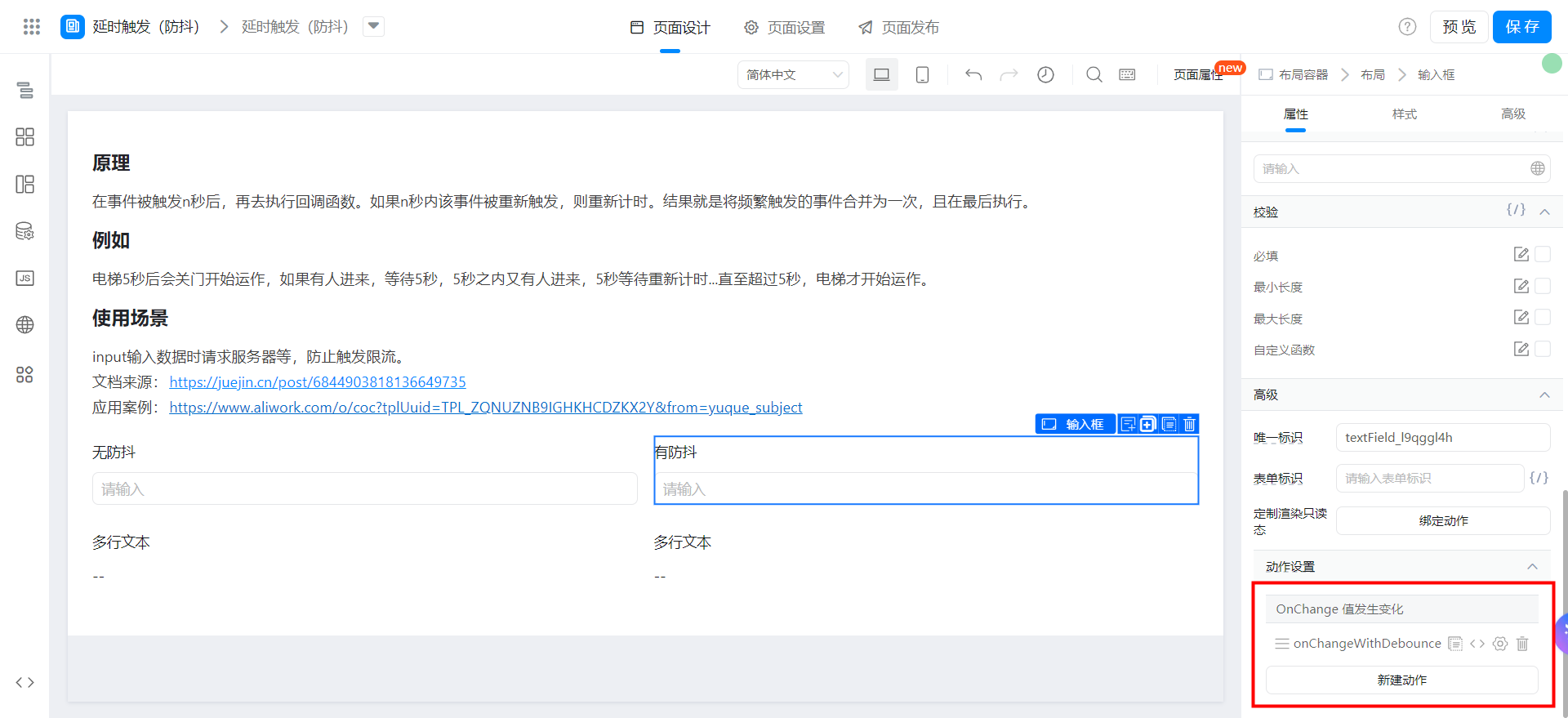
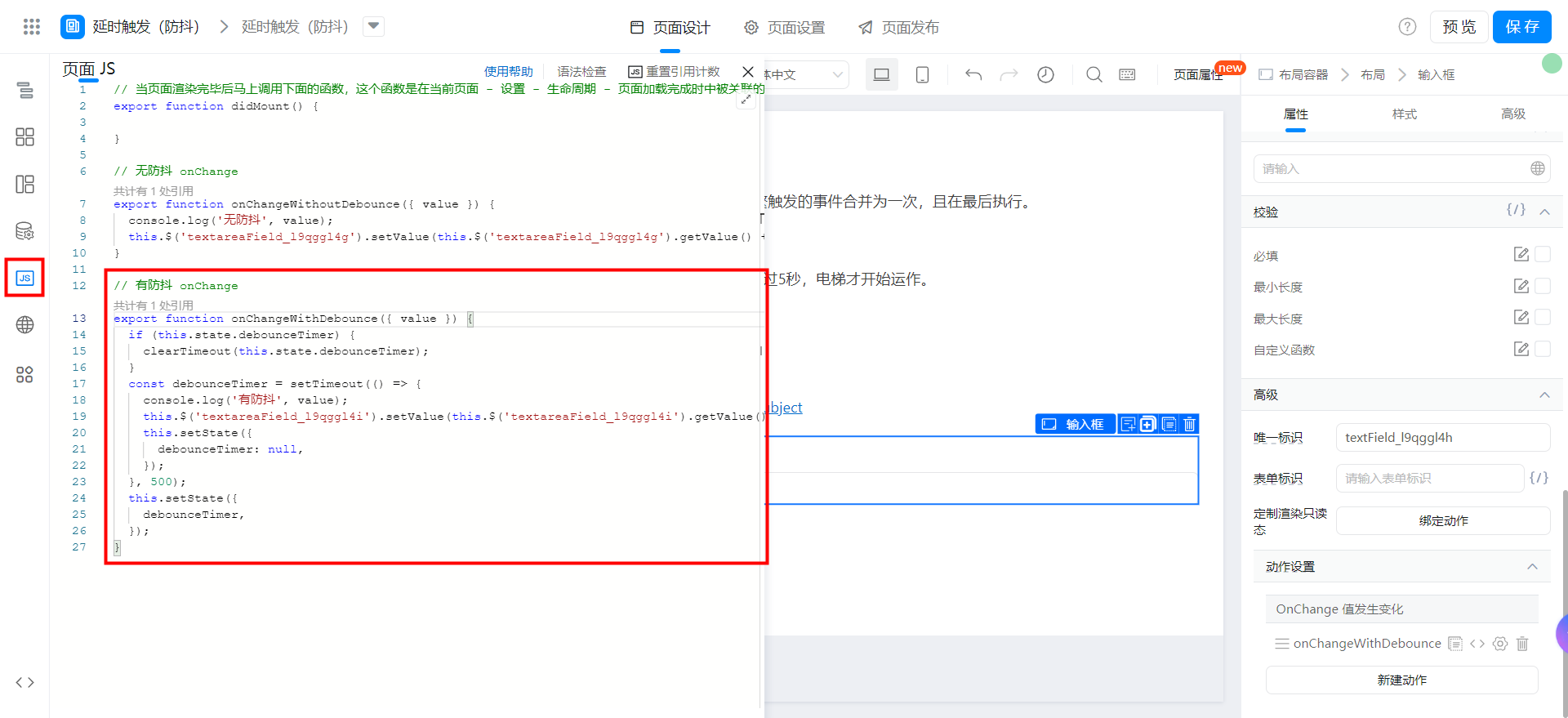
// 有防抖 onChange
export function onChangeWithDebounce({ value }) {
  if (this.state.debounceTimer) {
    clearTimeout(this.state.debounceTimer);
  }
  const debounceTimer = setTimeout(() => {
    console.log('有防抖', value);
    this.$('textareaField_l9qggl4i').setValue(this.$('textareaField_l9qggl4i').getValue() + value + '\n');
    this.setState({
      debounceTimer: null,
    });
  }, 500);
  this.setState({
    debounceTimer,
  });
}
Bind onChange actions to the [no anti-shake] Field and bind the following function. The function can be directly copied to the JS panel of the page. Note that you can modify the unique identifier of the field.
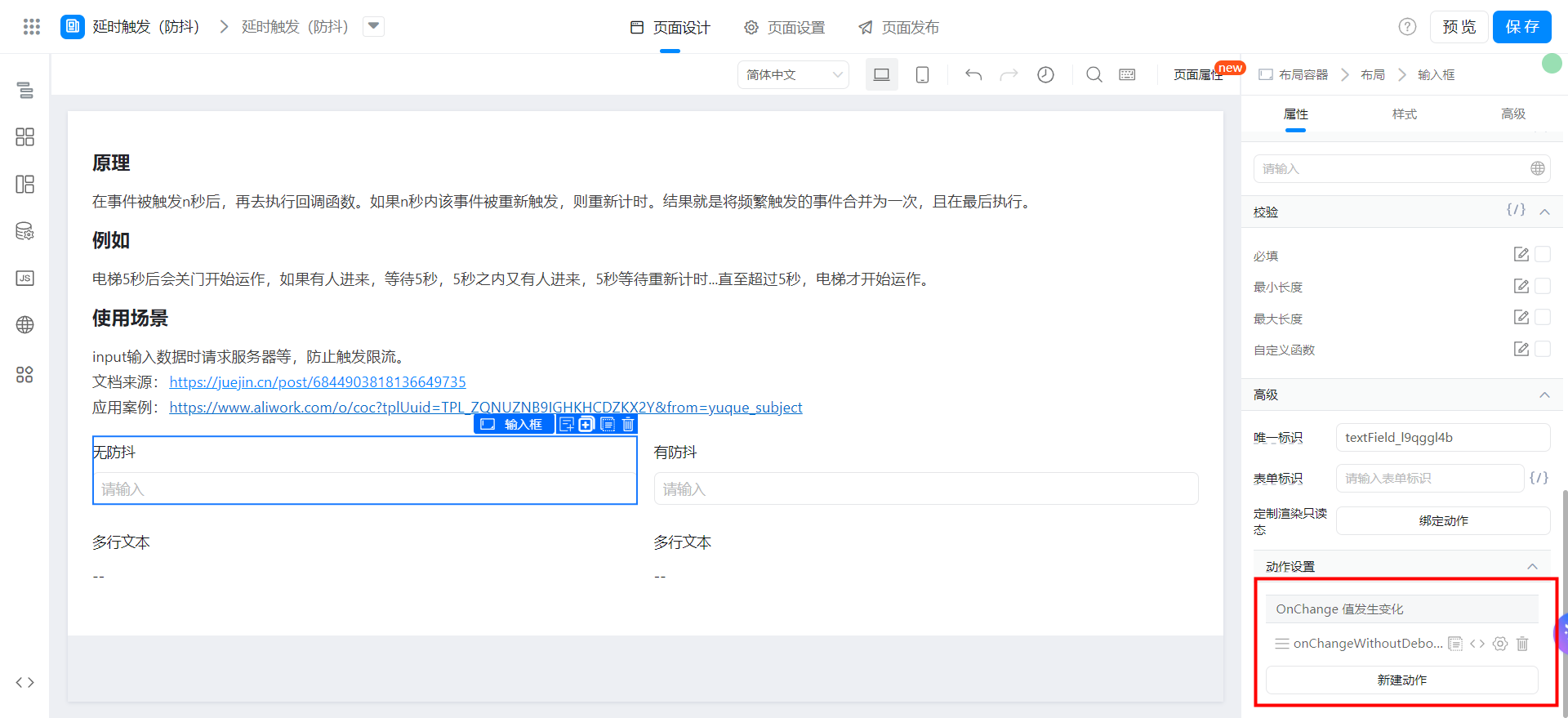
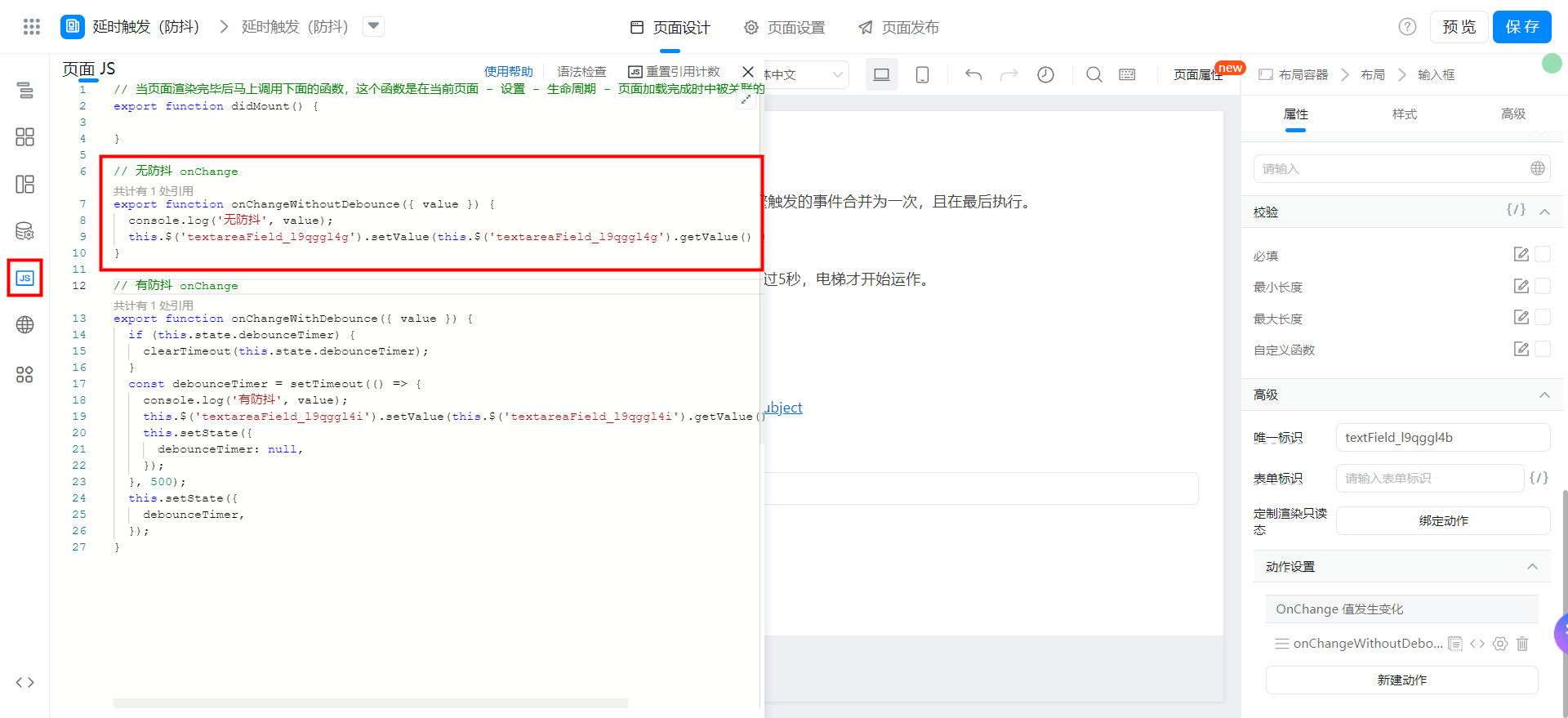
// 无防抖 onChange
export function onChangeWithoutDebounce({ value }) {
  console.log('无防抖', value);
  this.$('textareaField_l9qggl4g').setValue(this.$('textareaField_l9qggl4g').getValue() + value + '\n');
}
Save page