HTTP connector-obtain process approval Records
1. Usage scenarios
This example describes how to use the DingTalk open platform OpenAPI to obtain YIDA process approval records.
1.1. Connector introduction document
2. Implement functions
2.1. Apply for DingTalk open platform application credentials and interface permissions
If you have applied, you can ignore this step.
2.2. Create an HTTP connector
The connector used in this example:
2.2.1. Create an HTTP connector
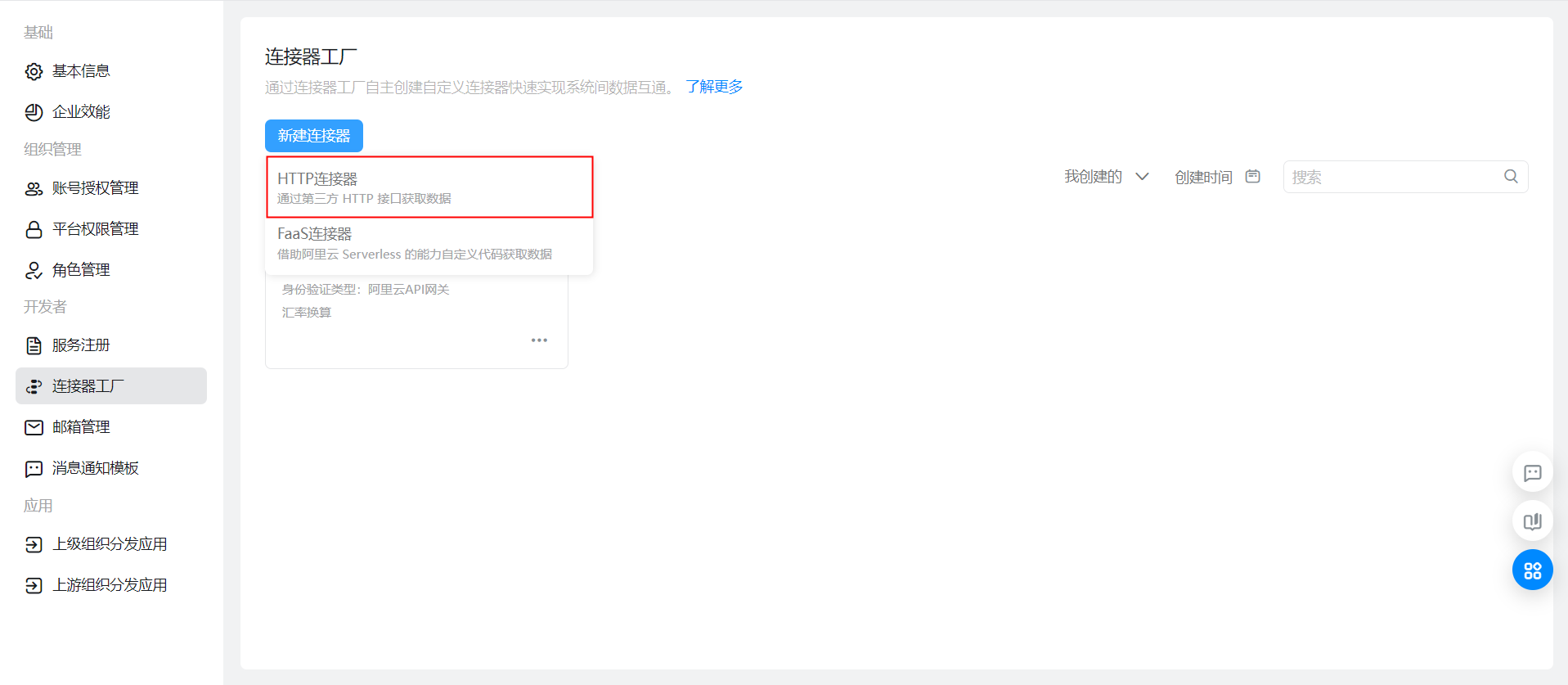
2.2.2. Configure basic connector information and logon methods

2.2.3. Configure connector execution actions
Obtain Approval records:

API request Query:


The interface returns:

{
  "result":[]
}
Configure the update form data connector as follows:Update the form data interface documentChange the interface request parameter value for configuration
2.2.4. Configure authentication templates
If you do not have an account, you must add an account. For more information about the parameters required for the account, see 2.1:
For more information about the authentication template, see:
2.3. On the YIDA configuration page, configure integration automation
2.3.1. Configuration process page
Submit the process page data to obtain the approval records of the process instances submitted on the process page.

2.3.2. Configuration Table sheet page
Create an intermediate table in the process-> store the instance id submitted by flow chart

Form submitted successfully-> select the process id to be queried and submit it directly to view the approval records of the instance details.

2.3.3. Configuration integration automation
Flow chart submitted successfully-> Add a process intermediate table instance to store the process instance id

Query approval record form submitted successfully-> configure script node processing triggeruserId-> call connector to obtain approval Records-> process approval records return parameters-> Process update data again-> call connector to update form data to the page.

Handle triggeruserIdFormat:

outputs.add("triggerUser","triggerUser",JSON.parse(triggerUser)[0]);
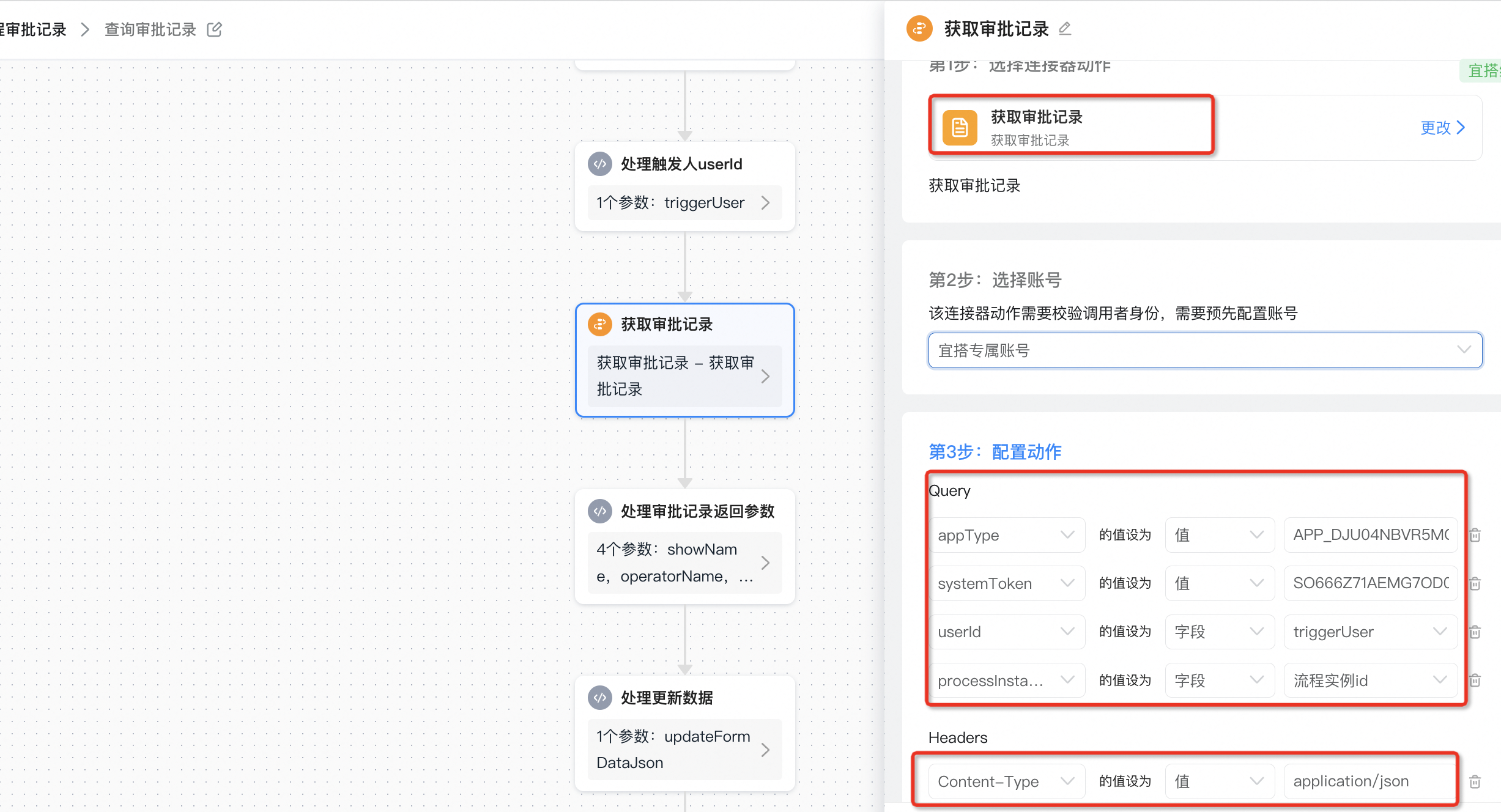
Return parameters for processing and obtaining approval records:

// 筛选出 type 为 'TODO' 的记录
var todoRecords = result.filter(function (item) {
    return item.type === 'TODO';
});

// 提取 showName, operatorName,operateTimeGMT 和 taskId 属性
var extractedData = result.map(function (item) {
    return {
        textField_lq0hets9: item.showName, // 节点名称
        employeeField_lq0hetsa: [item.operatorUserId], // 审批人
        textField_lq0hv2i2: item.taskId, // 任务id(taskId)
        textField_lq0igmdw: item.type, // 任务状态
        dateField_lq0hetsb: item.operateTimeGMT ? Date.parse(item.operateTimeGMT) - 8*60*60*1000 : null, // 操作时间
    };
});
outputs.add("showName","当前审批节点名称",todoRecords[0].showName);
outputs.add("operatorName","当前审批人",[todoRecords[0].operatorUserId]);
outputs.add("taskId","当前审批节点任务id(taskId)",todoRecords[0].taskId);
outputs.add("extractedData","审批记录详情",extractedData);
Process updated data:
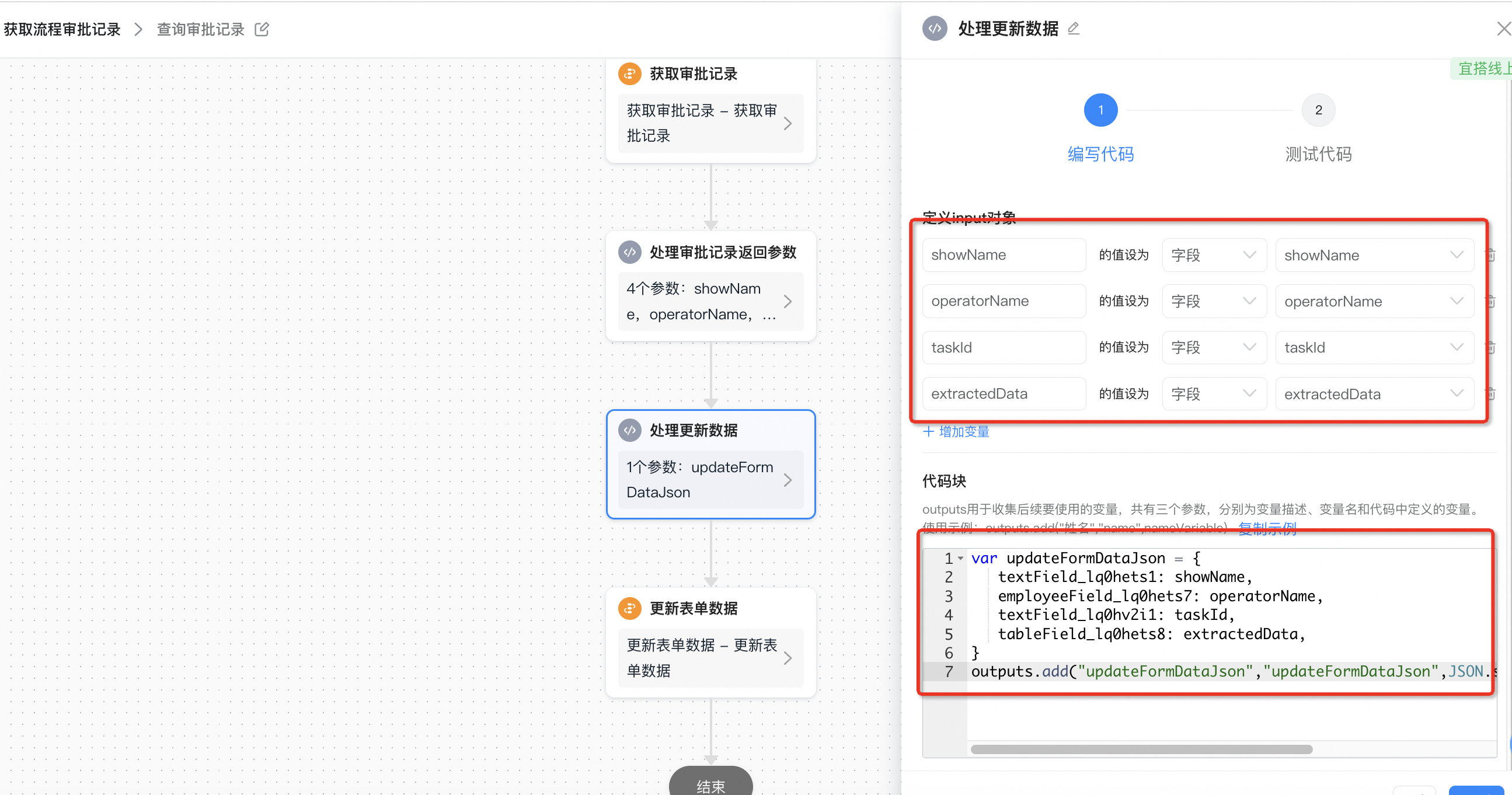
var updateFormDataJson = {
   textField_lq0hets1: showName,
   employeeField_lq0hets7: operatorName,
   textField_lq0hv2i1: taskId,
   tableField_lq0hets8: extractedData,
}
outputs.add("updateFormDataJson","updateFormDataJson",JSON.stringify(updateFormDataJson));
Update form data through the connector:

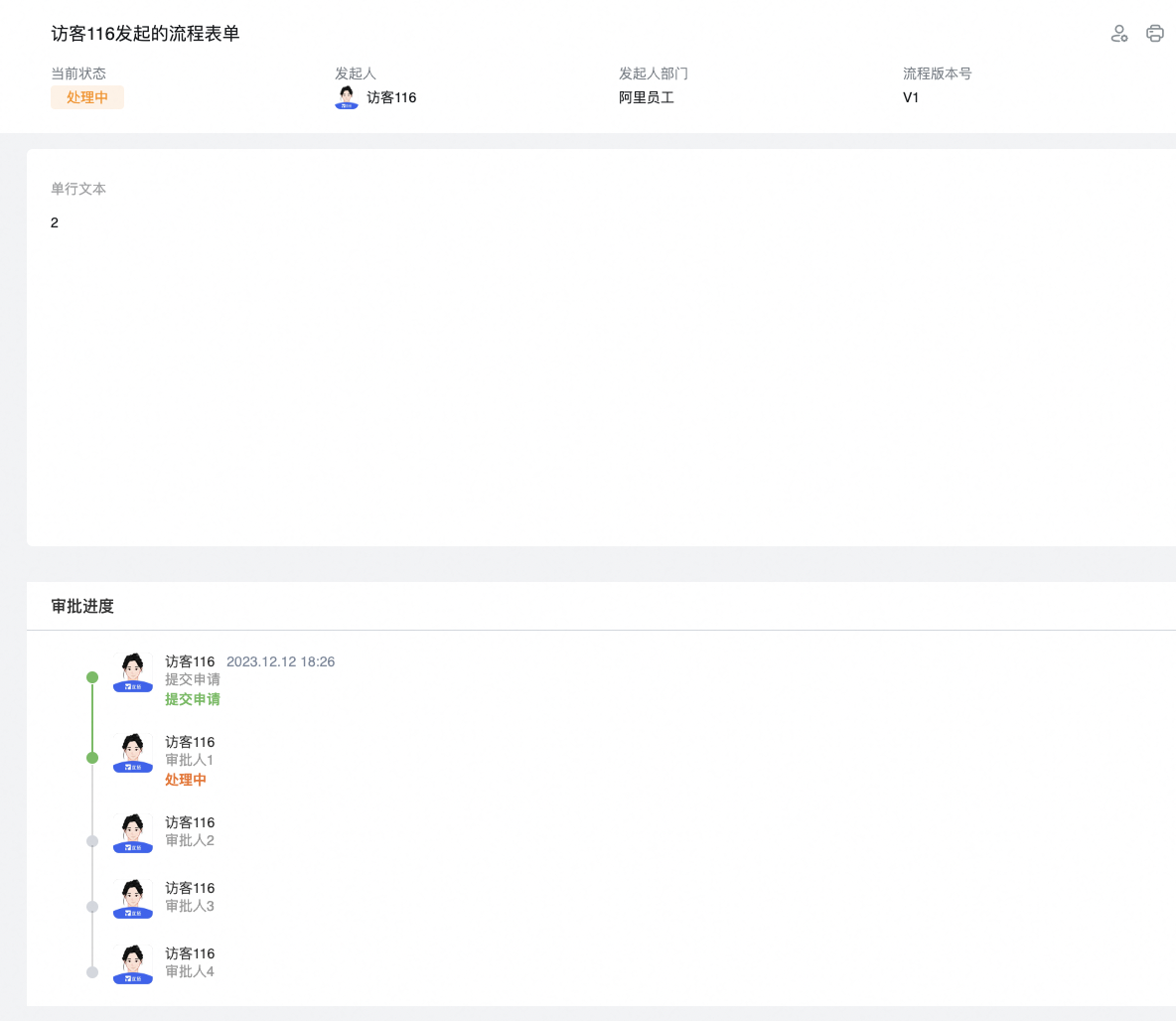
3. Effect