Open chat
Usage scenarios
This example describes how to generate a link to Open YIDA chat in a DingTalk.
Implement functions
Create a custom page
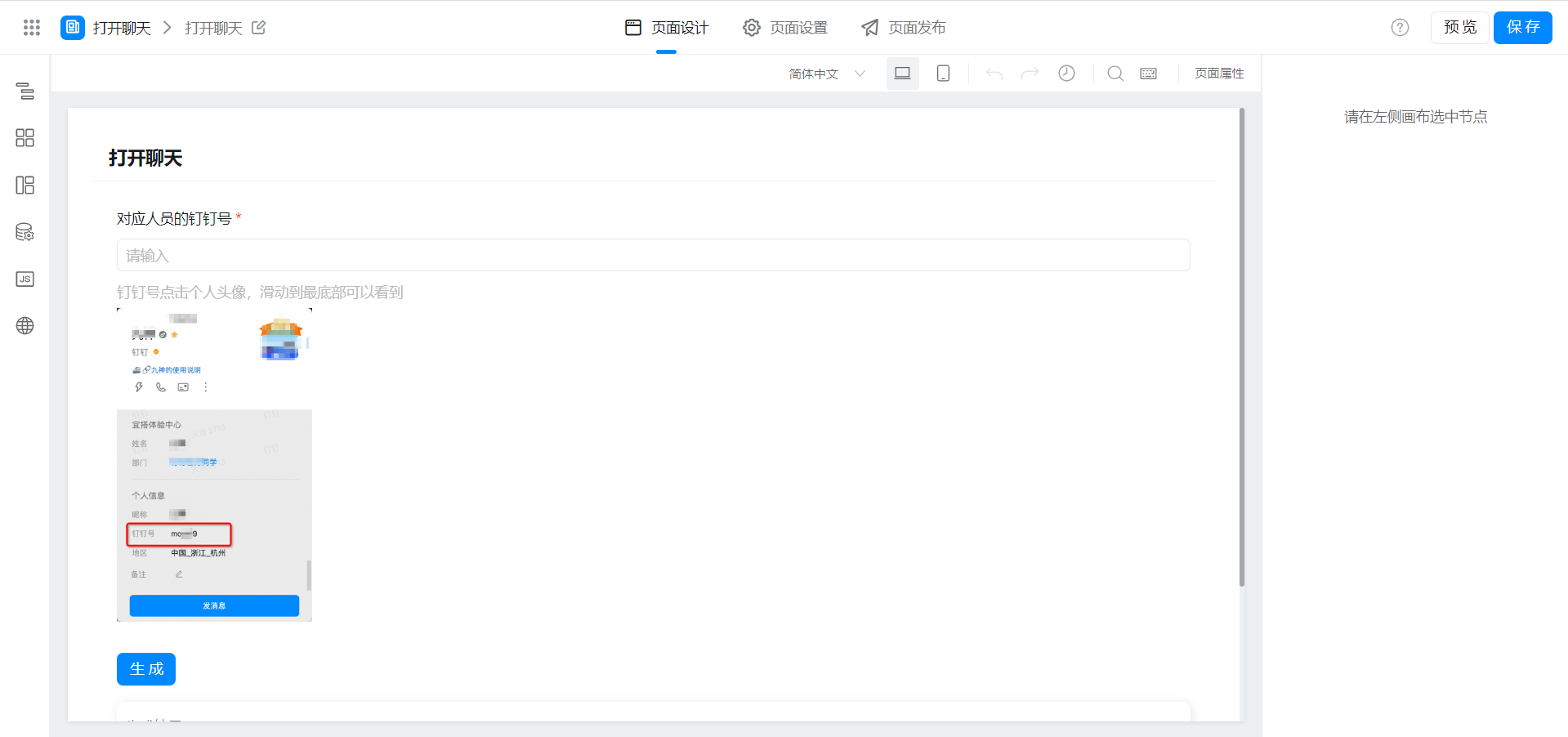
Copy the following code to Page JS
// 生成个人聊天链接
export function onCreateLink() {
  this.$('textField_lahwxyuk').validate();
  const userDdId = this.$('textField_lahwxyuk').getValue();
  if (!userDdId) { return };
  this.$('div_lahwxyum').set('behavior', 'NORMAL');
  this.$('textField_lahwxyun').setValue(`dingtalk://dingtalkclient/action/sendmsg?dingtalk_id=${userDdId}`)
}

// 一键复制个人聊天链接
export function onCopyLink() {
  this.onCopy(this.$('textField_lahwxyun').getValue());
}

export function onChange({ value }) {
  if (!value) {
    this.$('div_lahwxyum').set('behavior', 'HIDDEN');
    this.$('textField_lahwxyun').reset();
  }
}

// 文本复制
export function onCopy(value) {
  // 创建元素用于复制
  const copyDom = document.createElement('input');
  // 设置元素内容
  copyDom.setAttribute('value', value);
  // 将元素插入页面进行调用
  document.body.appendChild(copyDom);
  // 复制内容
  copyDom.select();
  // 将内容复制到剪贴板
  document.execCommand('copy');
  // 删除创建元素
  document.body.removeChild(copyDom);
  this.utils.toast({
    title: '复制成功!',
    type: 'success',
  });
}
Component binding events
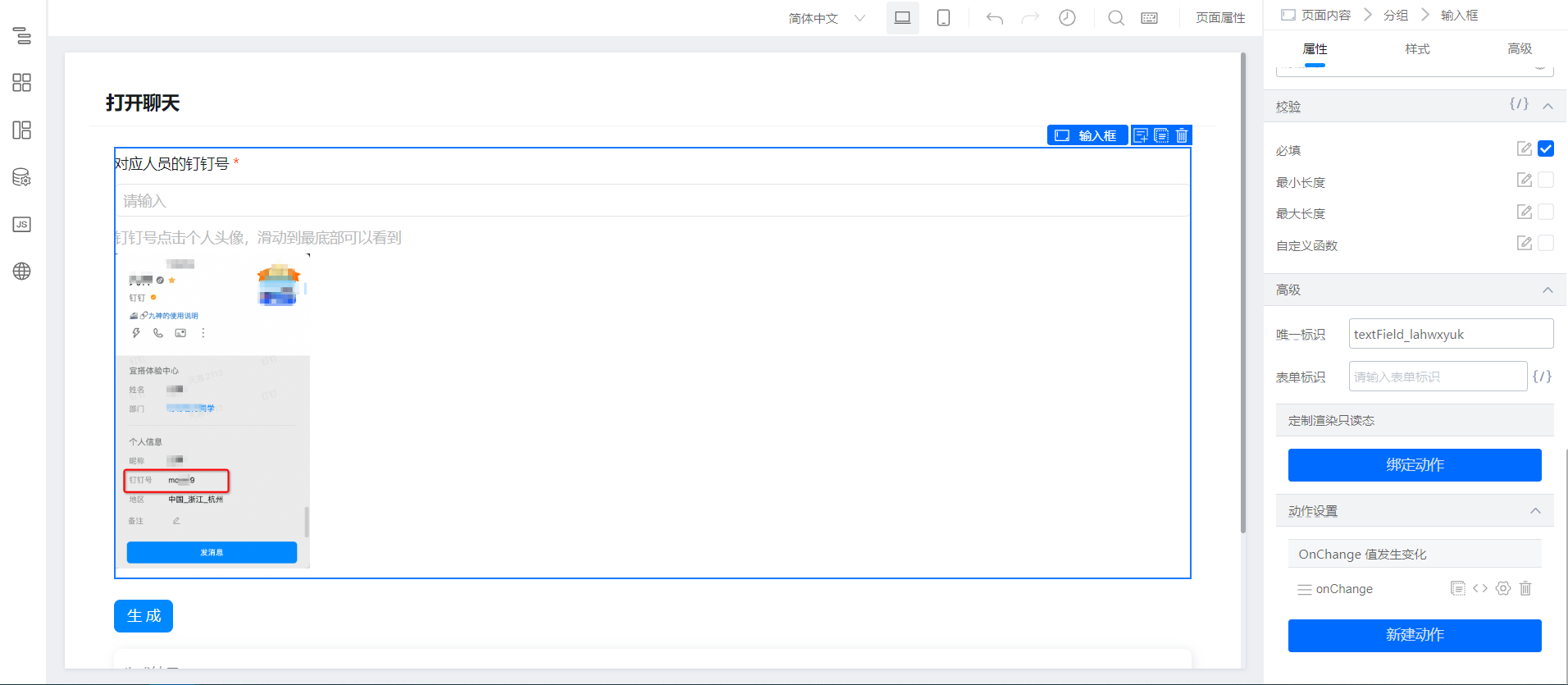
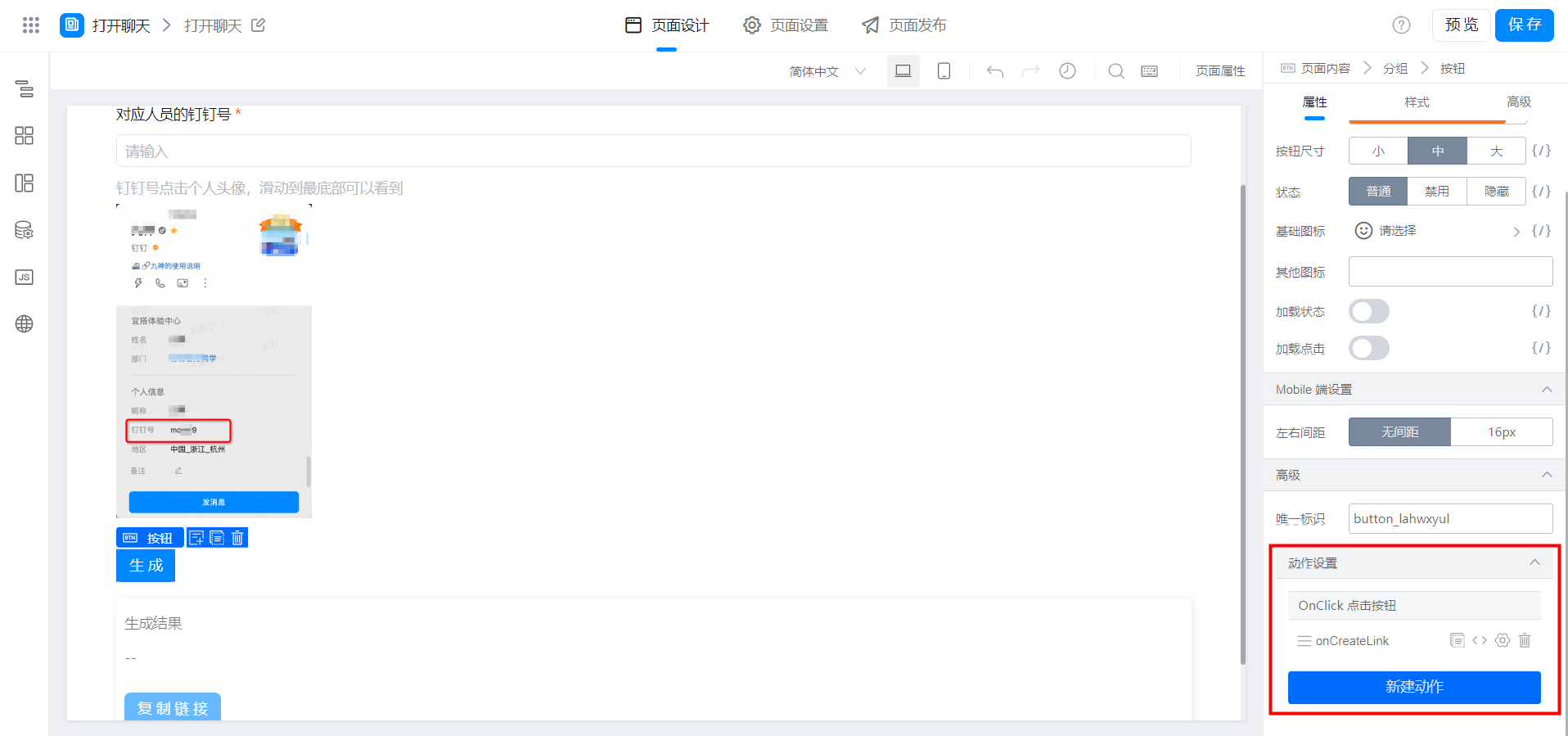
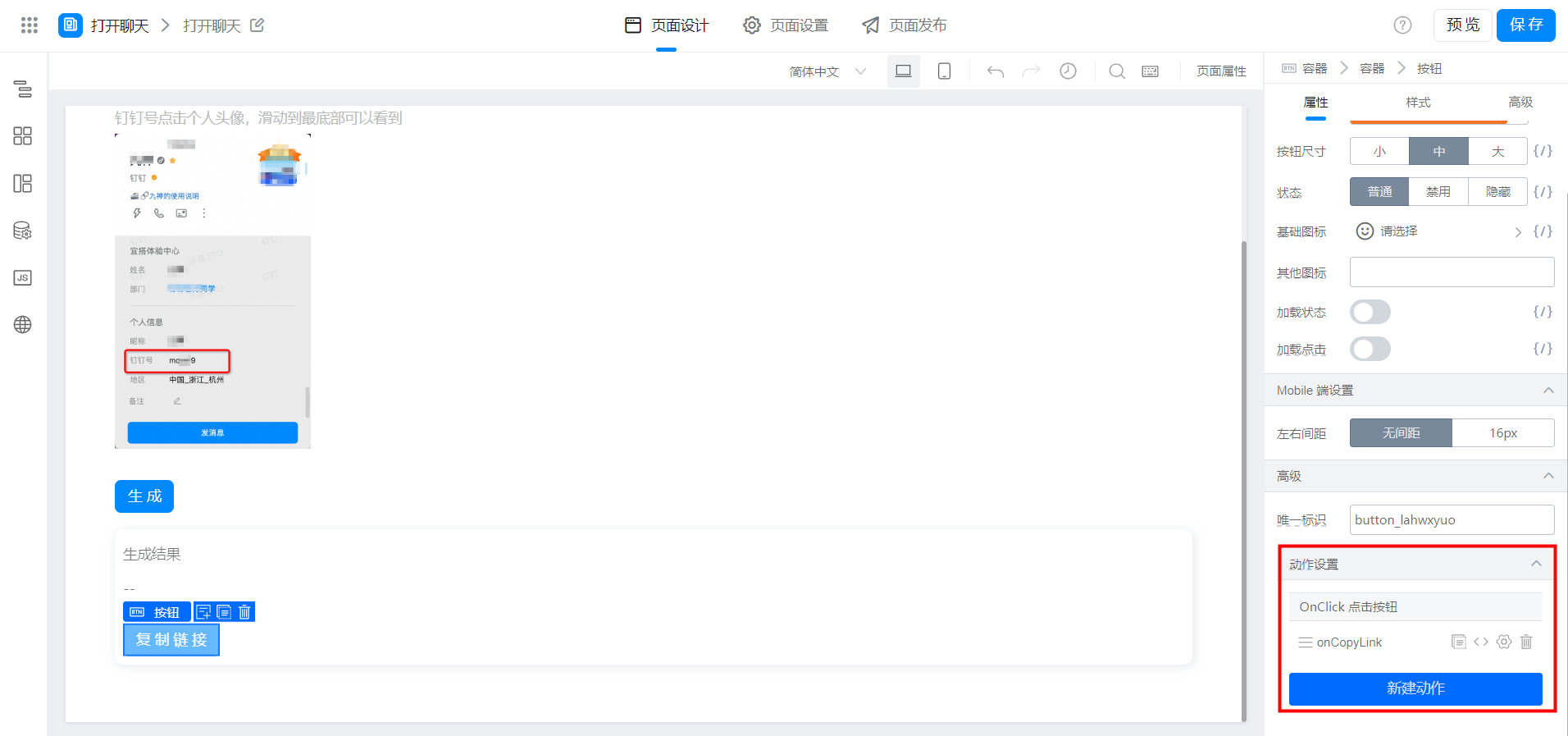
Effect

Try it online
This doc is generated using machine translation. Any discrepancies or differences created in the translation are not binding and have no legal effect for compliance or enforcement purposes.
Is this document helpful?