
Obtain group chat information
Usage scenarios
This example describes how to obtain YIDA information in DingTalk group chat.
Implement functions
Create Page


Configure data sources and variables
Reference interface documentation:Query group information

- Select connector-> session group

- Select execute action> obtain group session information

- Mobile access QR code variables

Implement functions
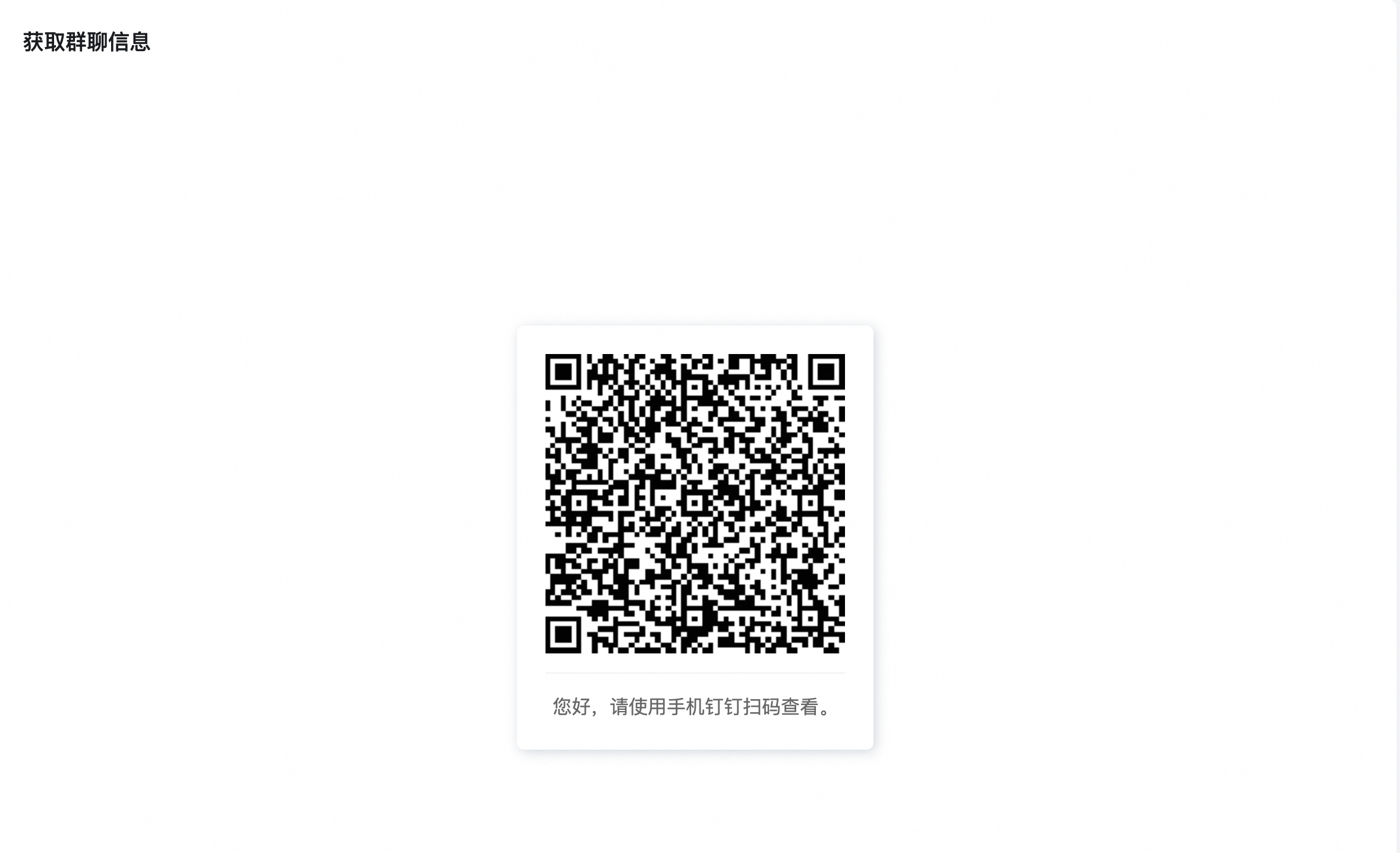
PC-side access, displaying the default page of QR code
Reference documents:Utility-page guide
Query group chat information


export function onGetChatInfo() {
  if (!this.utils.isMobile()) {
    this.utils.toast({
      title: '请在手机端使用该工具',
      type: 'notice',
    });
  }
  window.dd.biz.chat.chooseConversationByCorpId({
    corpId: window.pageConfig.corpId, // 企业id, 必须是用户所属的企业的corpid
    isAllowCreateGroup: false, // true(默认): 可创建新群聊;false: 不可创建新群聊
    filterNotOwnerGroup: false, // true(默认): 群主为登录人的群聊 false: 当前组织下登录人所在群聊
    onSuccess: (result) => {
      const { title, chatId, openConversationId } = result;
      this.$('textField_lm5z2wnd').setValue(title);
      this.$('textField_lm5yvk6d').setValue(chatId);
      this.$('textField_lm5yvk6f').setValue(openConversationId);
      if (chatId) {
        this.dataSourceMap.getChatInfo.load({
          inputs: JSON.stringify({
            chatid: chatId,
          }),
        }).then(async (content) => {
          content = JSON.parse(content);
          const { result = {} } = content.Body;
          const { chat_info = {} } = result;
          const { useridlist = [] } = chat_info;
          this.$('numberField_lm5zr96c').setValue(useridlist.length);
        }).catch((error) => {
          this.utils.toast({
            type: 'error',
            title: `群信息查询失败${error.message}`,
          });
        });
      }
    },
    onFail: () => { },
  });
}
Effect
PC access
Mobile access
- Select Group Chat-> automatically obtain the selected group information


Try it online
This doc is generated using machine translation. Any discrepancies or differences created in the translation are not binding and have no legal effect for compliance or enforcement purposes.
Is this document helpful?