
QR code generation
We do not recommend that you use pure Chinese to generate a QR code. If you cannot generate a QR code, check whether the QR code content exceeds the length limit.
Usage scenarios
This example describes how to generate a QR code in YIDA.
Implement functions
Create a custom page


Generate QR code
Introduction of qrcode.js
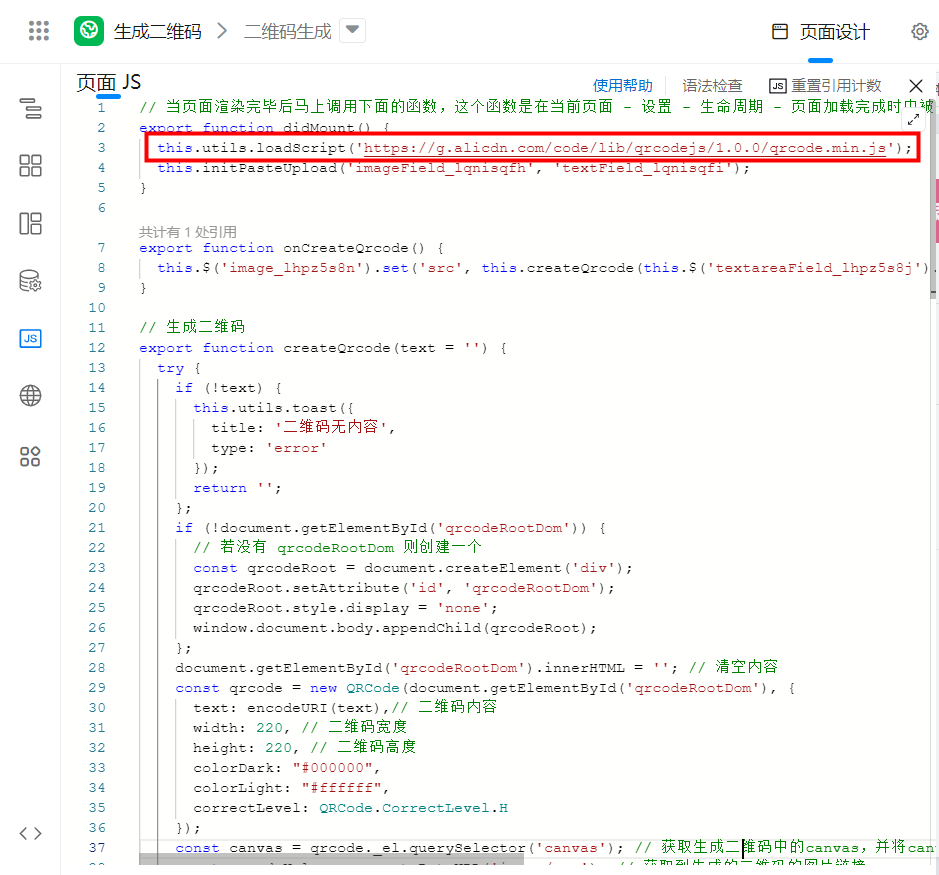
// 当页面渲染完毕后马上调用下面的函数,这个函数是在当前页面 - 设置 - 生命周期 - 页面加载完成时中被关联的。
export function didMount() {
  this.utils.loadScript('https://g.alicdn.com/code/lib/qrcodejs/1.0.0/qrcode.min.js');
}
Copy the QR code generation function to Page JS
This function accepts the QR code content (text:String) and returns the generated QR code link (base64 format).
// 生成二维码
export function createQrcode(text = '') {
  try {
    if (!text) {
      this.utils.toast({
        title: '二维码无内容',
        type: 'error',
      });
      return '';
    };
    if (!document.getElementById('qrcodeRootDom')) {
      // 若没有 qrcodeRootDom 则创建一个
      const qrcodeRoot = document.createElement('div');
      qrcodeRoot.setAttribute('id', 'qrcodeRootDom');
      qrcodeRoot.style.display = 'none';
      window.document.body.appendChild(qrcodeRoot);
    };
    document.getElementById('qrcodeRootDom').innerHTML = ''; // 清空内容
    const qrcode = new QRCode(document.getElementById('qrcodeRootDom'), {
      text: encodeURI(text),// 二维码内容
      width: 220, // 二维码宽度
      height: 220, // 二维码高度
      colorDark: '#000000',
      colorLight: '#ffffff',
      correctLevel: QRCode.CorrectLevel.H,
    });
    const canvas = qrcode._el.querySelector('canvas'); // 获取生成二维码中的canvas,并将canvas转换成base64
    const qrcodeUrl = canvas.toDataURL('image/png'); // 获取到生成的二维码的图片链接
    return qrcodeUrl;
  } catch (error) {
    console.error(error);
    this.utils.toast({
      title: '二维码生成失败',
      type: 'error',
    });
  }
}
Button binding event
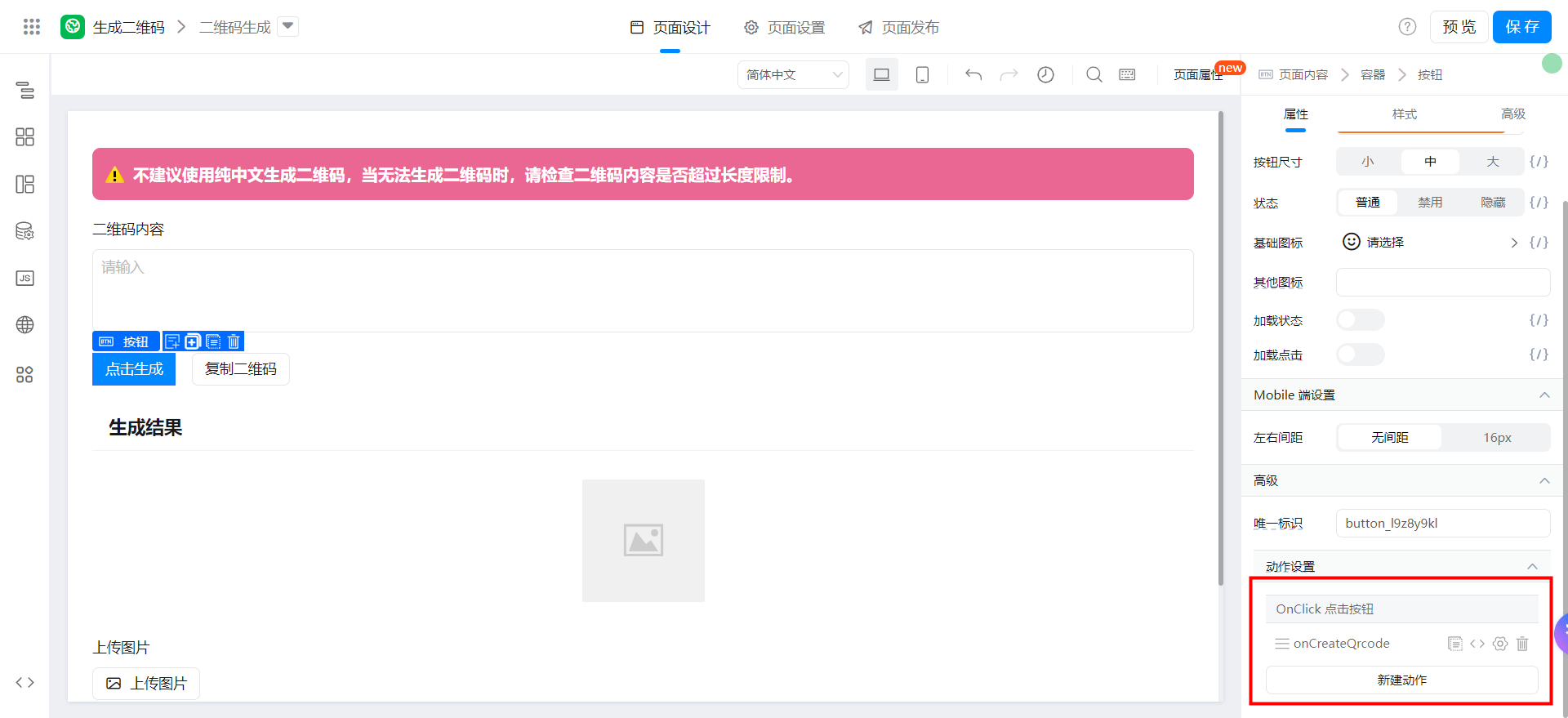
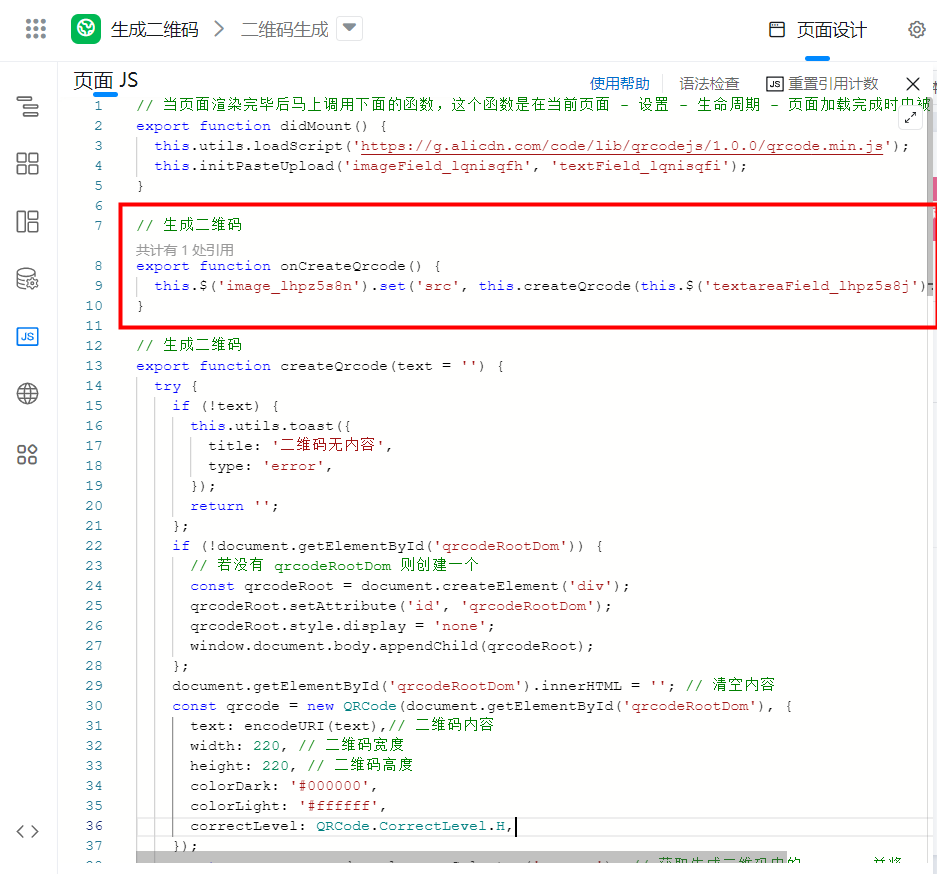
Bind the following functions:
// 生成二维码
export function onCreateQrcode() {
  this.$('image_lhpz5s8n').set('src', this.createQrcode(this.$('textareaField_lhpz5s8j').getValue()));
}
Copy QR code
Copy base64ToBlob functions to Page JS
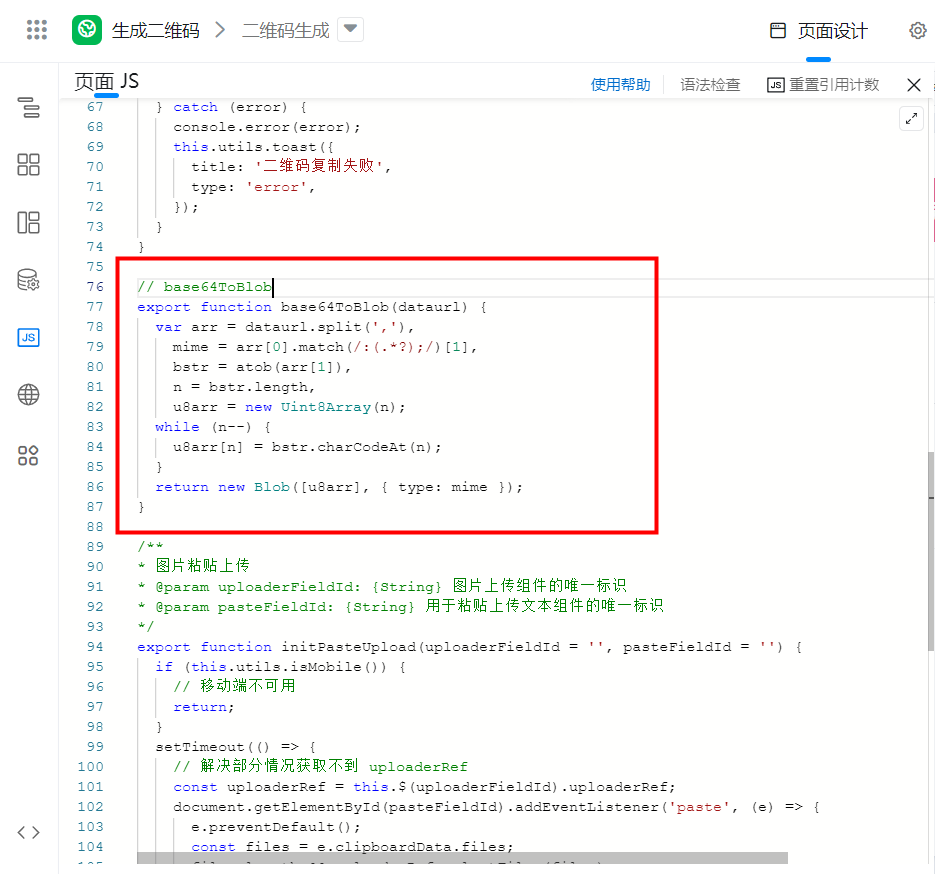
// base64ToBlob
export function base64ToBlob(dataurl) {
  var arr = dataurl.split(','),
    mime = arr[0].match(/:(.*?);/)[1],
    bstr = atob(arr[1]),
    n = bstr.length,
    u8arr = new Uint8Array(n);
  while (n--) {
    u8arr[n] = bstr.charCodeAt(n);
  }
  return new Blob([u8arr], { type: mime });
}
Button binding event
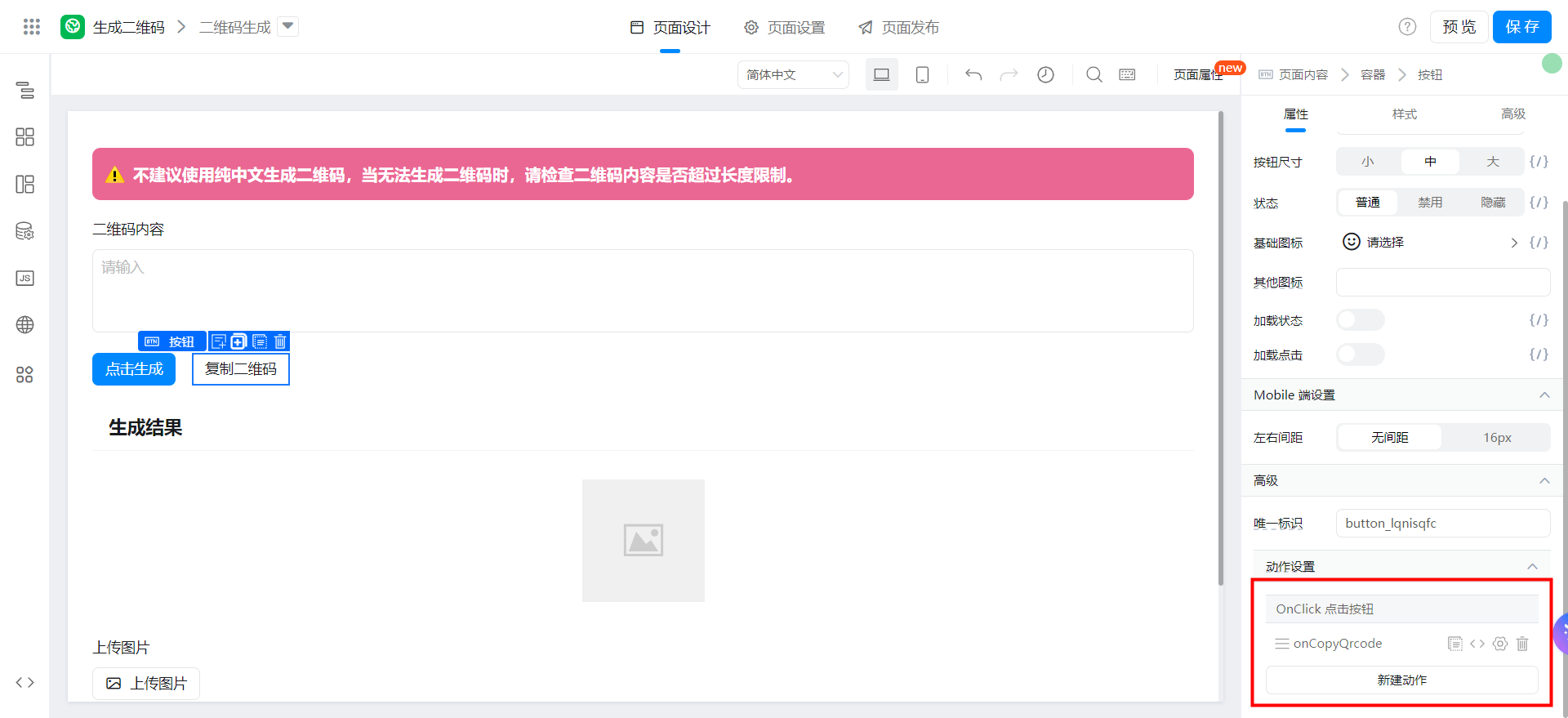
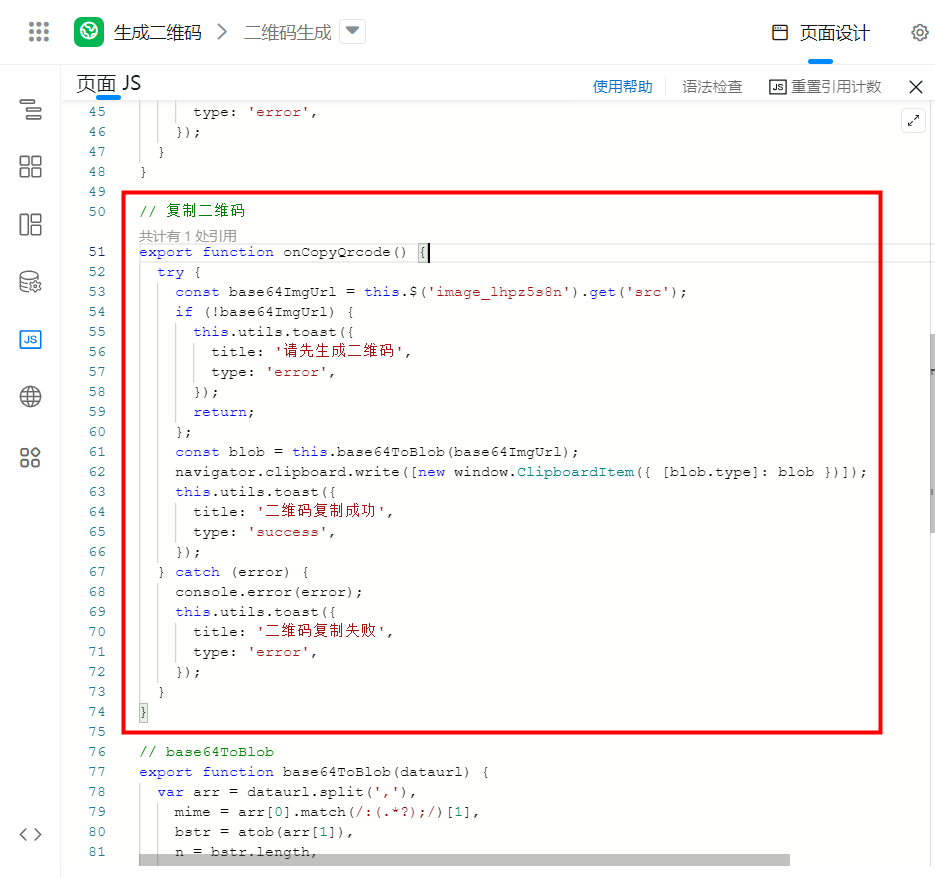
Bind the following functions:
// 复制二维码
export function onCopyQrcode() {
  try {
    const base64ImgUrl = this.$('image_lhpz5s8n').get('src');
    if (!base64ImgUrl) {
      this.utils.toast({
        title: '请先生成二维码',
        type: 'error',
      });
      return;
    };
    const blob = this.base64ToBlob(base64ImgUrl);
    navigator.clipboard.write([new window.ClipboardItem({ [blob.type]: blob })]);
    this.utils.toast({
      title: '二维码复制成功',
      type: 'success',
    });
  } catch (error) {
    console.error(error);
    this.utils.toast({
      title: '二维码复制失败',
      type: 'error',
    });
  }
}
Add paste Upload function to image Upload component
For more information, see:

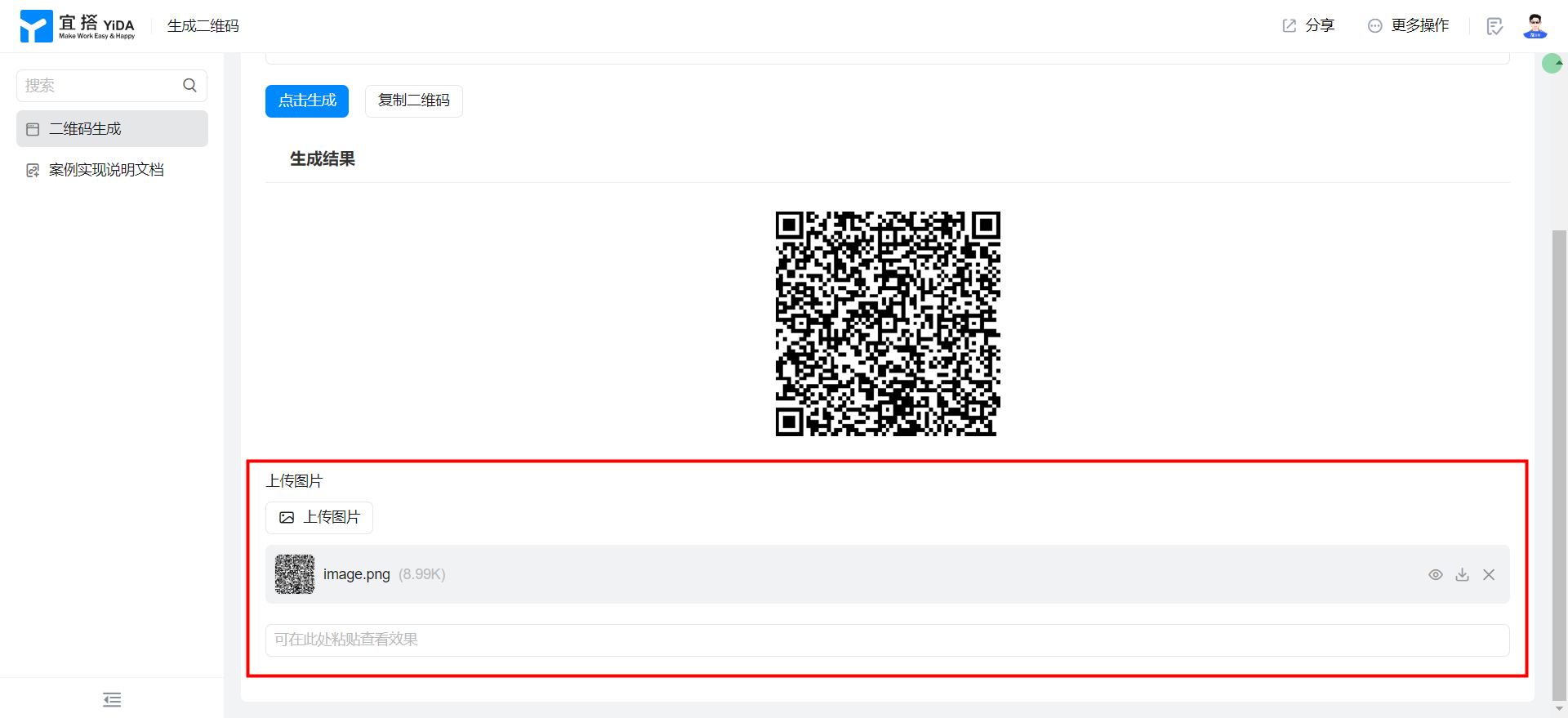
Effect
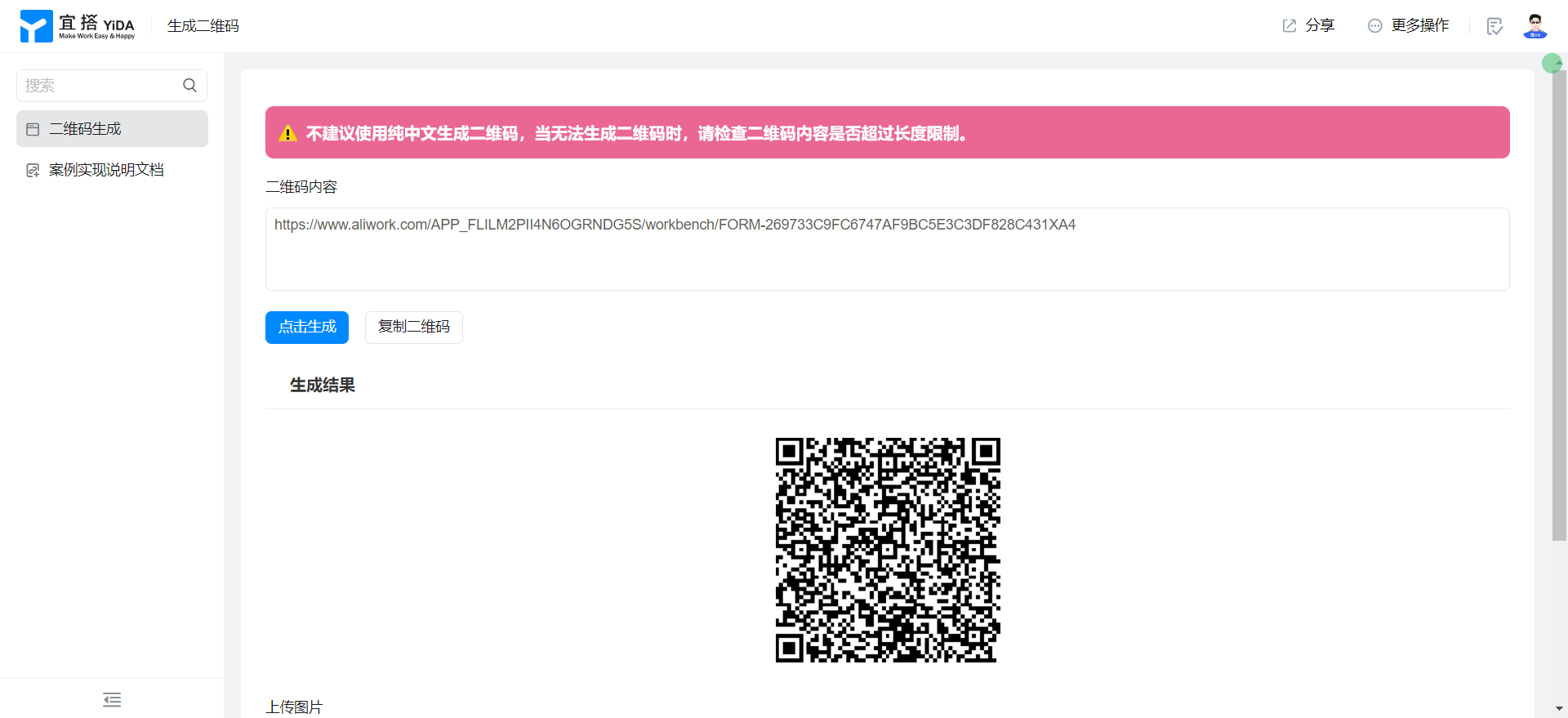
Generate QR code
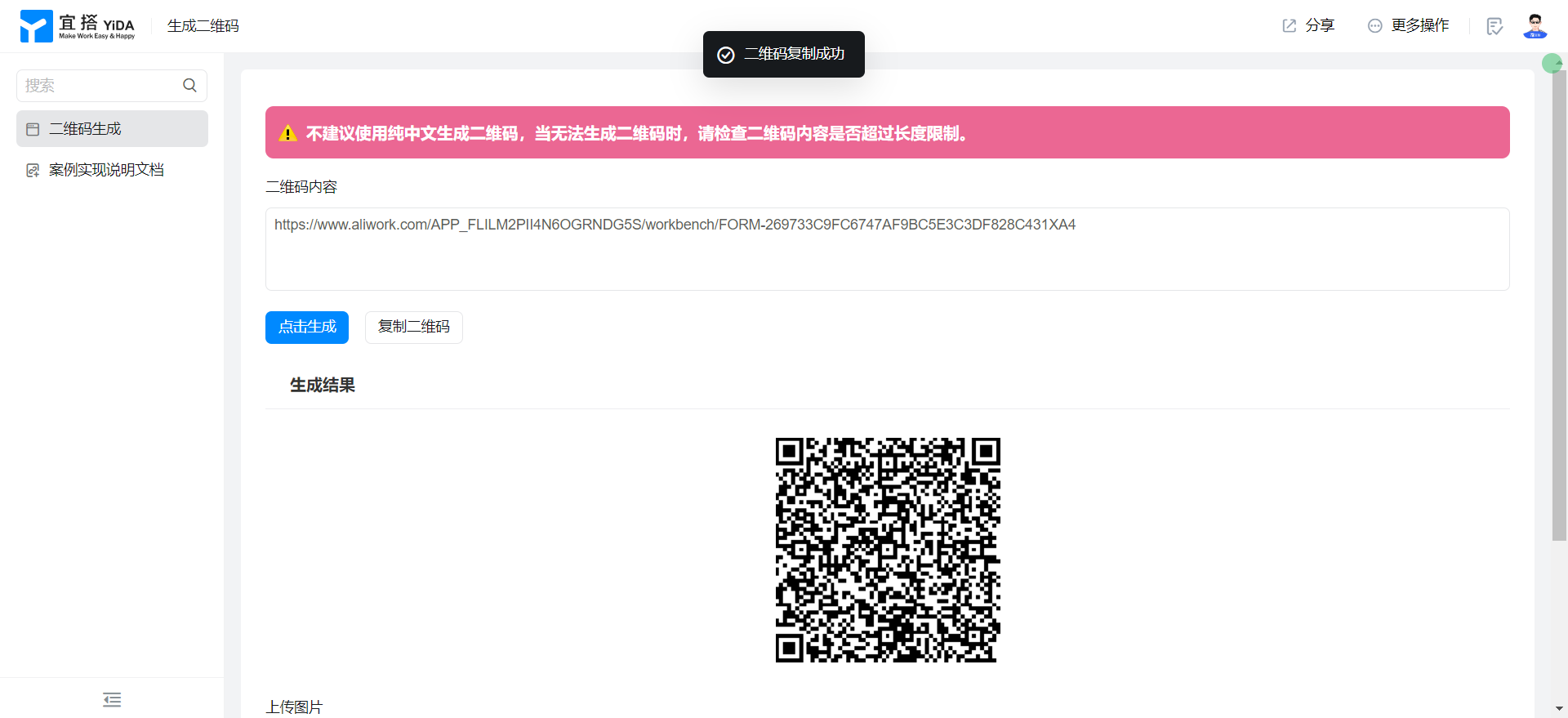
Copy QR code
Try it online
This doc is generated using machine translation. Any discrepancies or differences created in the translation are not binding and have no legal effect for compliance or enforcement purposes.
Is this document helpful?