Custom printing
Only applicable to computer browsers.
In the process of building YIDA applications, you may encounter the following problems.
- Ordinary forms and flow chart can use printing templates for data printing. How can custom pages be printed?
Prerequisites
This tutorial uses some basic functions of YIDA. You can first learn about the following functions.
This tutorial uses Web development technologies. You can first understand the following technologies.
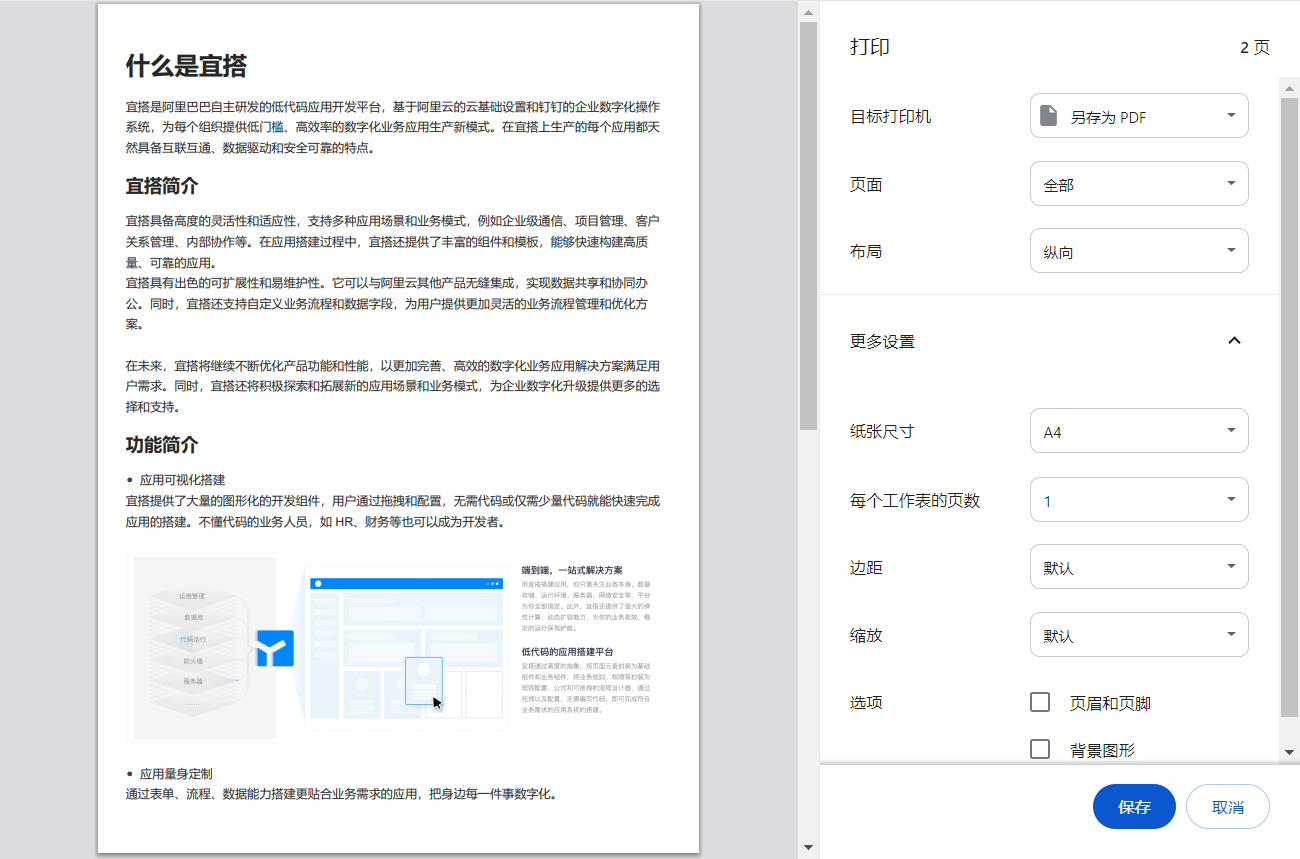
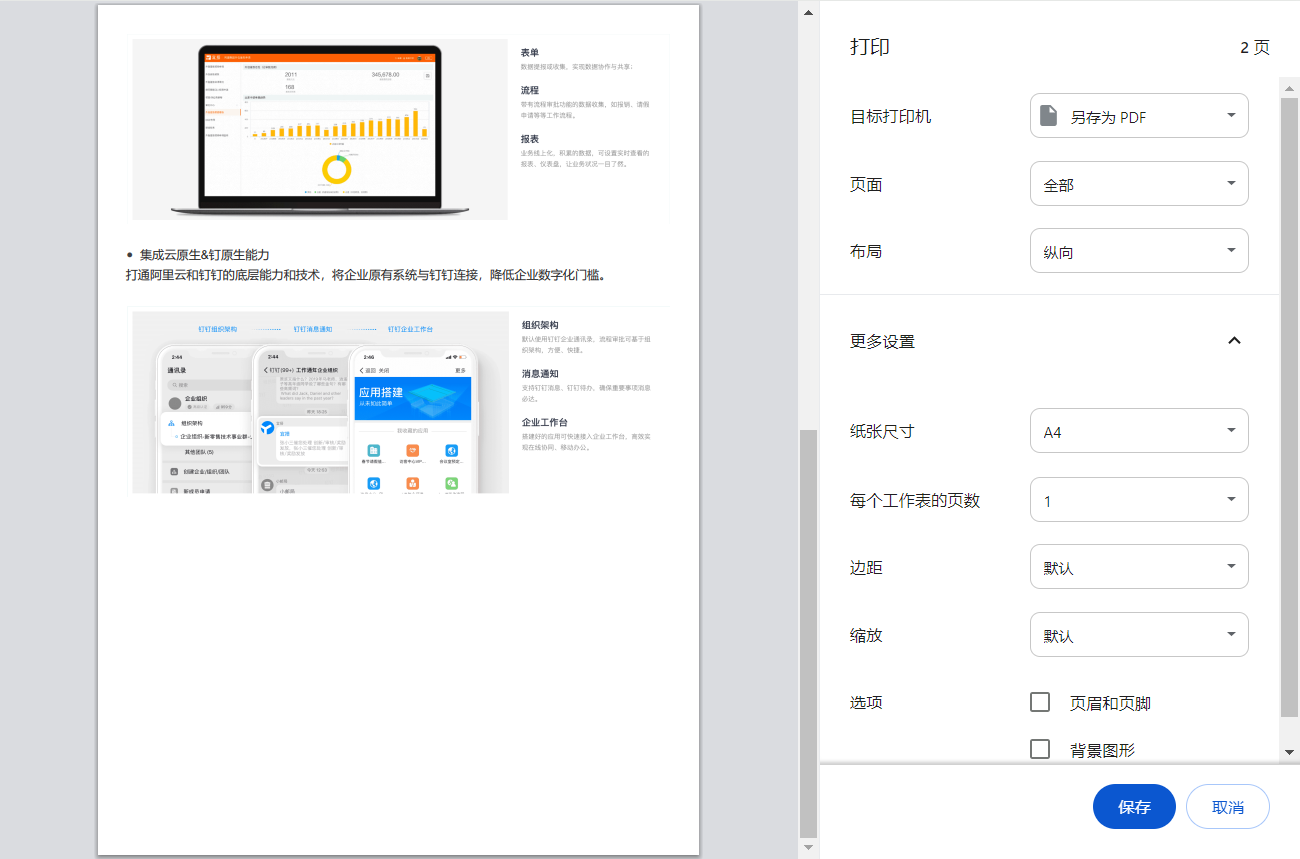
Effect
Implementation steps
Create a custom page
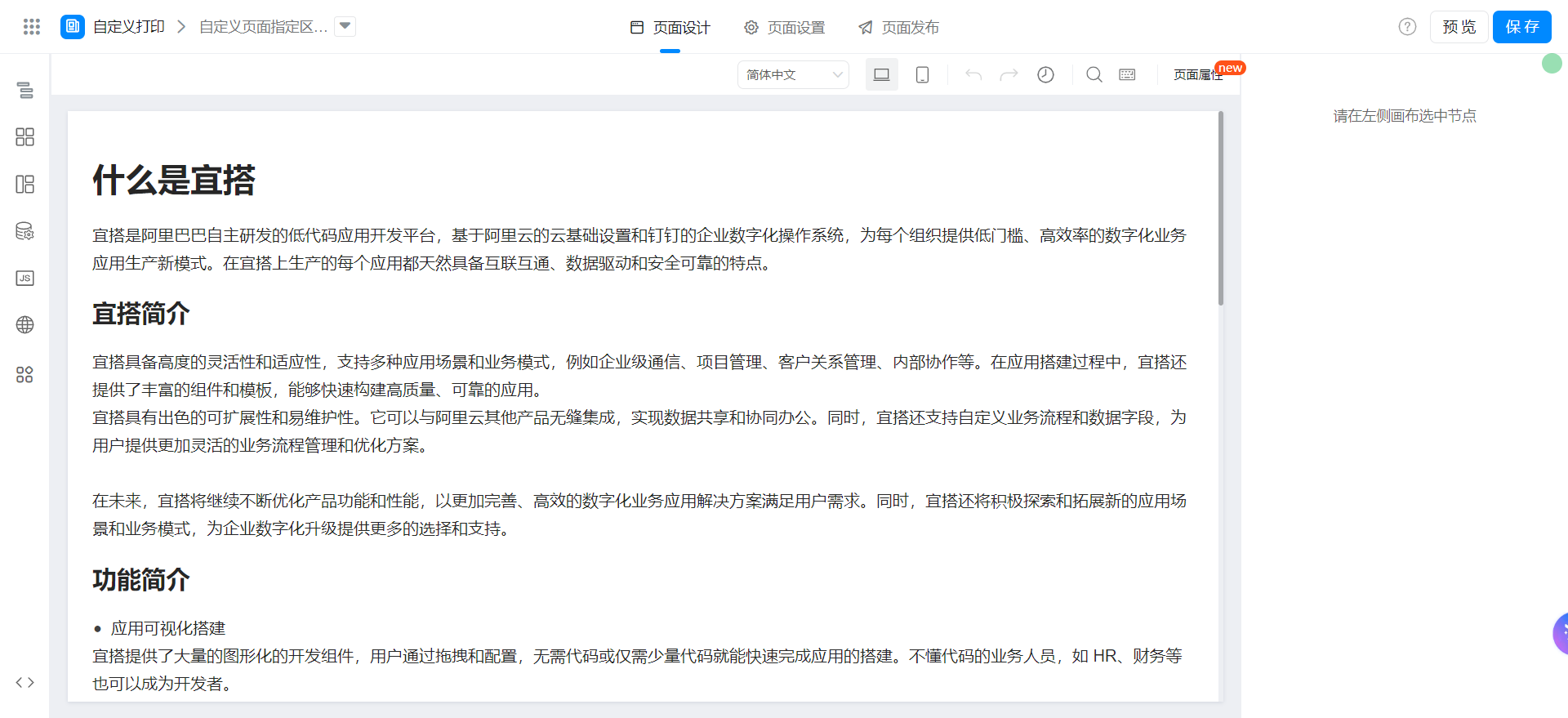
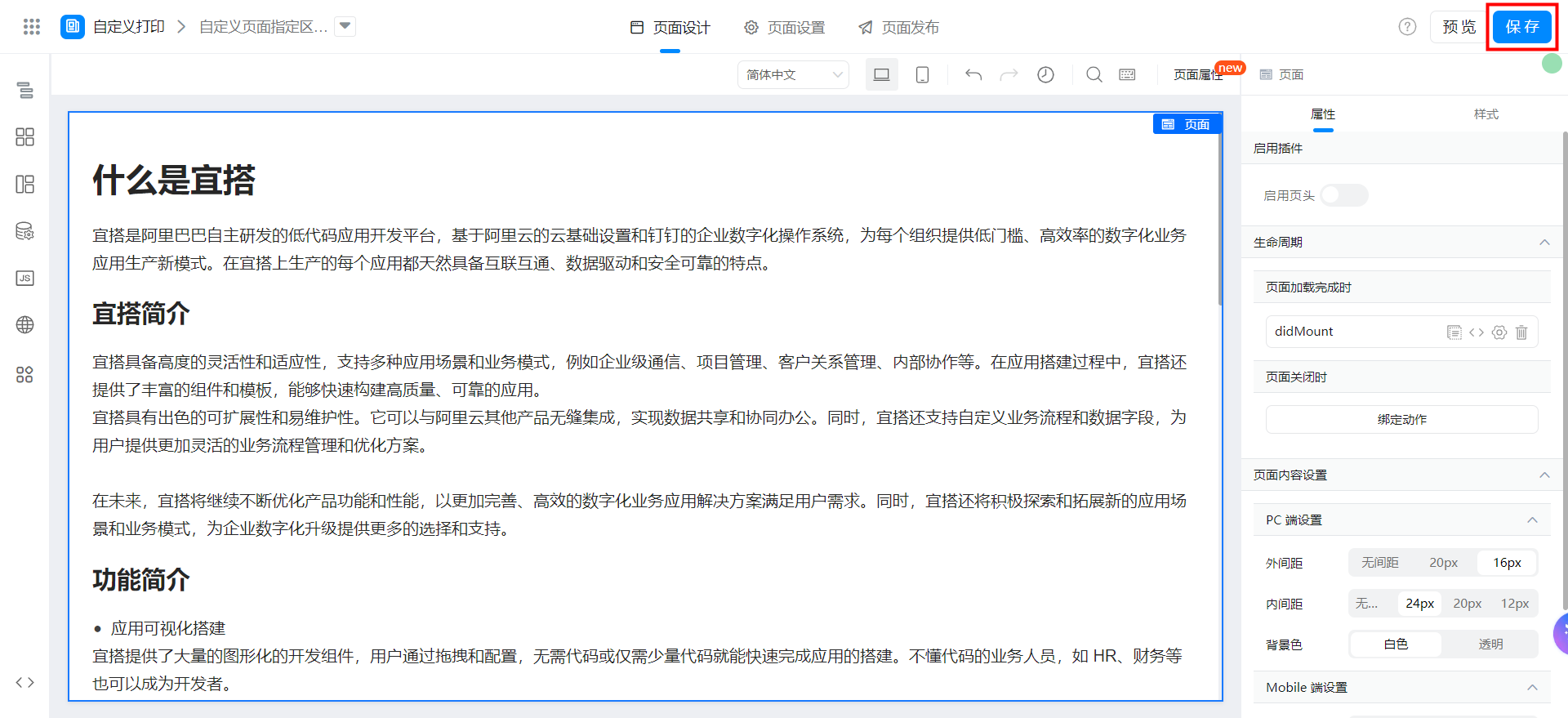
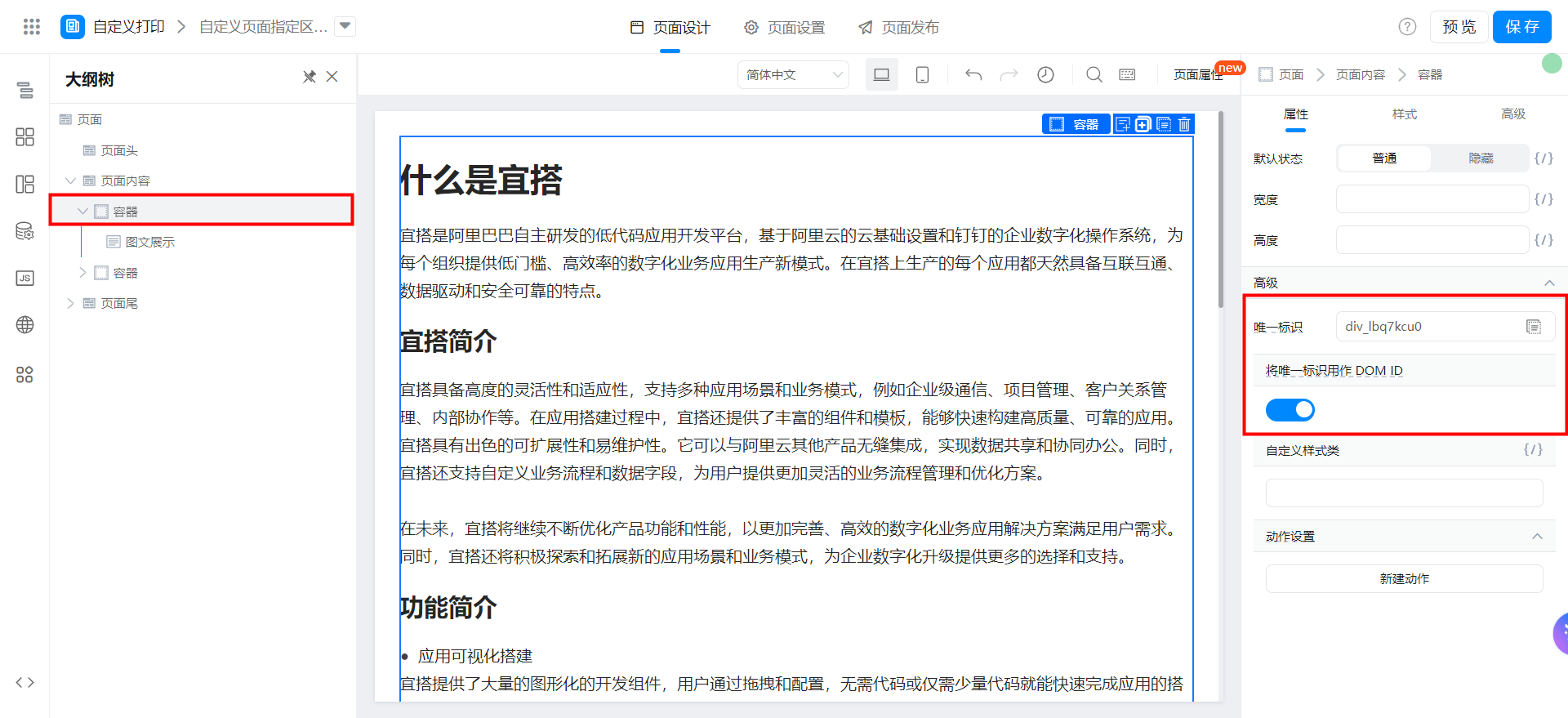
Drag a container component into the page content, drag the content to be printed into the container, and turn on the [use unique identifier as DOM ID] option.
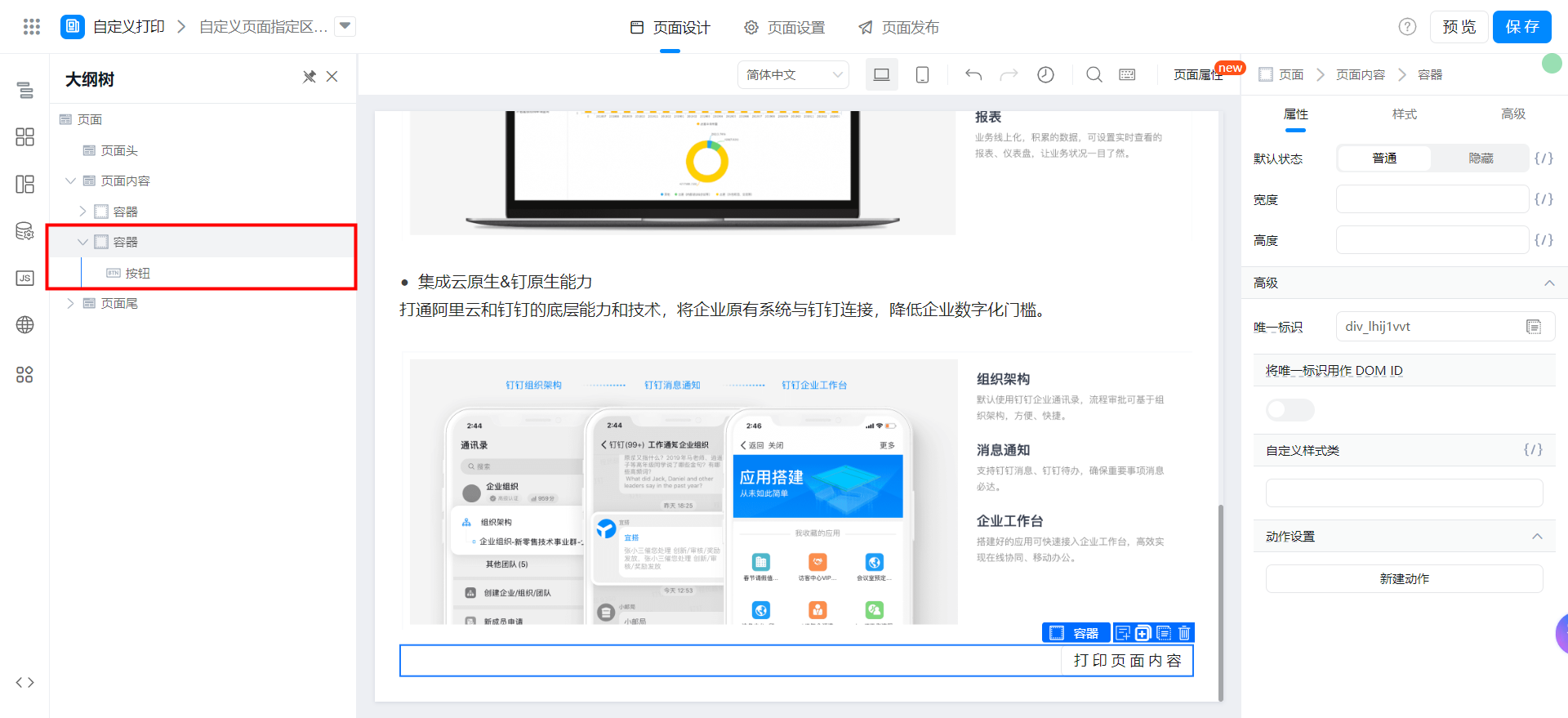
Drag a container component into the page content and a button component.
Set the following style for the container.
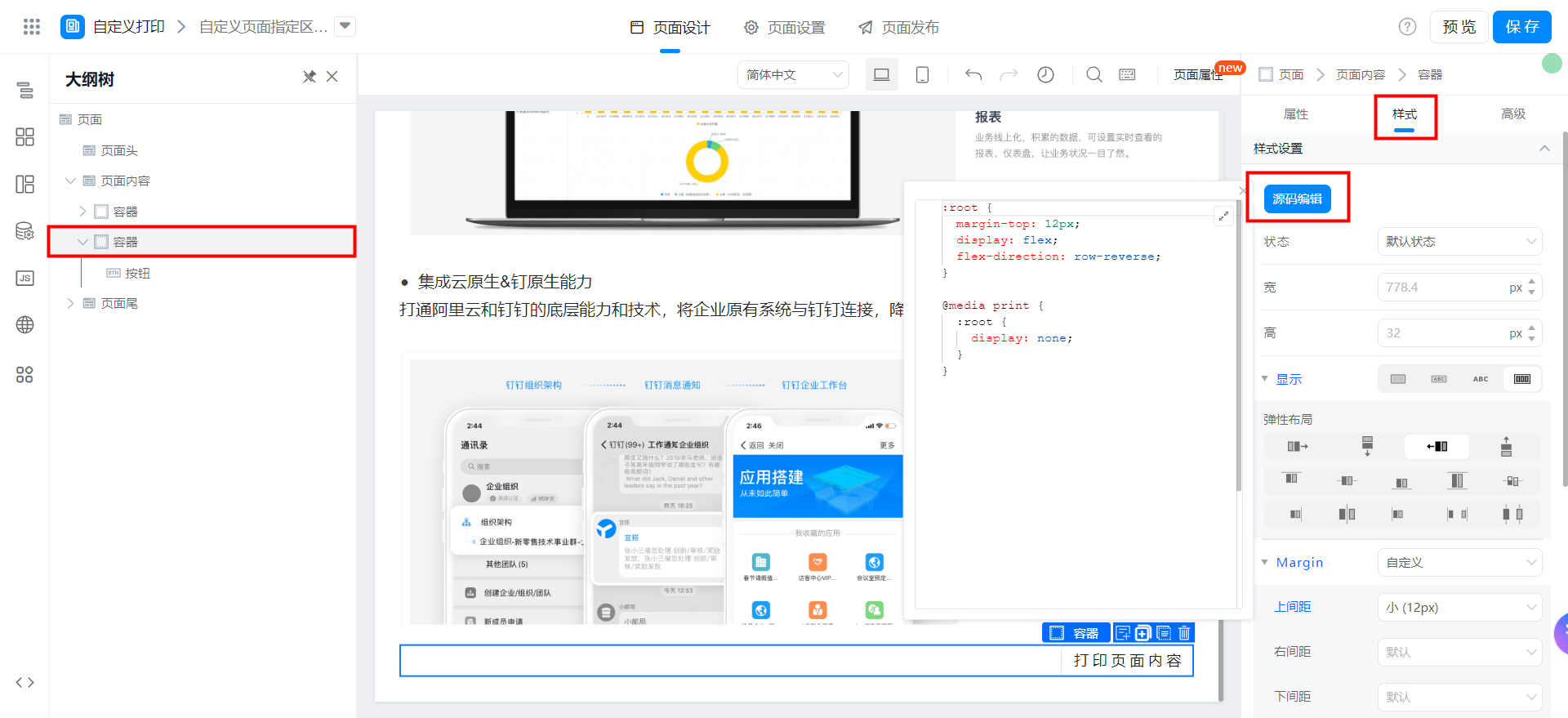
:root {
  margin-top: 12px;
  display: flex;
  flex-direction: row-reverse;
}

@media print {
  :root {
    display: none;
  }
}
Add print function
Copy the following code to the page JS panel.
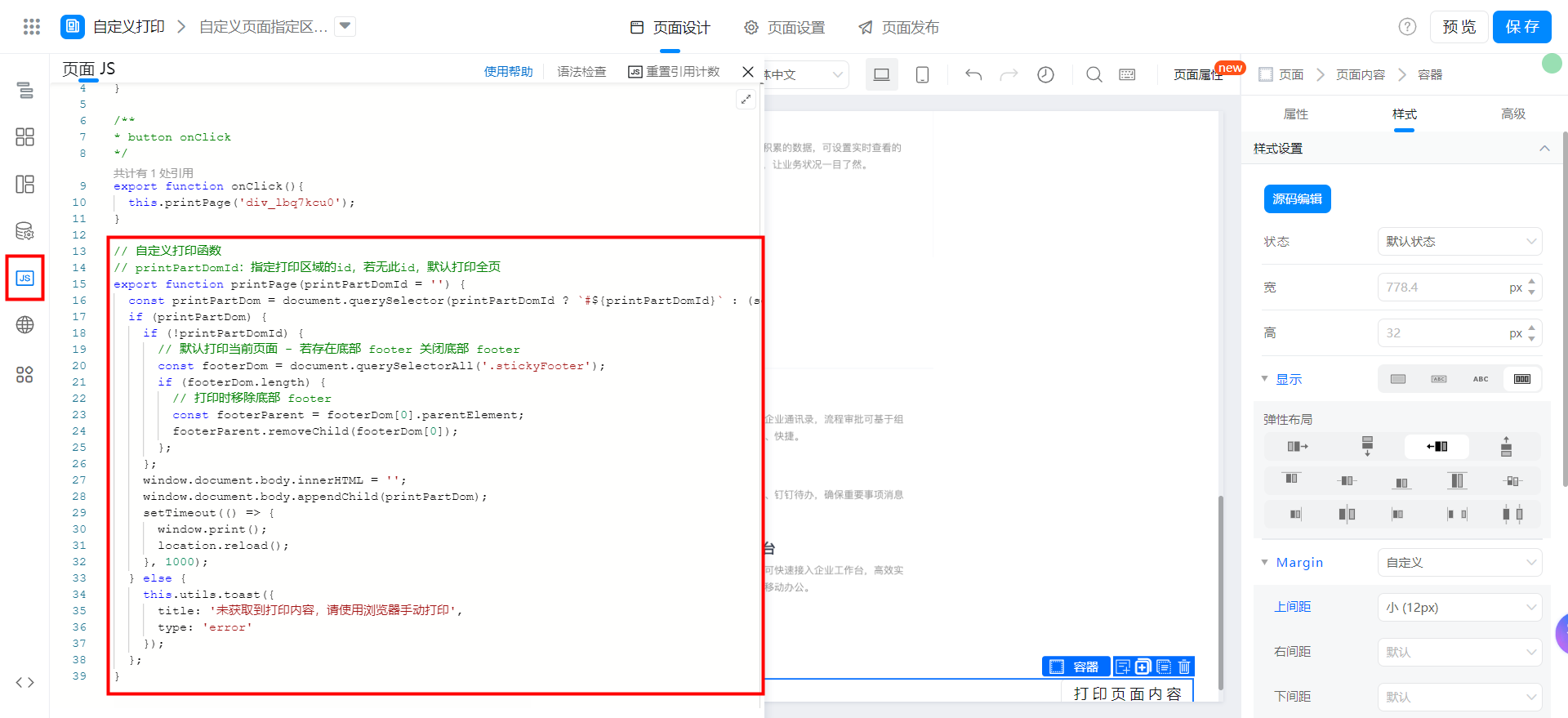
// 自定义打印函数
// printPartDomId:指定打印区域的id,若无此id,默认打印全页
export function printPage(printPartDomId = '') {
  const printPartDom = document.querySelector(printPartDomId ? `#${printPartDomId}` : (self === top ? '.next-shell-main' : '#App'));
  if (printPartDom) {
    if (!printPartDomId) {
      // 默认打印当前页面 - 若存在底部 footer 关闭底部 footer
      const footerDom = document.querySelectorAll('.stickyFooter');
      if (footerDom.length) {
        // 打印时移除底部 footer
        const footerParent = footerDom[0].parentElement;
        footerParent.removeChild(footerDom[0]);
      };
    };
    window.document.body.innerHTML = '';
    window.document.body.appendChild(printPartDom);
    setTimeout(() => {
      window.print();
      location.reload();
    }, 1000);
  } else {
    this.utils.toast({
      title: '未获取到打印内容,请使用浏览器手动打印',
      type: 'error'
    });
  };
}
Use print functions
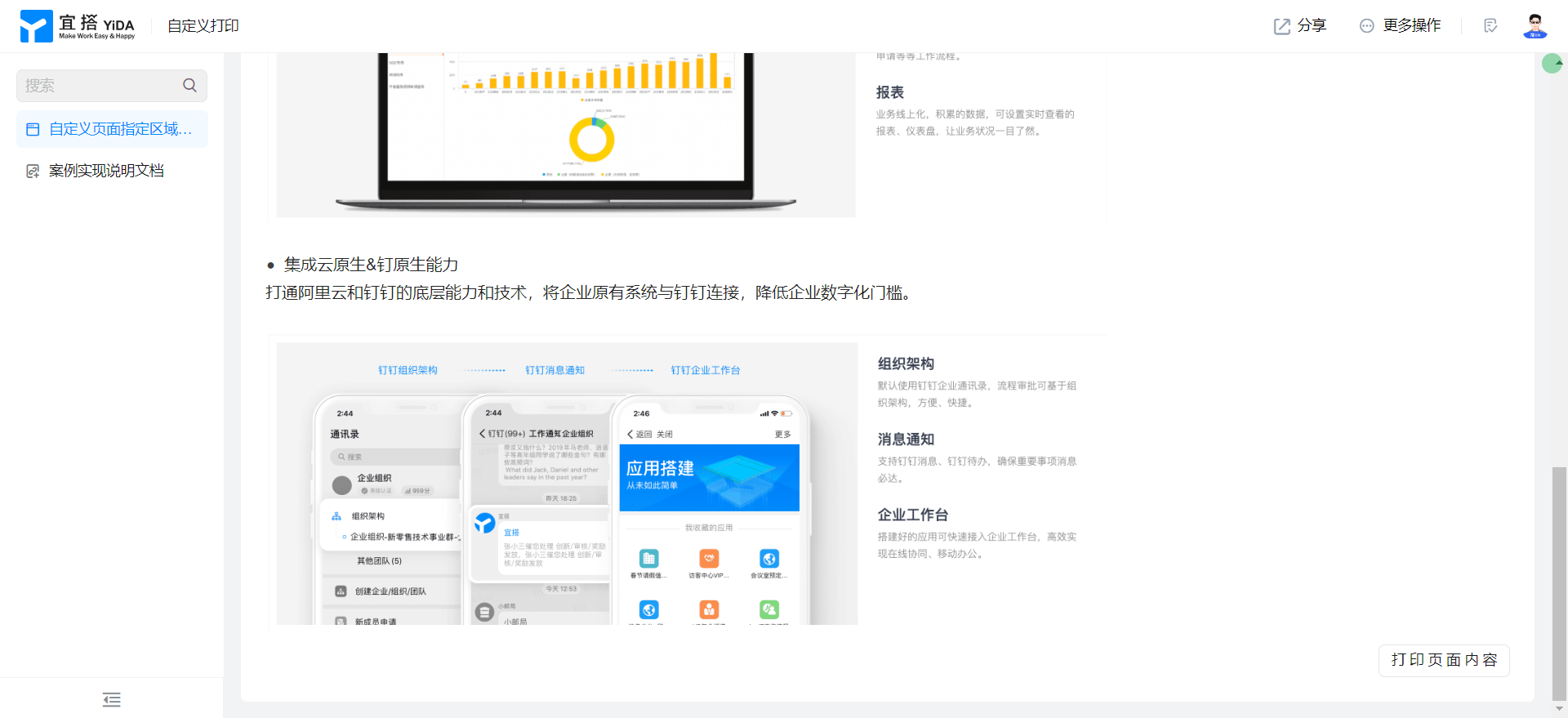
Button binding event, herediv_lbq7kcu0The unique identifier of the container on which the unique identifier is used as DOM ID is enabled.
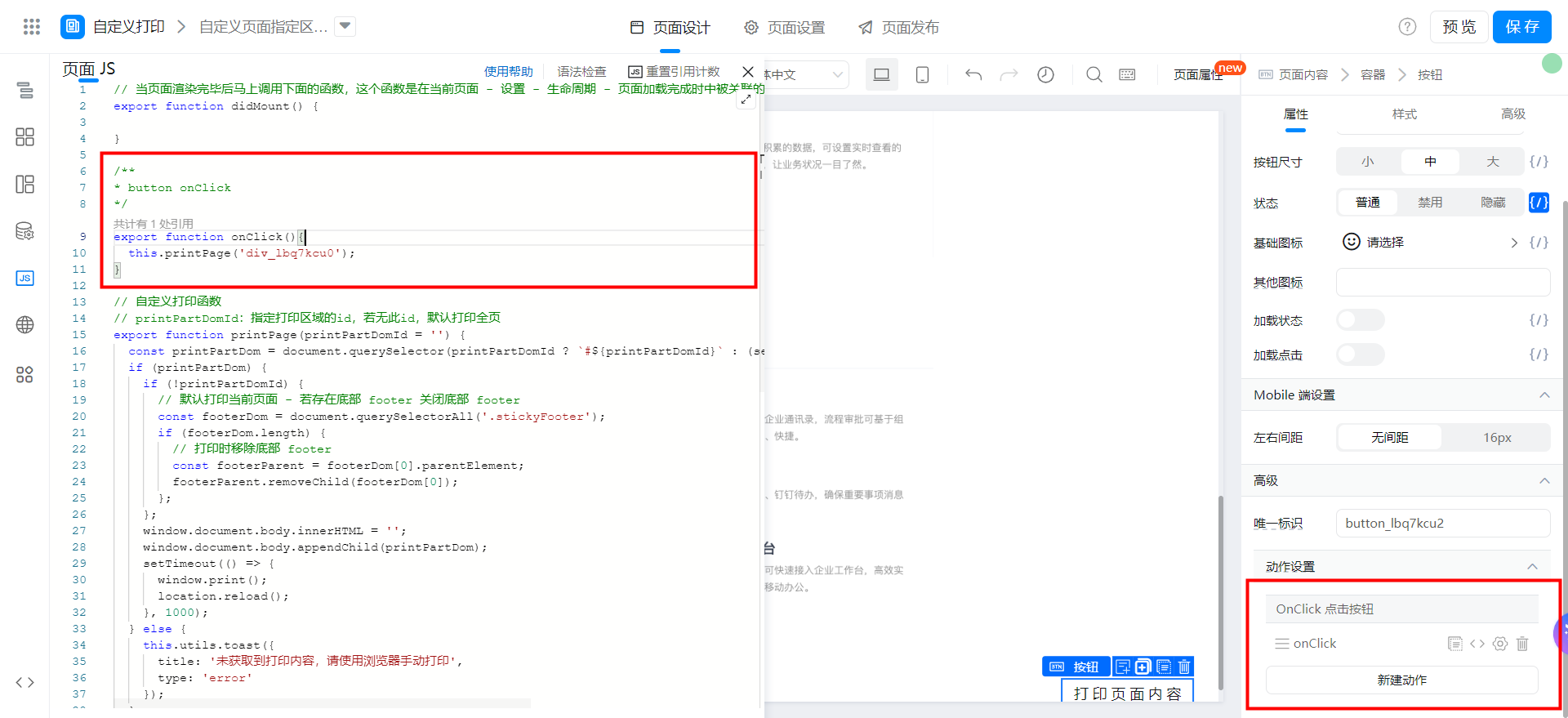
export function onClick(){
  this.printPage('div_lbq7kcu0');
}
Save page