
Achieve single-choice scoring through formulas
1. Usage scenarios
In this example, let's learn how to calculate the corresponding score according to the corresponding options through the YIDA formula.
2. Implement functions
2.1 Configuration Table page

2.2 configuration field Formula
Modify the fields as needed.
Very satisfied: 5 points
Satisfied: 4 points
General: 3 points
Not satisfied: 2 points
Very dissatisfied: 1 point
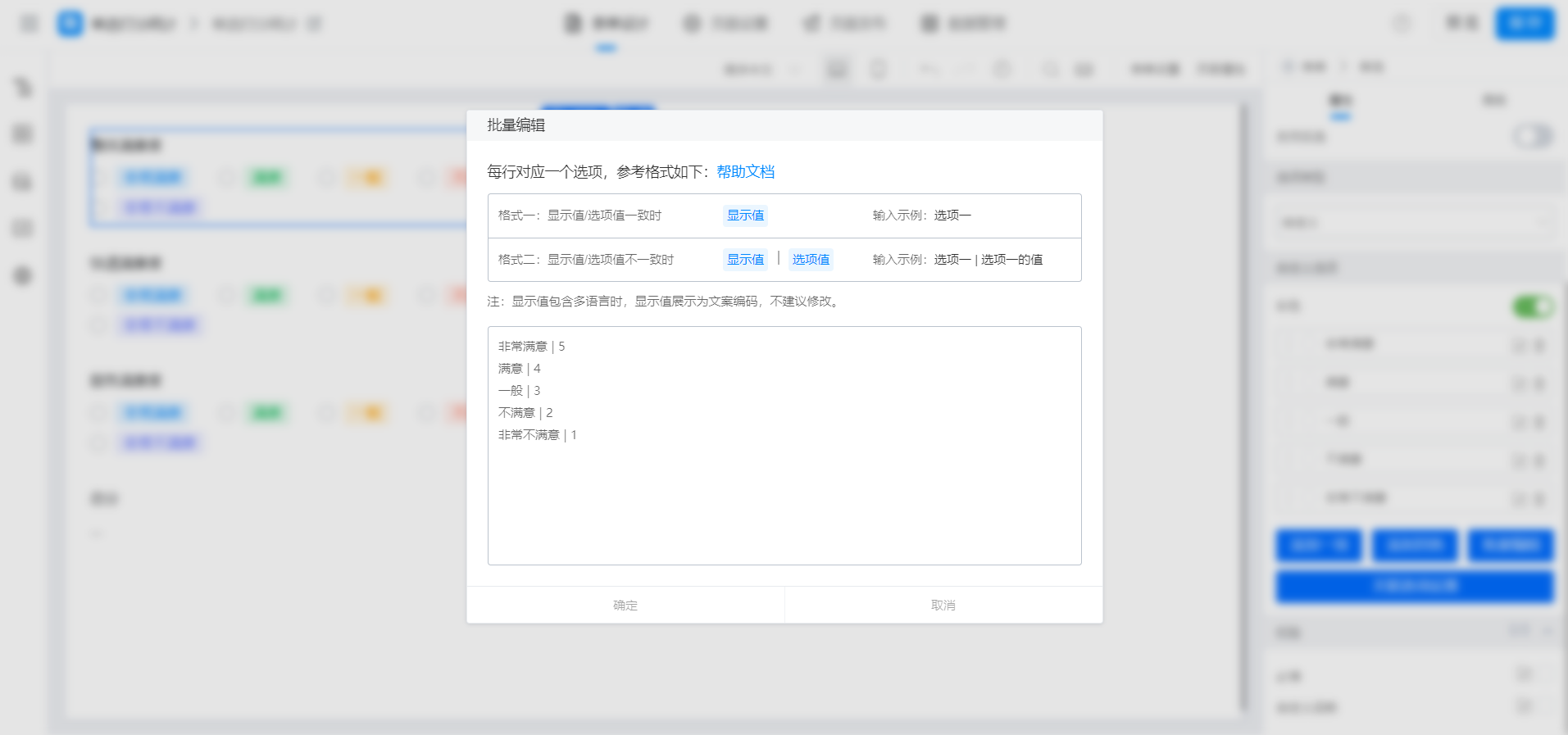

{"text":"VALUE(整体满意度)+VALUE(快递满意度)+VALUE(服务满意度)","marks":[{"from":{"line":0,"ch":6,"sticky":null},"to":{"line":0,"ch":13,"sticky":null},"value":"radioField_lc0axtub","invalid":false},{"from":{"line":0,"ch":21,"sticky":null},"to":{"line":0,"ch":28,"sticky":null},"value":"radioField_lc0axtuc","invalid":false},{"from":{"line":0,"ch":36,"sticky":null},"to":{"line":0,"ch":43,"sticky":null},"value":"radioField_lc0axtud","invalid":false}],"isCmData":true}
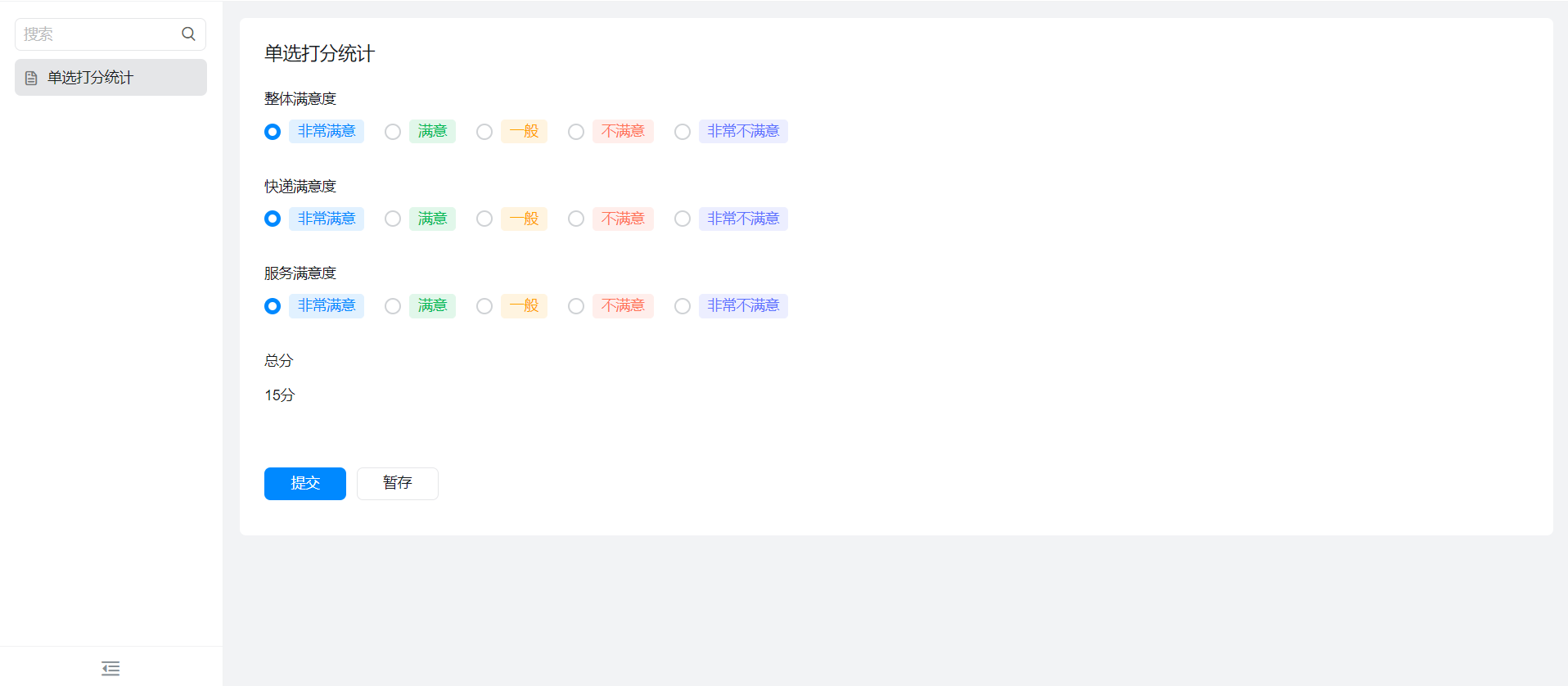
3. Achieve results
4. Try it online

This doc is generated using machine translation. Any discrepancies or differences created in the translation are not binding and have no legal effect for compliance or enforcement purposes.
Is this document helpful?