
Get the quarter of the date
In the process of building YIDA applications, you may encounter the following problems.
- In the performance appraisal system, enterprises usually need to assess according to the quarter. At this time, they need to obtain the quarter where the appraisal date is located.
- In the sales management system, enterprises often analyze the sales situation and profit situation in the quarter in order to adjust the following sales strategy.
- In the project management system, in larger projects, dividing time into quarters can help managers plan, implement and review projects in stages.
Prerequisites
This tutorial uses the form formula of YIDA. You can first understand the followingForm formula.
Effect
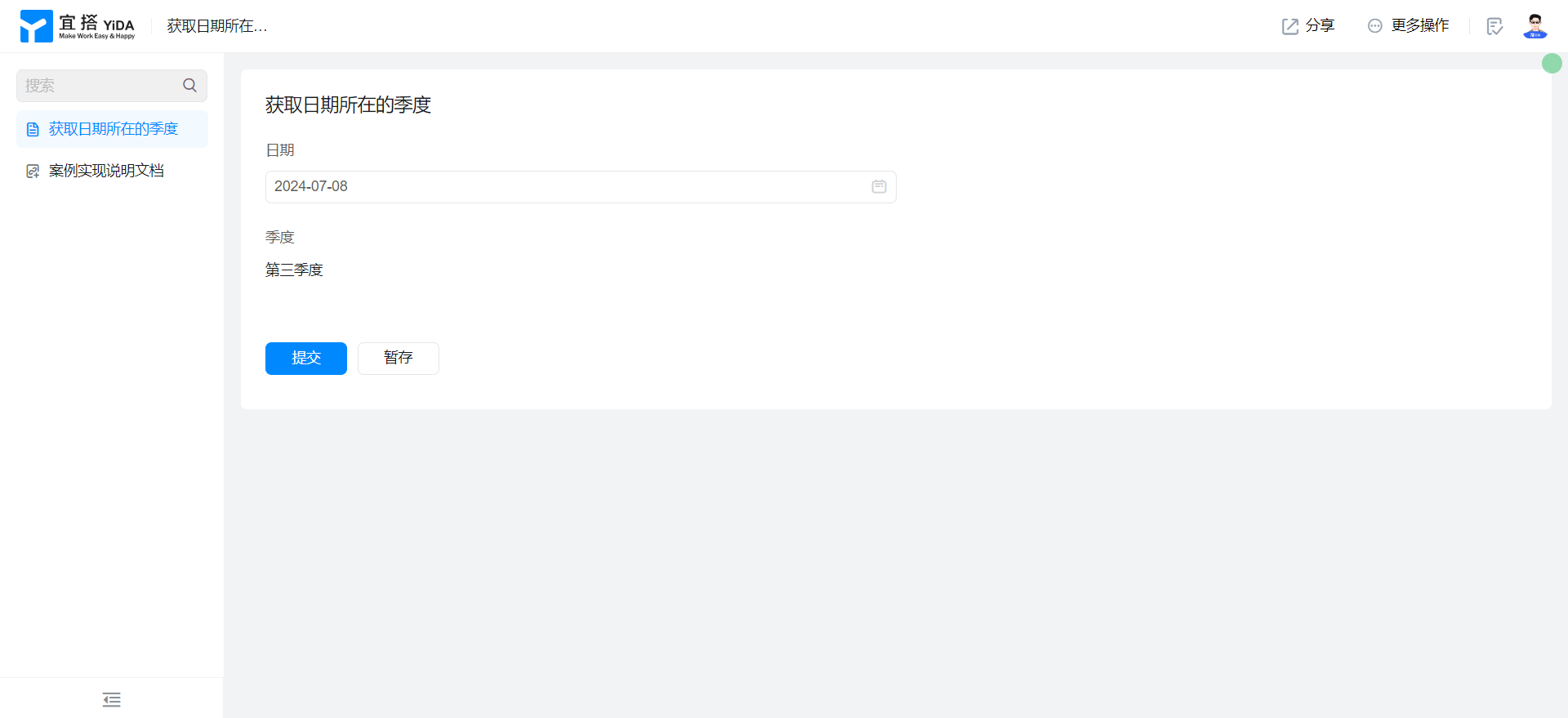
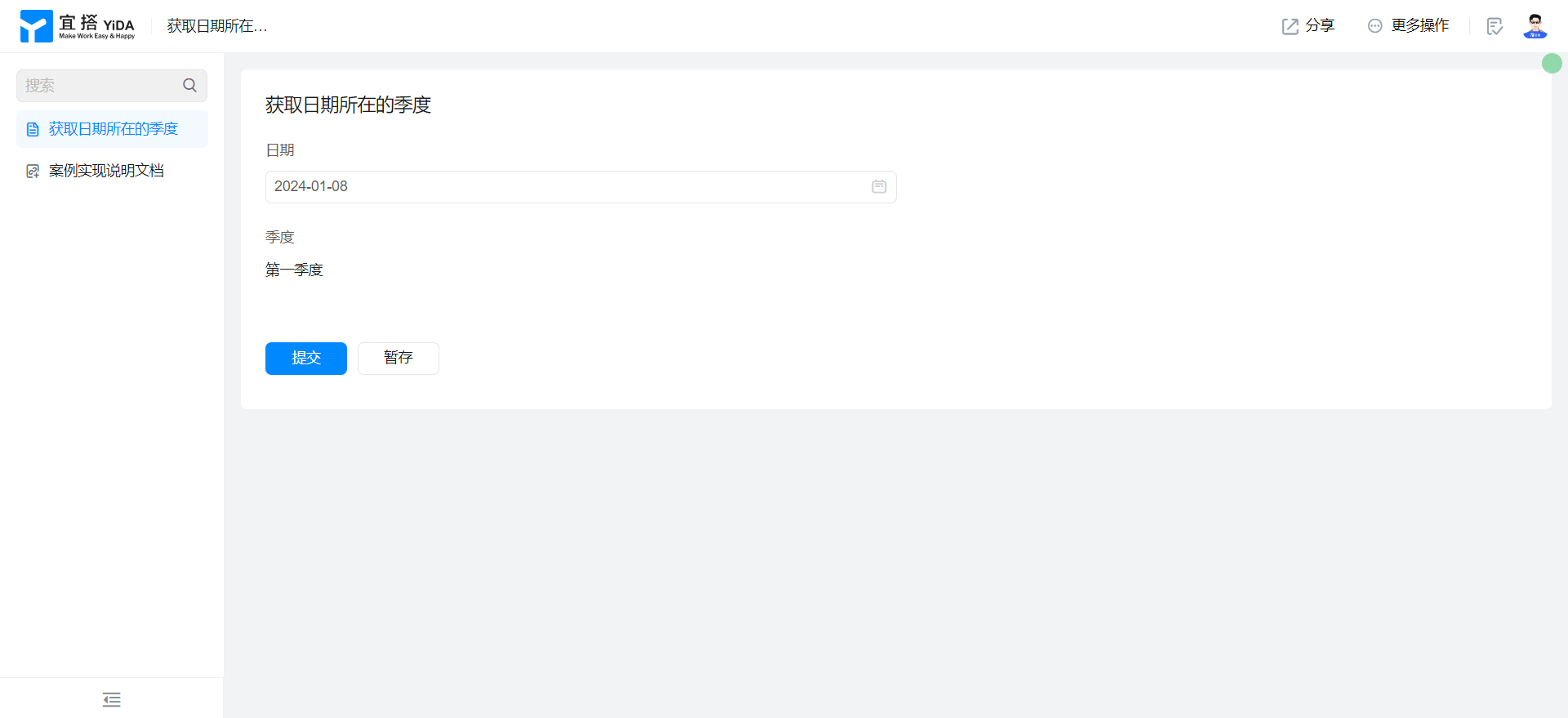
Implementation steps
Create a common form page
Create a common form page. For more information, seeCommon form.

Drag the following components into the canvas area.
- Date: Named as date
- Single line text: Named Quarterly
Add Form formula
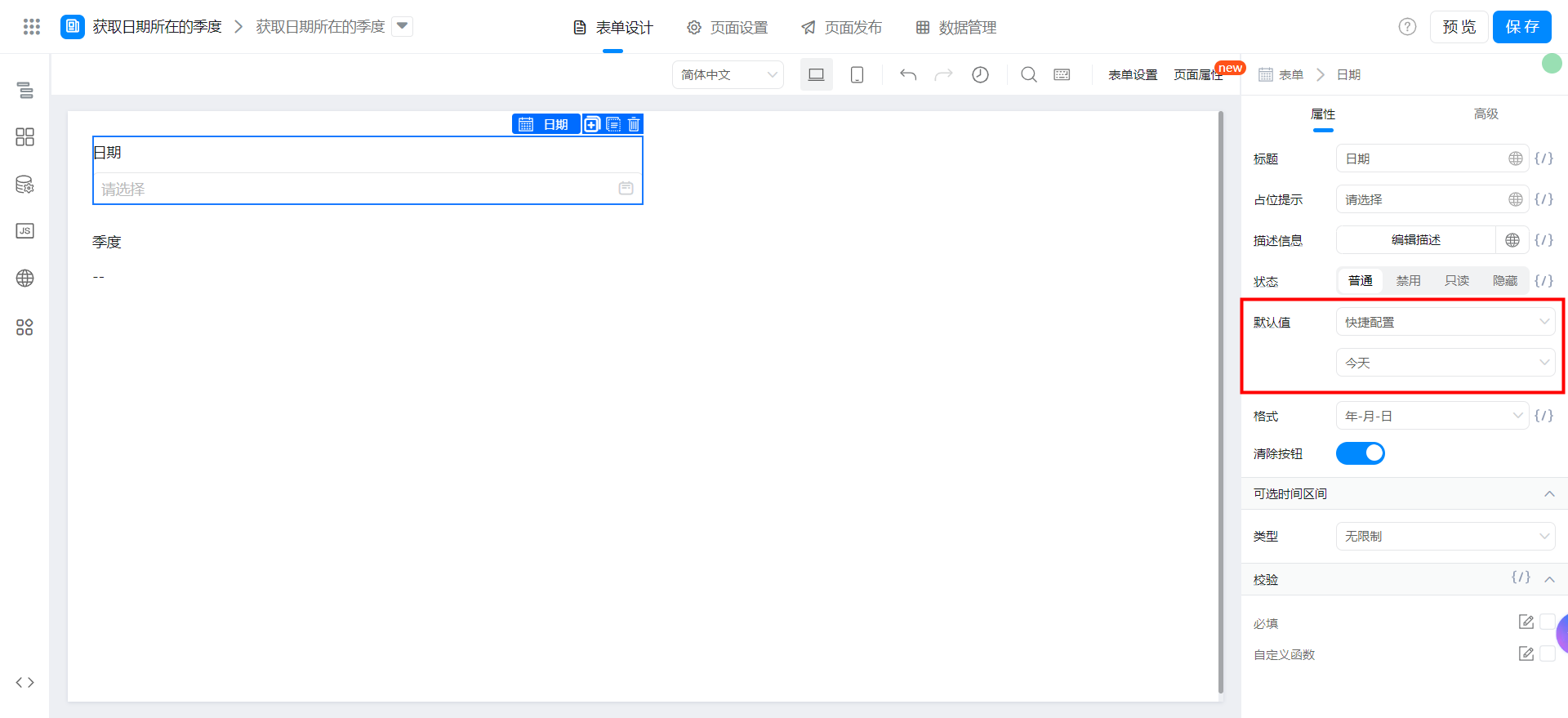
Select quick configuration for the date component. The default value is today.
Logically, we need to use the formula to obtain the month (1 - 12) of the selected date, then judge the month and output the corresponding quarter.
- First quarter: 1 <=(GE) month <=(LE) 3
- Second quarter: 4 <=(GE) month <=(LE) 6
- Third quarter: 7 <=(GE) month <=(LE) 9
- Fourth quarter: 10 <=(GE) month <=(LE) 12
Select Formula edit for quarterly fields and configure the formula shown in the following figure. You can also copy the formula source code directly. Note to modify the fields.
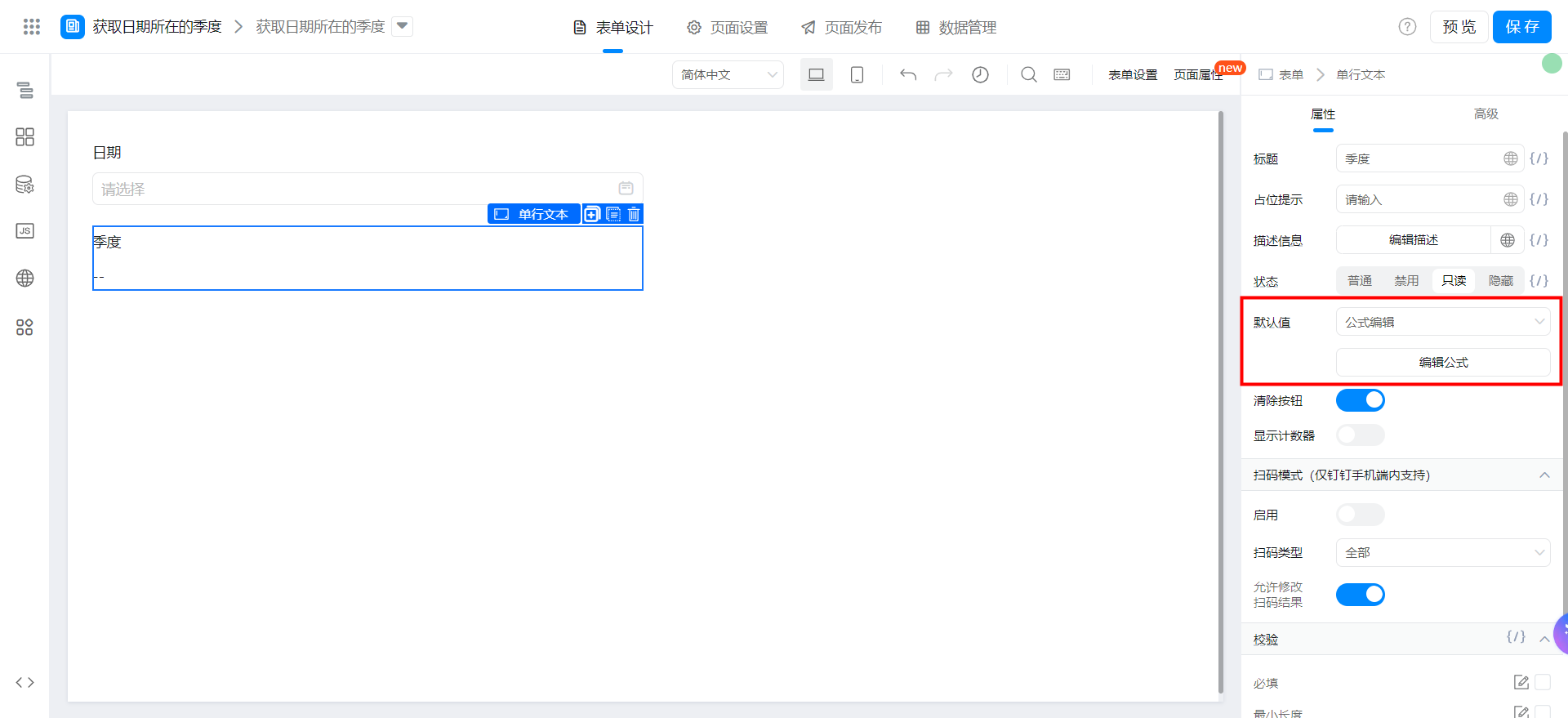
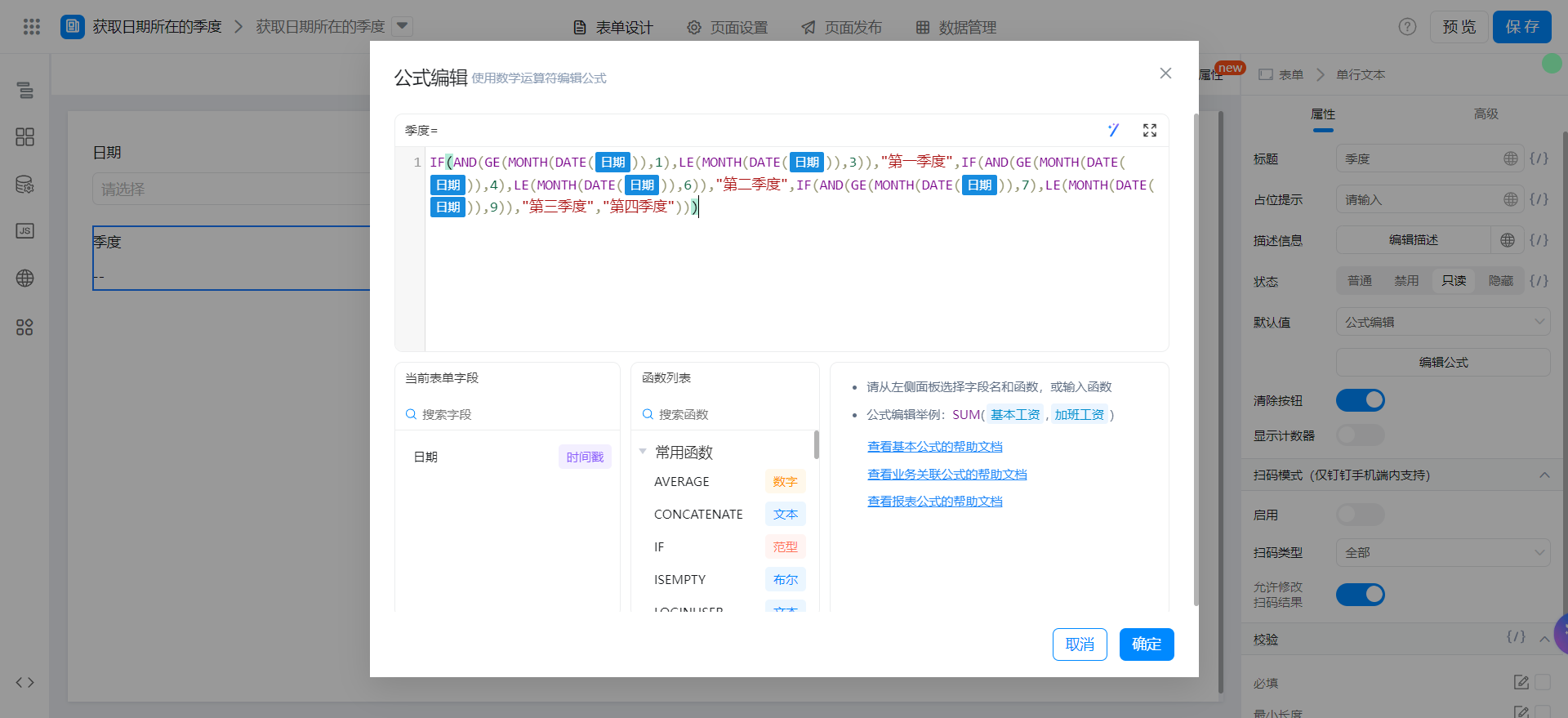
{"text":"IF(AND(GE(MONTH(DATE(日期)),1),LE(MONTH(DATE(日期)),3)),\"第一季度\",IF(AND(GE(MONTH(DATE(日期)),4),LE(MONTH(DATE(日期)),6)),\"第二季度\",IF(AND(GE(MONTH(DATE(日期)),7),LE(MONTH(DATE(日期)),9)),\"第三季度\",\"第四季度\")))","marks":[{"from":{"line":0,"ch":21,"sticky":null},"to":{"line":0,"ch":25,"sticky":null},"value":"dateField_lc7ak8yl","invalid":false},{"from":{"line":0,"ch":45,"sticky":null},"to":{"line":0,"ch":49,"sticky":null},"value":"dateField_lc7ak8yl","invalid":false},{"from":{"line":0,"ch":84,"sticky":null},"to":{"line":0,"ch":88,"sticky":null},"value":"dateField_lc7ak8yl","invalid":false},{"from":{"line":0,"ch":108,"sticky":null},"to":{"line":0,"ch":112,"sticky":null},"value":"dateField_lc7ak8yl","invalid":false},{"from":{"line":0,"ch":147,"sticky":null},"to":{"line":0,"ch":151,"sticky":null},"value":"dateField_lc7ak8yl","invalid":false},{"from":{"line":0,"ch":171,"sticky":null},"to":{"line":0,"ch":175,"sticky":null},"value":"dateField_lc7ak8yl","invalid":false}],"isCmData":true}
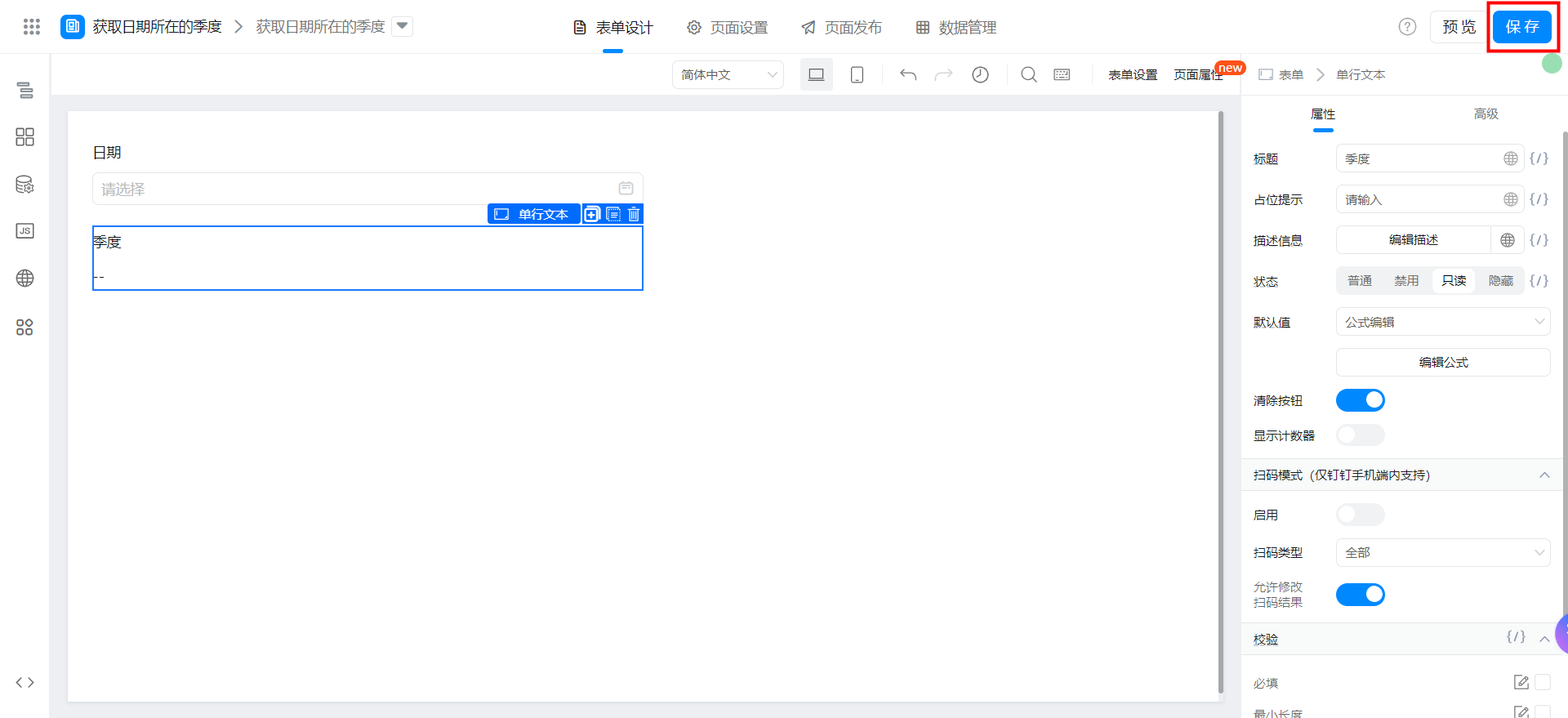
Save page
Video tutorial
Try it online
This doc is generated using machine translation. Any discrepancies or differences created in the translation are not binding and have no legal effect for compliance or enforcement purposes.
Is this document helpful?