
Format and verify the bank card number in the form

1. Usage scenarios
This example describes how to format and verify bank card numbers on the YIDA form page.
2. Implement functions
2.1 Create form page
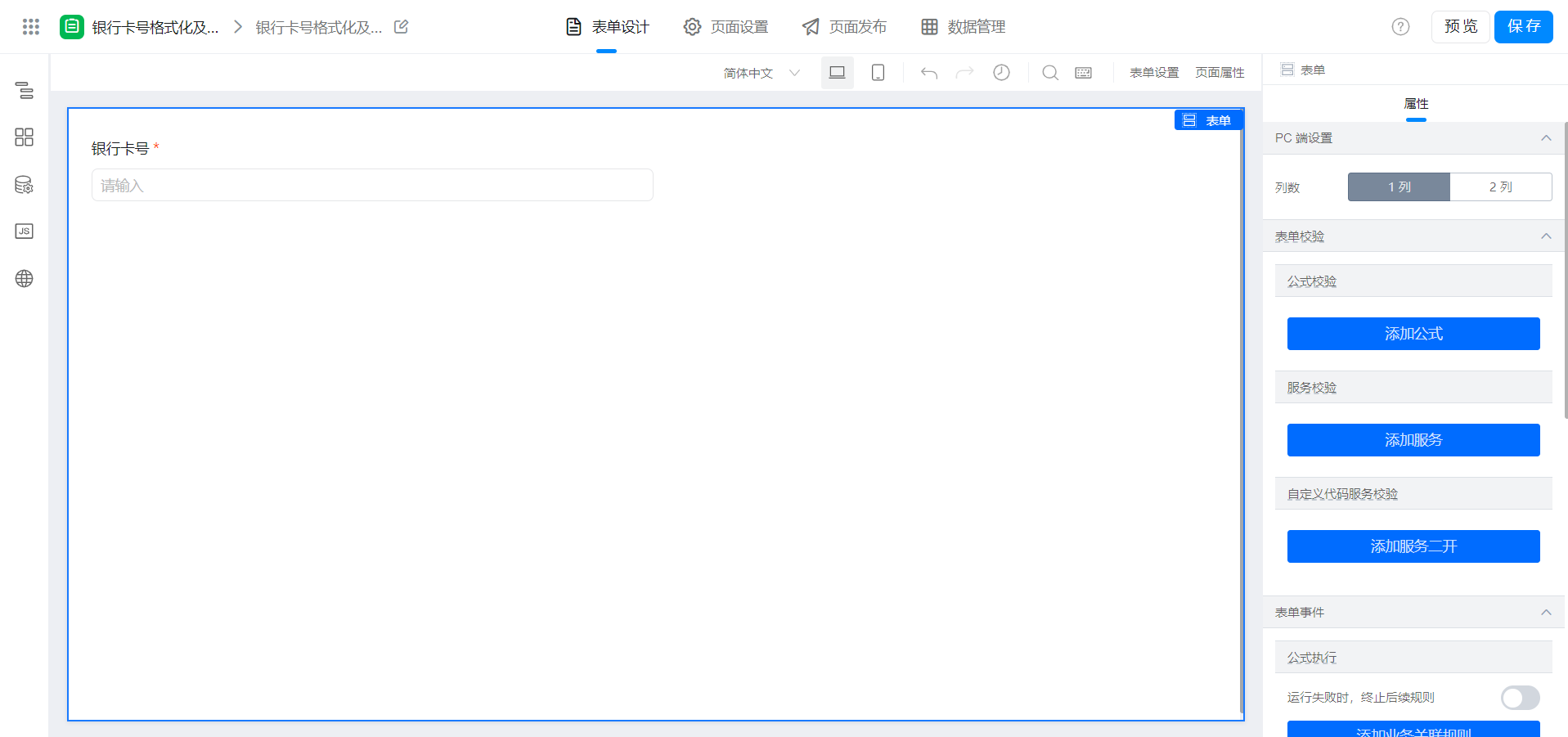
2.2 page configuration
(1) configure variables
As shown in the following figure:

(2) copy the following code to Page JS
Note that the following unique identifier is modified.
export function onChange({ value }) {
  //防止循环调用
  if (!this.state.fixed) {
    this.setState({
      fixed: true,
    });
    const formatted = value.replace(/D/g, '').replace(/....(?!$)/g, '$& ')
    this.$('textField_l9pdvjxn').setValue(formatted)
    this.setState({
      fixed: false,
    });
  }
}

export function customValidation(num) {
  // 去除空格
  num = (num + '').replace(/D+/g, '')
  const regExp = /^([1-9])(d{15}|d{18})$/
  // 校验非0开始及长度
  if (!regExp.test(num)) {
    return false
  }
  num = num.split('').reverse();
  let total = 0
  for (let i = 0; i < num.length; i++) {
    num[i] = parseInt(num[i]);
    total += i % 2 ? 2 * num[i] - (num[i] > 4 ? 9 : 0) : num[i];
  }
  if (total === 0) {
    return false;
  }
  return (total % 10) === 0;
}
(3) event binding
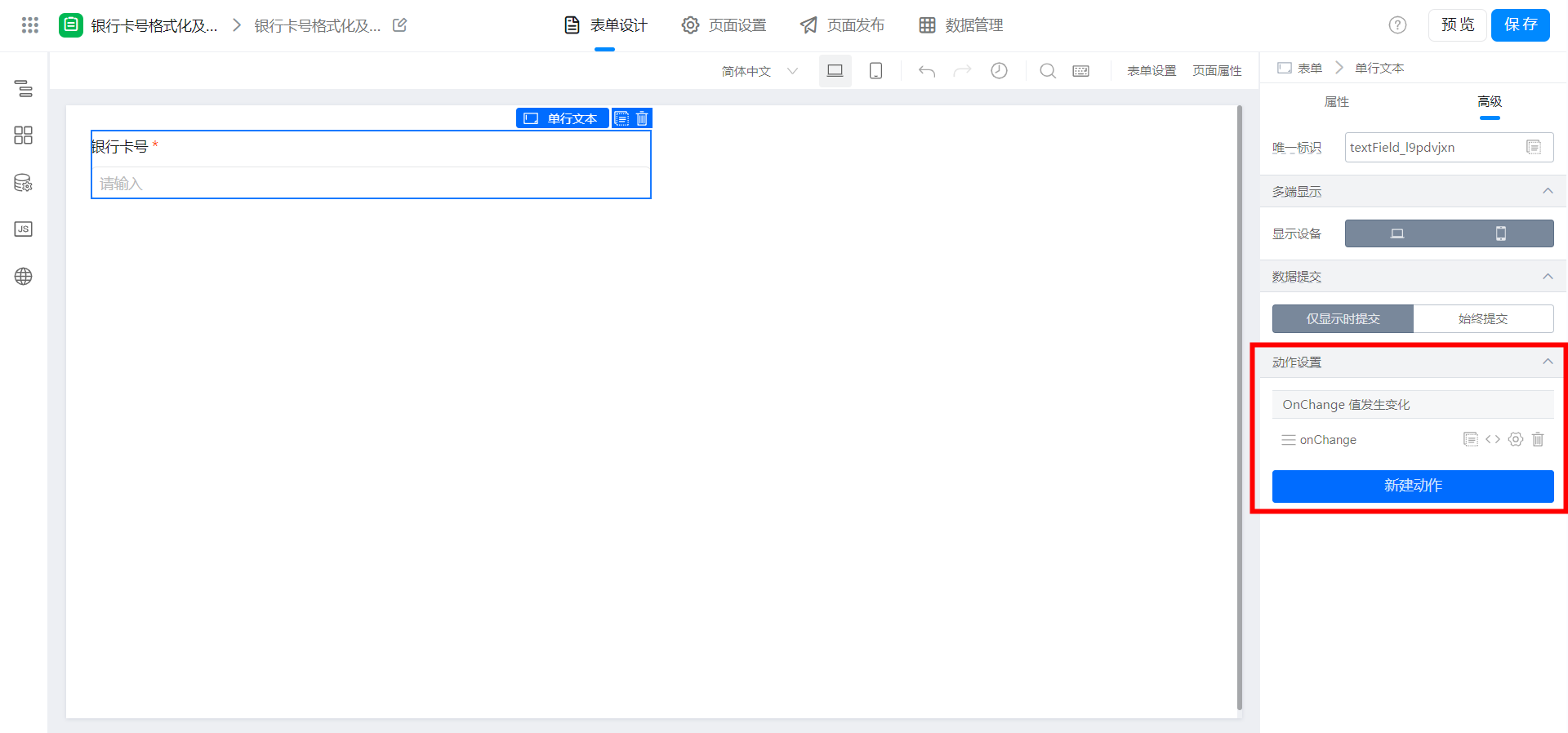

function customValidation(num) {
  return this.customValidation(num);
}
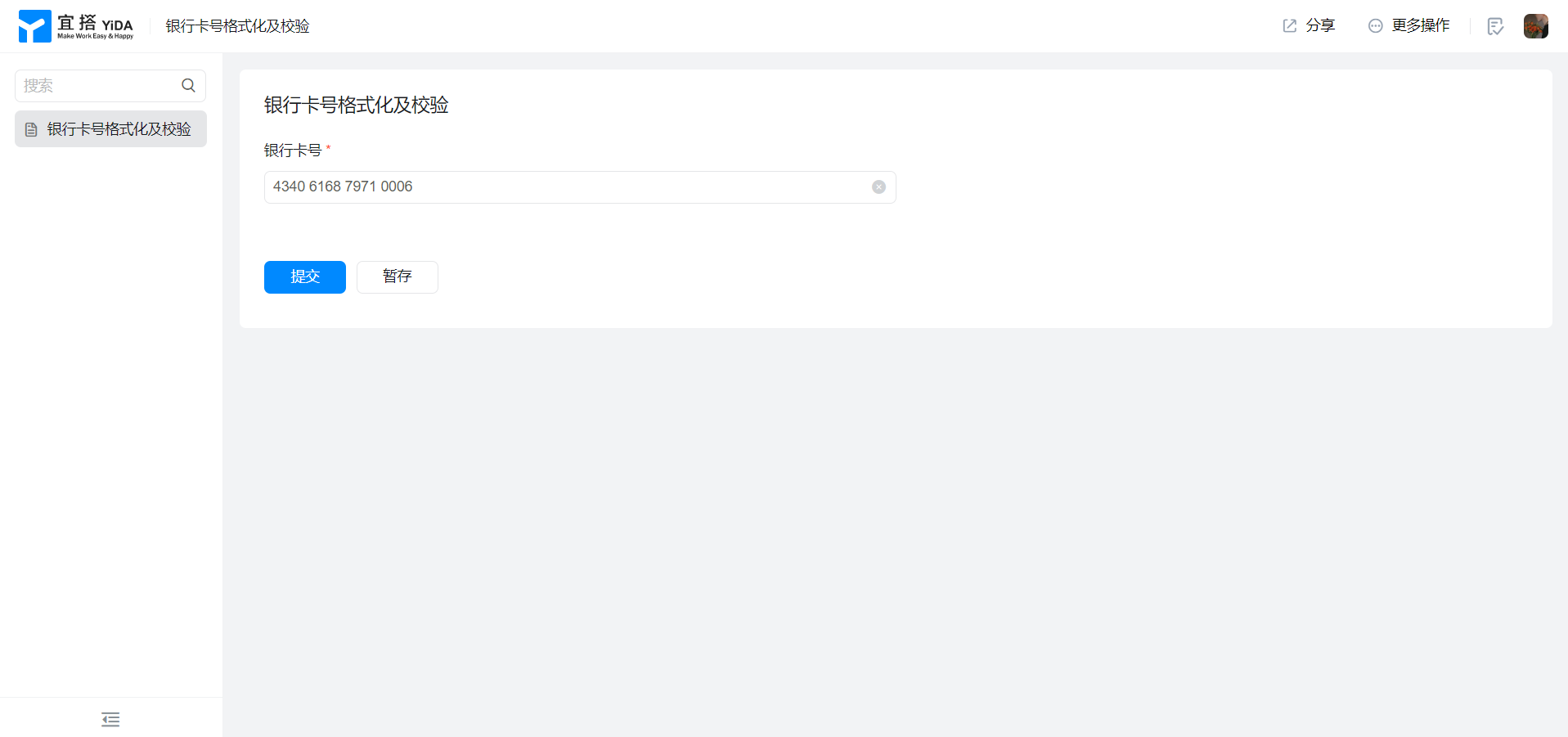
3. Achieve results
4. Try it online

This doc is generated using machine translation. Any discrepancies or differences created in the translation are not binding and have no legal effect for compliance or enforcement purposes.
Is this document helpful?